.png)



Coordination work involves too many parties, too many handoffs, and too much context scattered across email, spreadsheets, and whatever tool the vendor or client uses. That is usually where things break down. It is also the gap workflow automation tools are built to close, and why the category has split into two approaches: rule-based automation software and AI agent workflow automation tools.
The global workflow automation market is worth an estimated USD 26.01 billion in 2026, heading to USD 40.77 billion by 2031 — with much of that growth coming from the AI layer on top of traditional automation. By the end of 2026, an estimated 40% of enterprise applications are expected to include task-specific AI agents, up from under 5% in 2025, according to workflow automation statistics.
For ops and coordination teams, that shift matters most, since their work is inherently multi-party: vendors, partners, clients, and internal teams all need looping in, and none of that traffic moves cleanly through one app. This guide covers what workflow automation does for ops teams, where rule-based tools hit their limits, and which platforms are worth evaluating in 2026.
What Workflow Automation Does for Ops and Coordination Teams
Workflow automation takes a repeatable process and removes the manual steps between a trigger and an outcome. For an operations or coordination team, that usually means:
- Assigning inbound requests to the right owner without someone manually reading and forwarding every message
- Keeping vendors, partners, or clients updated without a person copying and pasting the same status update
- Tracking deadlines, SLAs, and exceptions across dozens of open threads at once
- Routing approvals, quotes, or scope changes to the person who needs to sign off
Done well, this frees up ops staff to handle judgment calls instead of repetitive coordination. It also creates a record of who did what and when, which matters for vendor scorecards, account health tracking, and RFP win/loss analysis. If you are trying to understand how AI fits into that picture more broadly, it is worth reading up on what AI agents actually do before deciding where to draw the line between rules and agents in your own workflows.
Rule-Based Automation vs. AI Workflow Automation Tools
Most ops teams start with rule-based automation, and for good reason. It is predictable, easy to audit, and cheap to run. The limitation shows up later, once the workflow grows past the scenarios someone originally mapped out.
How rule-based automation works, and the point where it breaks
A rule-based tool follows an "if this, then that" logic. If an email arrives from a specific domain, route it to a specific person. If a field changes in a spreadsheet, send a notification. This works cleanly for high-volume, low-variance processes.
The problem is that ops and coordination work is rarely low-variance. A vendor email that does not match any of the rules you wrote just sits there, unrouted, until a human notices it. You can only script the branches you thought to predict, and multi-party coordination generates new branches constantly: a new vendor contact, an unusual request format, a partner who replies to the wrong thread. Every one of those is a rule you did not write.
How AI agents handle the cases you never wrote a rule for
AI agent workflow automation tools do not need an exact match to a predefined rule. They read the content of a request, classify intent, and decide what to do next based on context, not a lookup table. That means a vendor email with slightly different wording, or a partner request that does not fit any existing pattern, still gets triaged and routed correctly.
This is the difference between automation that executes a script and automation that reasons about a situation. It does not eliminate the need for rules entirely, but it closes the gap that rule-based tools leave open. For a deeper look at how this plays out in practice, how AI assistants work is a useful primer before you evaluate specific platforms.
The real buying question: which layer does each of your workflows belong on?
Most ops teams do not need to pick one category and abandon the other. The better exercise is to map each workflow and ask whether it is high-volume and predictable (a strong fit for rule-based automation) or high-variance and judgment-heavy (a better fit for an AI agent). Many teams end up running both layers side by side, with rules handling the routine 80% and agents catching the exceptions.
The Best Rule-Based Automation Software
- Zapier: One of the widest connector libraries on the market, with over 7,000 app integrations, making it the fastest way for a non-technical coordinator to ship an automation without engineering help. Great for simple if-this-then-that logic, though branching workflows can get unwieldy fast.
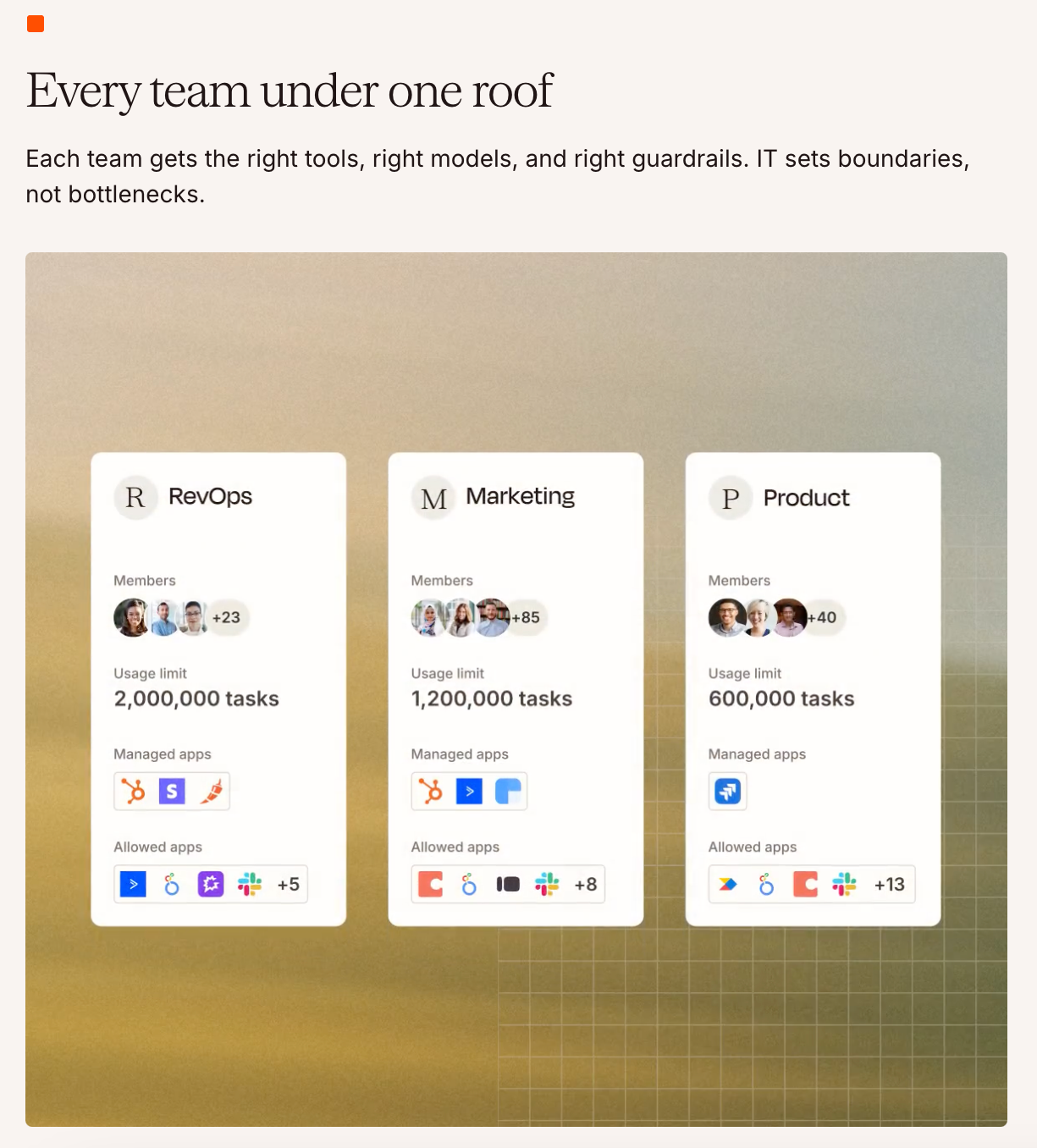
- Make: A visual, multi-branch builder for higher volume and more complex routing than Zapier handles cleanly. Steeper learning curve, but better suited to processes like RFP intake with multiple conditional paths.

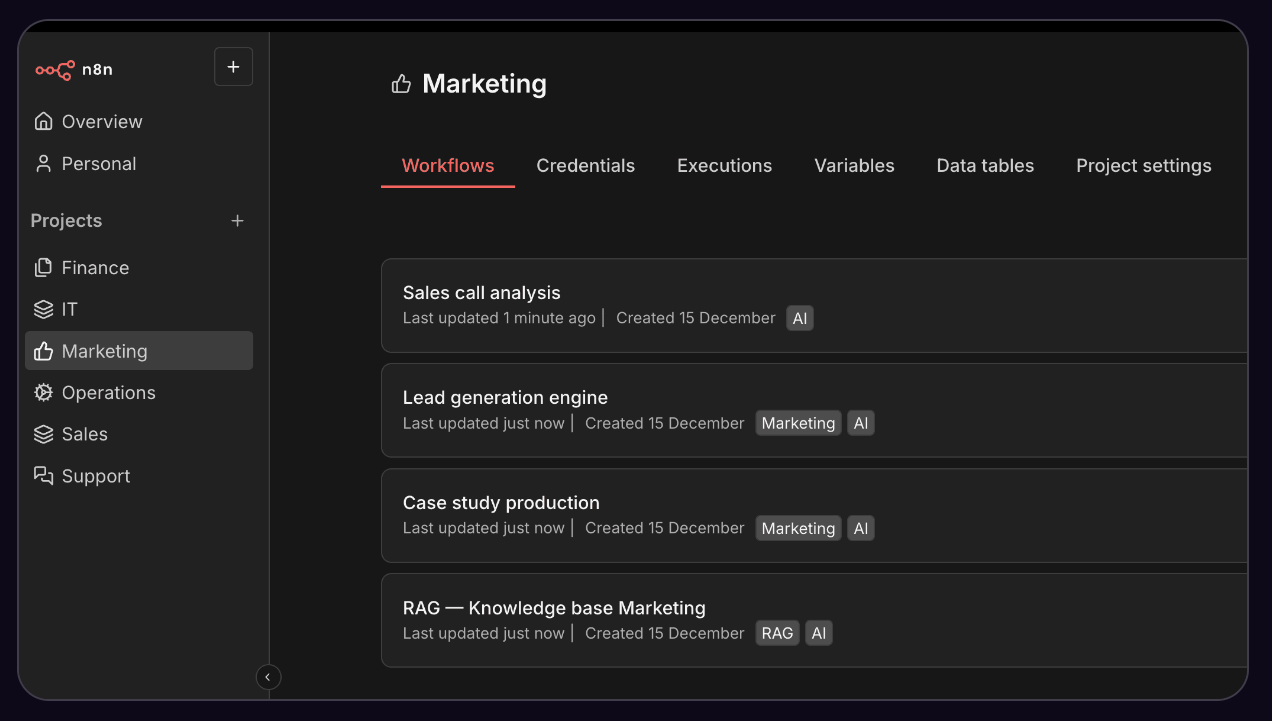
- n8n: Open-source and self-hostable, for teams that want control over where their data lives and have some technical support on hand. A common choice for regulated industries that can't send sensitive vendor or client data through third-party servers.
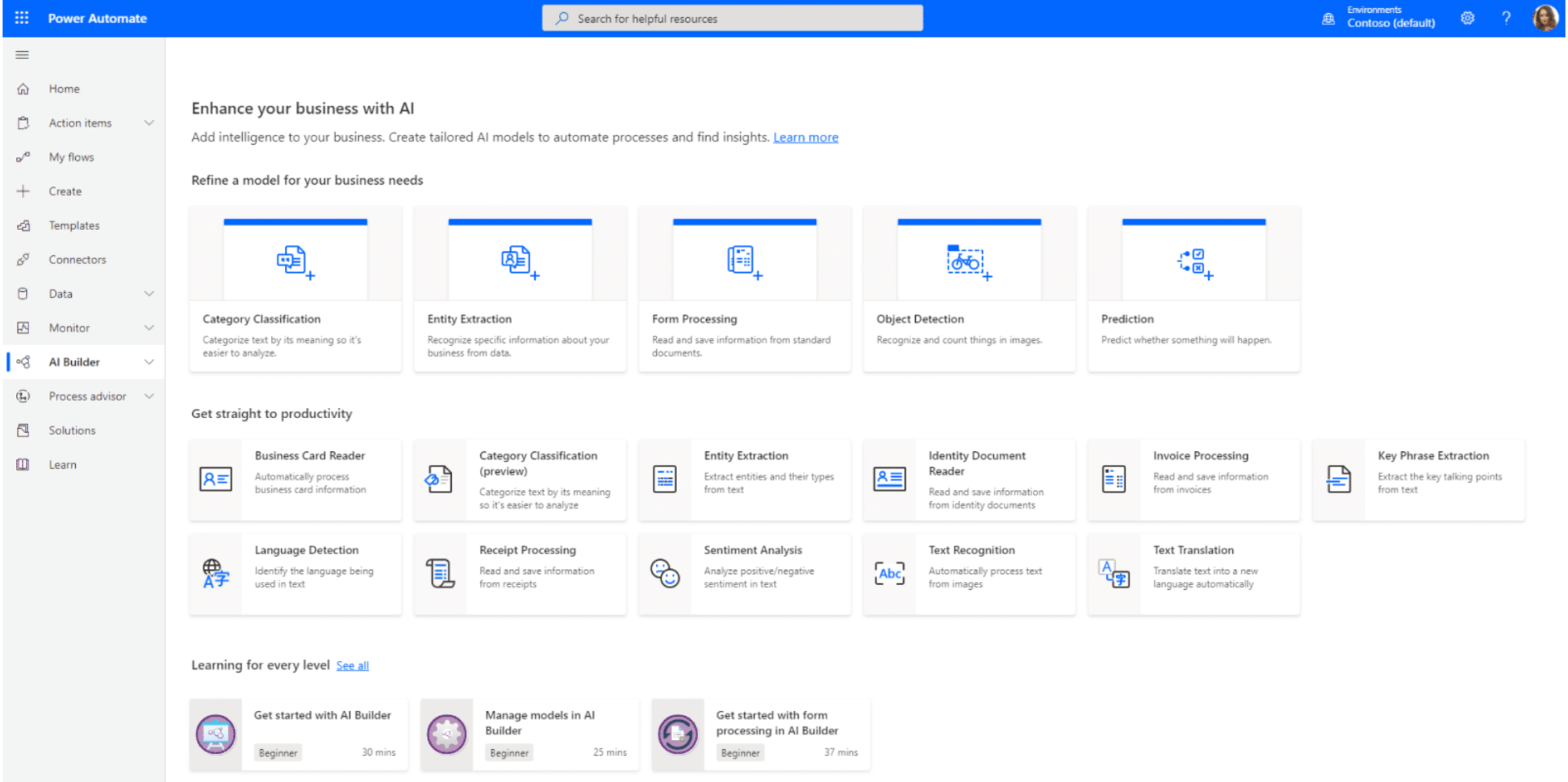
- Microsoft Power Automate: tThe default choice if your team already lives in Microsoft 365, with RPA capabilities that reach into legacy systems other tools can't touch. Integrates natively with Outlook, SharePoint, and Teams.cannot touch.
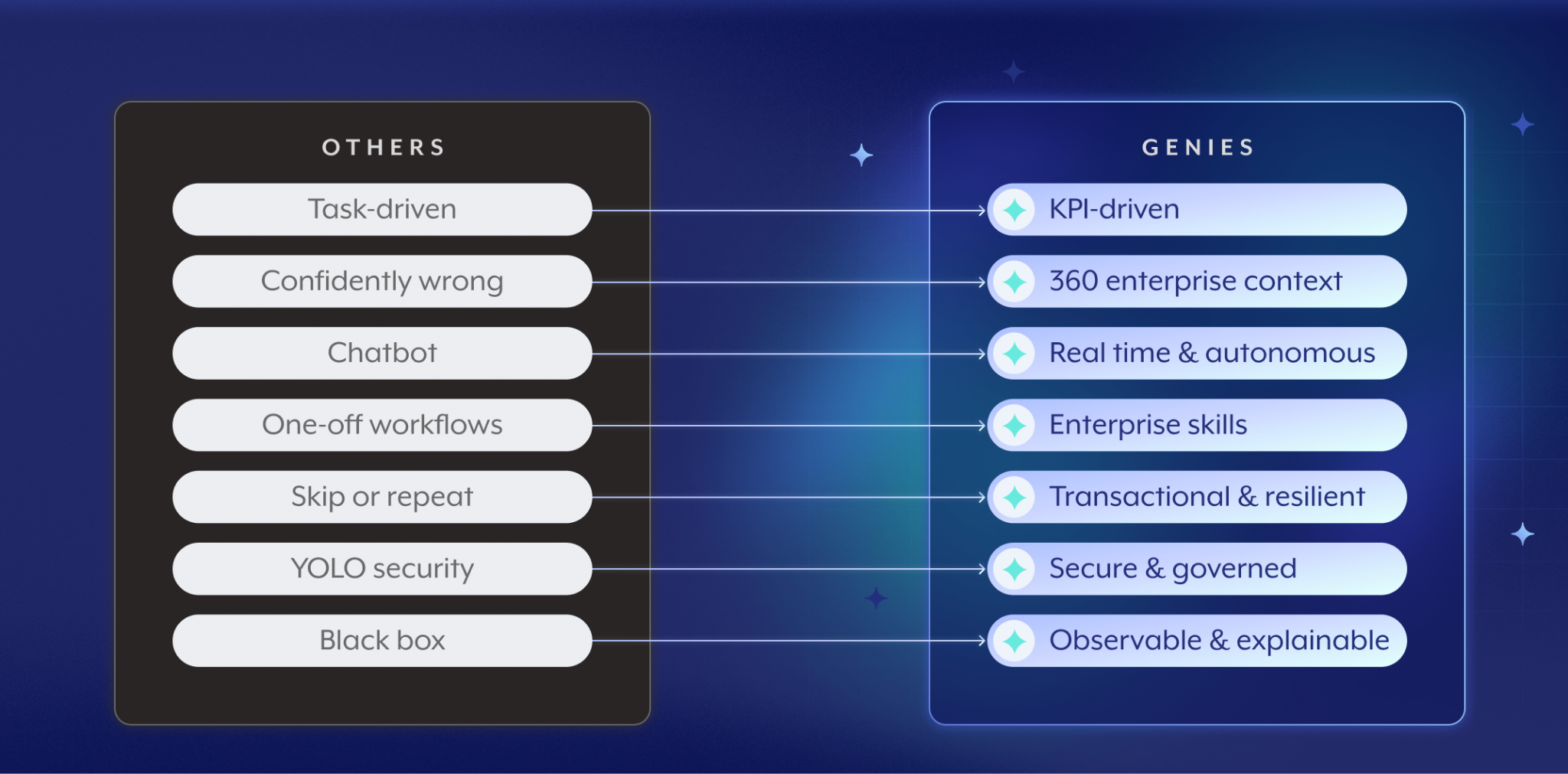
- Workato: A heavier enterprise iPaaS built for automations spanning many systems that require real governance and audit trails. It has also introduced nearly 20 prebuilt Genies, AI agents optimized for functions like sales, IT, and support, giving teams a faster starting point than building automations from scratch.
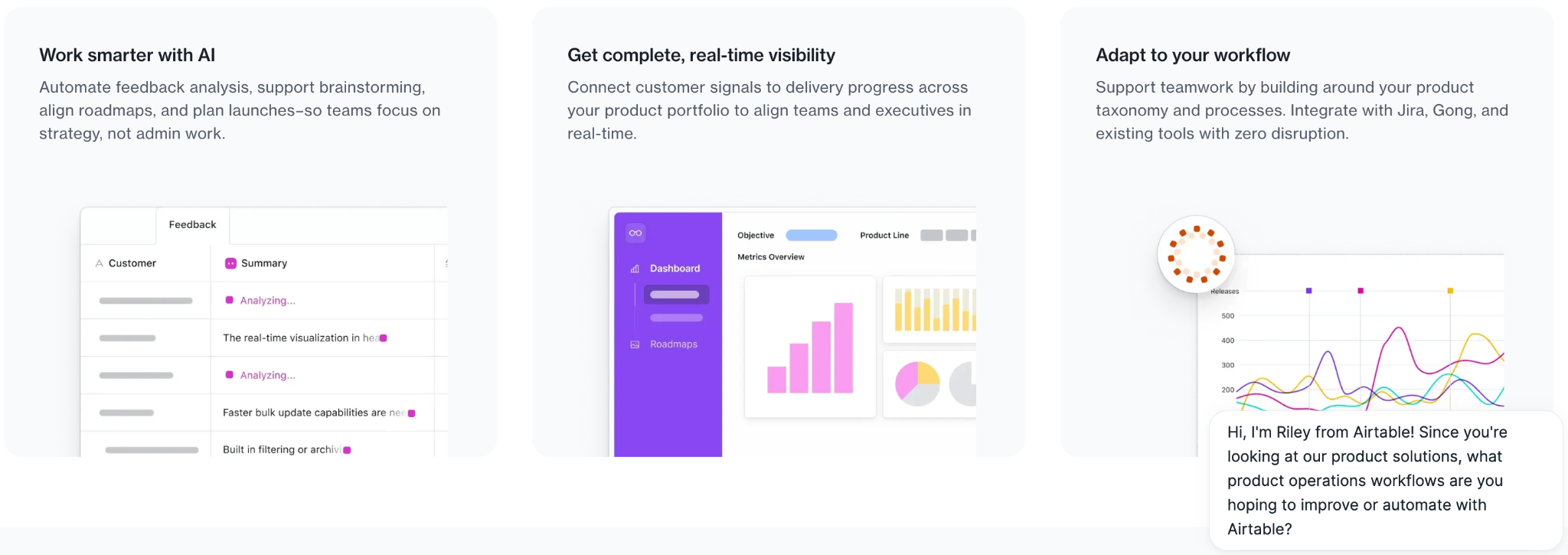
- Airtable: Functions as both the ops team's database and its automation layer. Automations trigger directly off record changes, so when a vendor status updates, downstream notifications fire without a separate integration layer.
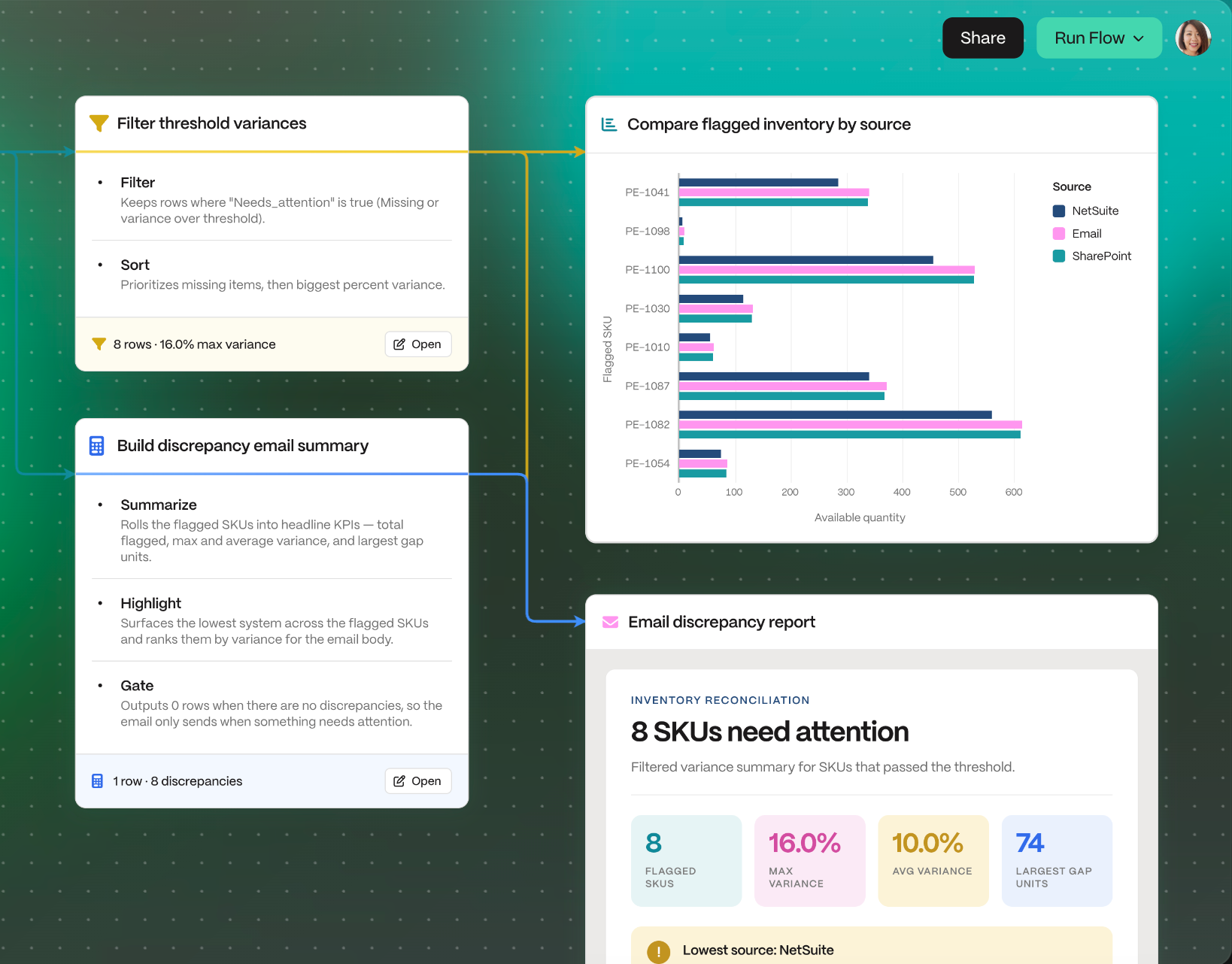
- Parabola: Built for recurring data work like pulling, cleaning, and routing information on a schedule. Popular with freight and supply chain teams normalizing inconsistent vendor data before it hits a TMS or ERP.
The Best AI Agent Workflow Automation Tools
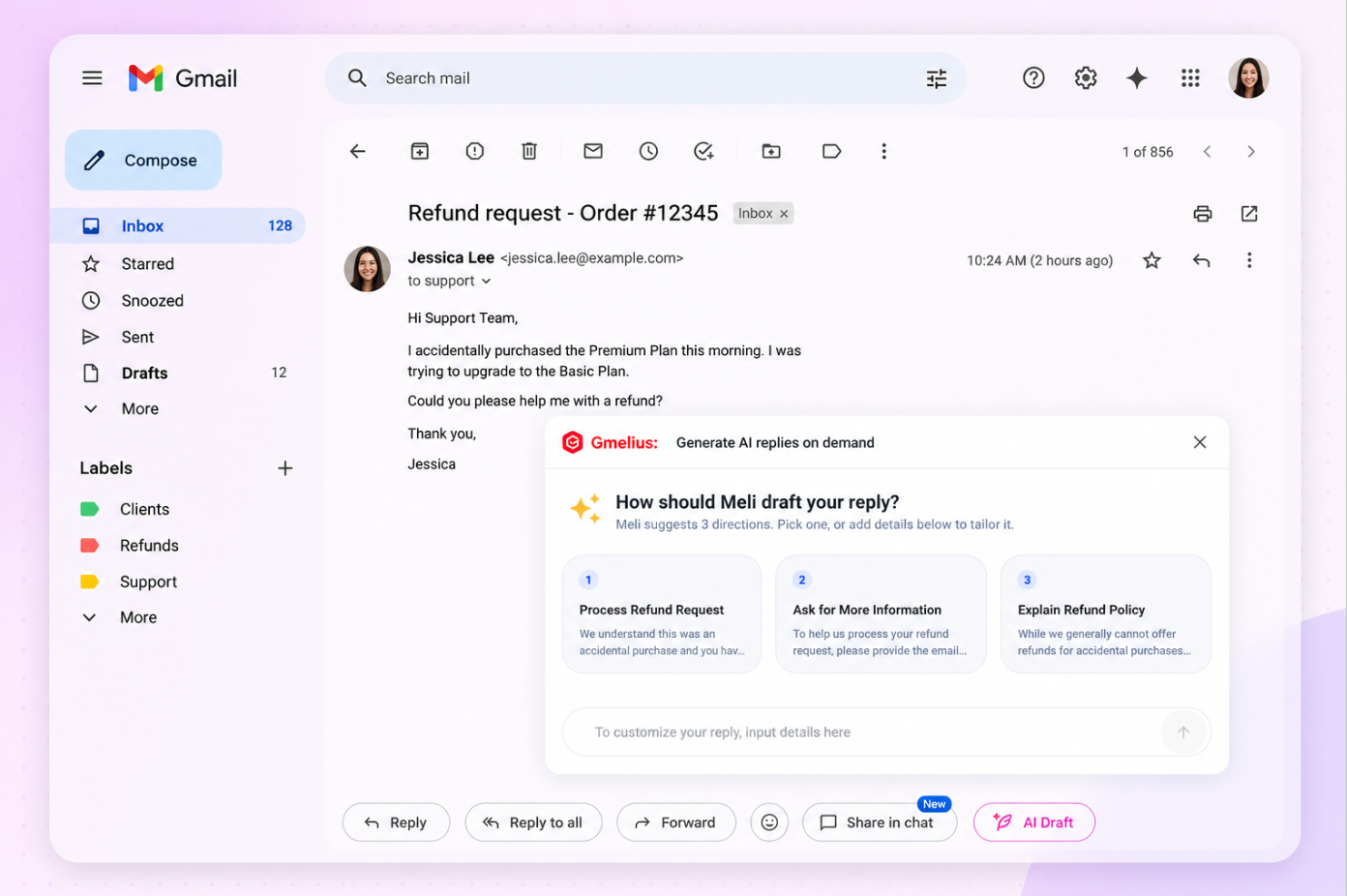
- Gmelius: with MCP support, ops and coordination teams can build agents that connect to their other apps directly through the inbox and carry out tasks automatically. Since the automation runs where the coordination work already happens, vendor, partner, and client threads get triaged, routed, drafted, and tracked without anyone leaving email. This is one of the more practical examples of ai agents built specifically for teams running multi-party work through email rather than a dedicated ops platform.
- Lindy: An AI assistant that manages inbox, calendar, and follow-ups, learning how a person typically handles routine replies over time. Built more for individual productivity than team-wide coordination.

- Gumloop: A visual canvas for building agents and multi-step workflows across ops, support, and sales. Leans more technical than tools like Zapier, with more control over how each AI step reasons about data.
- Microsoft Copilot Studio: Lets teams build and govern agents inside Microsoft 365, pairing naturally with Power Automate. Agents inherit the same admin controls and compliance policies as the rest of the Microsoft stack.

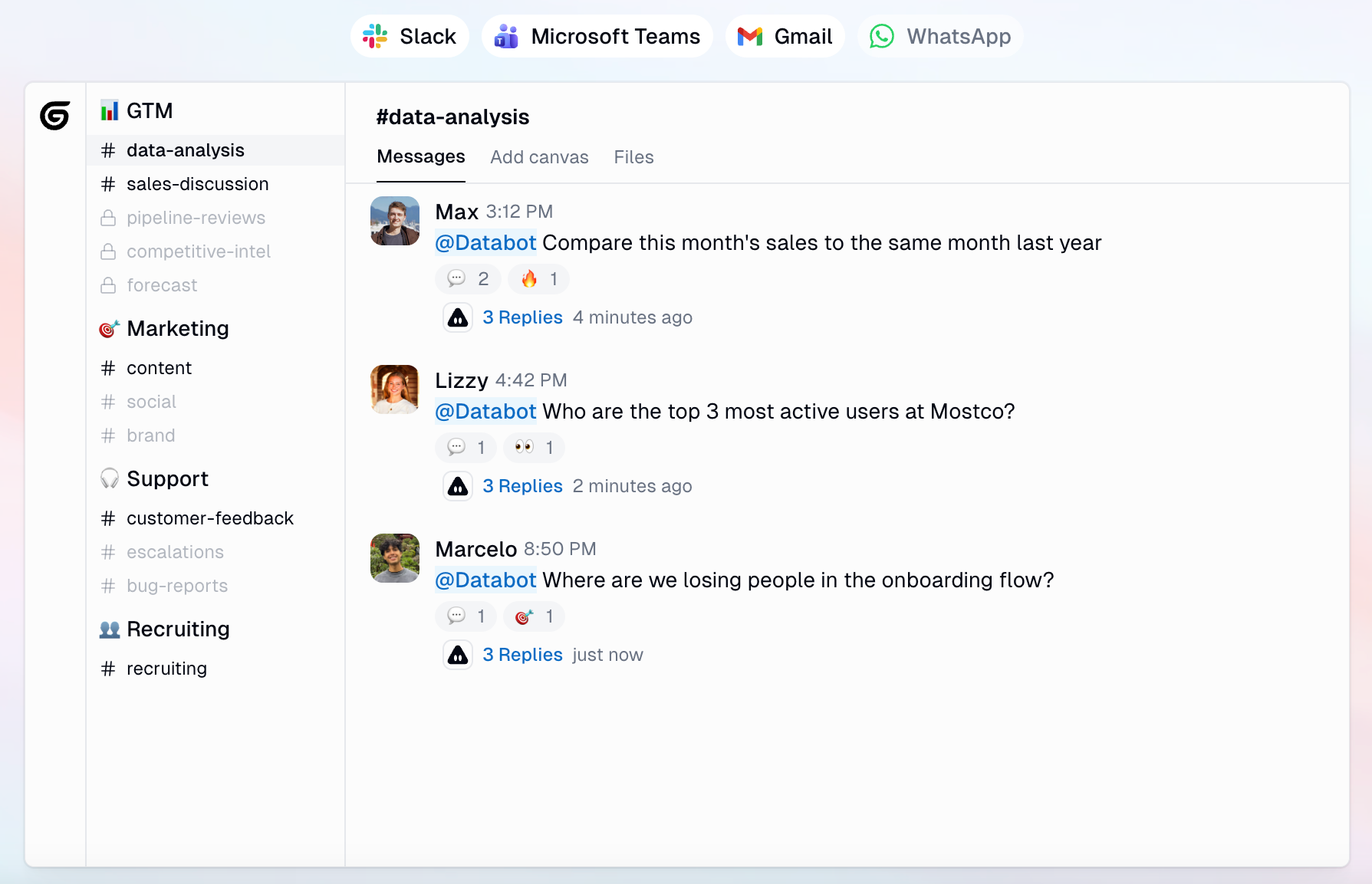
- Salesforce Agentforce: Agents that act on live CRM data and can show up in Slack as assignable teammates. Best suited to teams anchored in Salesforce, like sales-to-delivery handoffs that need live opportunity or account data.

If you are still weighing whether a general-purpose AI assistant or a purpose-built agent fits your workflow better, this comparison of ai assistants vs ai chatbots is a good place to start, and pros and cons of AI assistants covers the tradeoffs worth weighing before you commit.
So What Are the Best AI Workflow Automation Tools for Your Team?
There is no single answer to what are the best ai workflow automation tools, because the right tool depends on where your workflows actually break down.
Match the tool to the work instead of looking for the "best" workflow automation tool
A high-volume, low-variance process (routing invoices by vendor name, for example) rarely needs an AI agent at all. A low-volume, high-variance process (fielding unpredictable RFP requests from a dozen different partners) is exactly where rule-based automation software runs out of road. Audit your workflows first, then match the tool to each one rather than standardizing on a single platform for everything.
Will your team actually use it?
The best automation software is the one your team will actually adopt. A tool that requires ops staff to learn a new interface, log into a separate dashboard, and manually check on automation status tends to get abandoned within a few weeks. Tools that operate inside the inbox, where vendor, partner, and client coordination already happens, have a much higher chance of sticking.
What it costs you when an agent does the wrong thing, and how to keep a human in the loop
Every AI agent workflow automation tool will occasionally misclassify a request or draft a response that needs editing. The question is not whether that happens, but what it costs when it does, and how quickly a human can catch it. Look for tools that show their reasoning, log every action, and let a person approve or override before anything goes out to a vendor or client. That combination of visibility and control matters more than raw automation volume.
Bottom Line
Rules handle the predictable 80% of ops work. AI agents handle the exceptions no one wrote a rule for. Gmelius does both from inside the inbox, with MCP support that lets agents connect to your other apps and carry out vendor, partner, and client coordination automatically.
Try Gmelius for free and see how it handles the multi-party workflows rule-based tools alone cannot cover.


.avif)
.avif)
.avif)
.avif)