
.jpg)


Chat has become one of the fastest-growing communication channels in modern businesses. From customer support and sales inquiries to internal collaboration, teams are expected to respond quickly, clearly, and consistently, often across multiple tools at once. This is where an AI chat assistant comes in.
Instead of replacing human interaction, AI chat helpers assist teams behind the scenes. They draft replies, summarize long conversations, suggest next actions, and automate repetitive workflows so people can focus on higher-value work.
In this guide, we’ll break down what an AI chat helper is, its pros and cons, and six platforms worth considering, from collaboration-first tools like Gmelius to automation-heavy chat solutions and general-purpose AI assistants.
AI Chat Helper Definition
An AI chat helper is a software tool that uses artificial intelligence to assist teams in managing, responding to, and routing chat-based conversations across internal and external channels.
It can draft replies, suggest next actions, summarize long threads, classify intent, and automate repetitive tasks.
By combining natural language processing with workflow automation, AI chat bots help businesses respond faster, stay consistent, and scale communication without increasing headcount.
AI Chat Helper Pros and Cons
AI chat helpers can dramatically improve how teams communicate, but they are not without trade-offs. Understanding both sides helps businesses adopt them realistically.
Pros
- Faster response times: AI-generated drafts, summaries, and next-step suggestions help teams reply quickly and reduce time-to-first-response.
- Scalability without headcount growth: Teams can handle higher chat volumes without hiring additional agents.
- Consistency across conversations: AI helps maintain a uniform tone, terminology, and level of accuracy, even with multiple agents involved.
- Lower operational costs: Automation reduces repetitive manual work and improves overall efficiency.
- 24/7 coverage: Customer-facing AI chatbots can respond outside business hours or during peak times.
- Better visibility into performance: Insights into workload distribution, response times, and common issues help teams optimize processes.
Cons
Despite their benefits, AI chat assistants still struggle with nuanced or emotionally complex conversations. Without proper configuration, responses can feel generic or off-brand, which may harm trust. Implementation also requires upfront effort, including training, data preparation, and change management. Finally, advanced AI capabilities are often tied to higher-tier plans, making cost predictability a challenge as usage grows.
- Limited contextual understanding: AI may struggle with nuanced, emotional, or edge-case conversations.
- Risk of generic responses: Without proper guidance, replies can sound robotic or off-brand.
- Setup and training effort: High-quality results depend on clean data, workflows, and clear rules.
- Trust and adoption challenges: Teams may resist relying on AI for customer communication.
- Pricing complexity: Advanced AI features are often locked behind higher-tier plans or usage-based pricing.
6 AI Chat Helper Tools That Are Worth Your Money
Below are six platforms that approach AI chat help from different angles: collaboration-first, automation-first, and general-purpose AI. The right choice depends on where chat fits into your business and how much control you want to keep in human hands.
1. Gmelius
Gmelius is designed for teams that manage high volumes of conversations directly inside Gmail and Google Workspace. Rather than acting as a standalone chatbot, Gmelius functions as an AI-powered collaboration layer for chat, email, and shared inbox communication.
As an AI chat helper, Gmelius supports teams by drafting context-aware replies, generating summaries that help teammates quickly understand long threads, and suggesting next actions such as assignments or follow-ups. It also automates routing and labeling through AI-powered sorting, including an AI Dispatching Assistant that automatically assigns conversations to the right teammate based on predefined rules. Internal notes and mentions enable seamless collaboration, while everything happens inside Gmail to eliminate context switching without sacrificing AI support.
Where it may fall short
- Not built for public-facing website chatbots
- Optimized for Google Workspace, not Microsoft environments
- Requires initial setup to unlock automation value
How much it’ll cost you
Gmelius uses per-user pricing with AI features included in professional plans. AI assistants for Gmail from $21/user/month.
2. Front
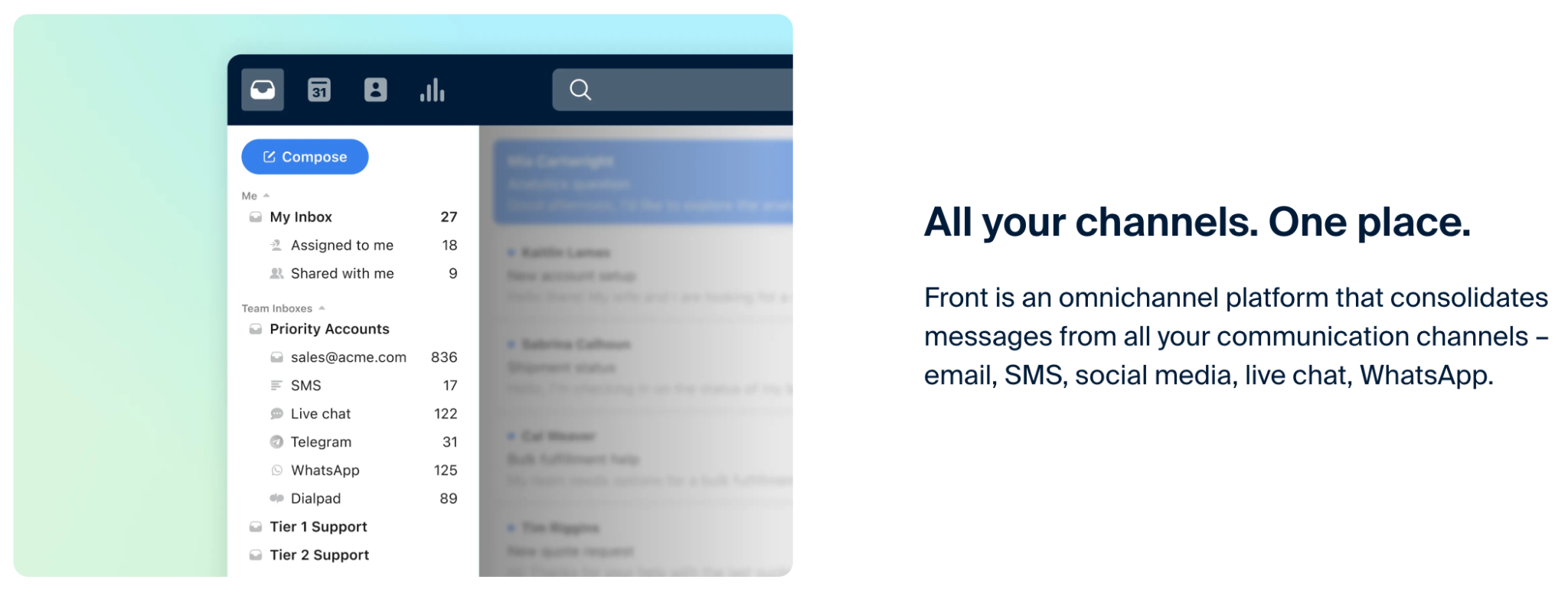
Front is a multi-channel customer communication platform that blends shared inboxes with real-time messaging. Its AI chat helper features are built to help agents manage conversations across chat, email, SMS, and social channels.
Front’s AI capabilities focus on helping agents move faster across channels. The platform generates reply drafts, summarizes long threads for quick handoffs, suggests assignments, and supports SLA tracking and workload balancing. It works best for customer-facing teams that operate across many channels and require strict response-time management.
Where it may fall short
- Interface complexity for smaller teams
- Higher learning curve than Gmail-native tools
- AI features vary significantly by plan
How much it’ll cost you
Front is positioned as a premium solution with per-user pricing. Plans are available from $35/user/month.
3. Hiver
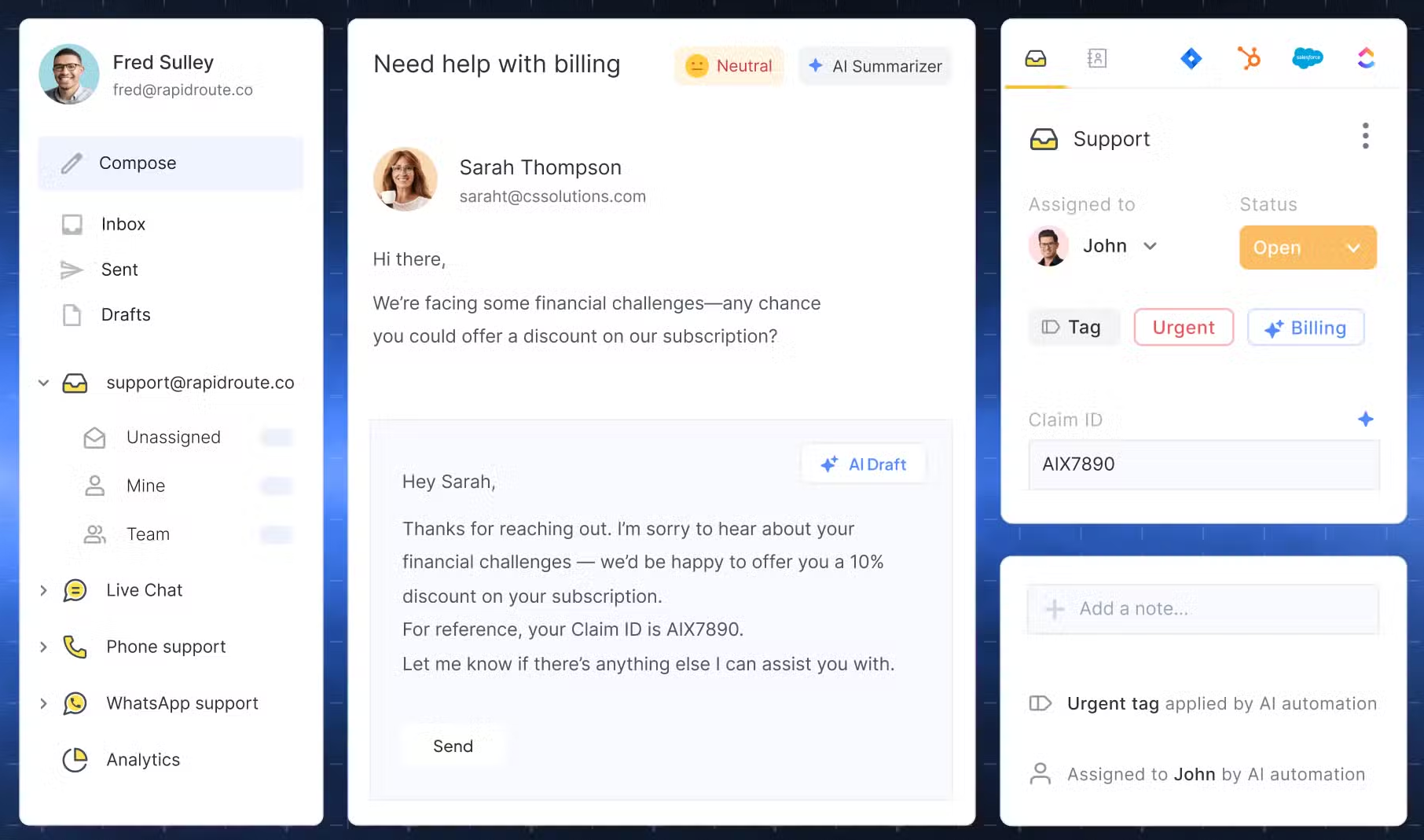
Hiver is a Gmail-based helpdesk platform focused primarily on customer support. Its AI features assist agents with drafting replies and staying organized.
It supports chat and email workflows by assisting agents with response drafting, organizing conversations in shared inboxes, preventing duplicate replies through collision detection, and surfacing analytics around response time and resolution. It appeals to teams that want a structured support tool without leaving Gmail.
Where it may fall short
- AI features are relatively lightweight
- Less flexible for sales or internal collaboration
- Automation depth is limited compared to competitors
How much it’ll cost you
Hiver offers a free plan, and tiered per-user pricing, with AI features generally included in higher plans. Available from $25/user/month.
4. Chatly
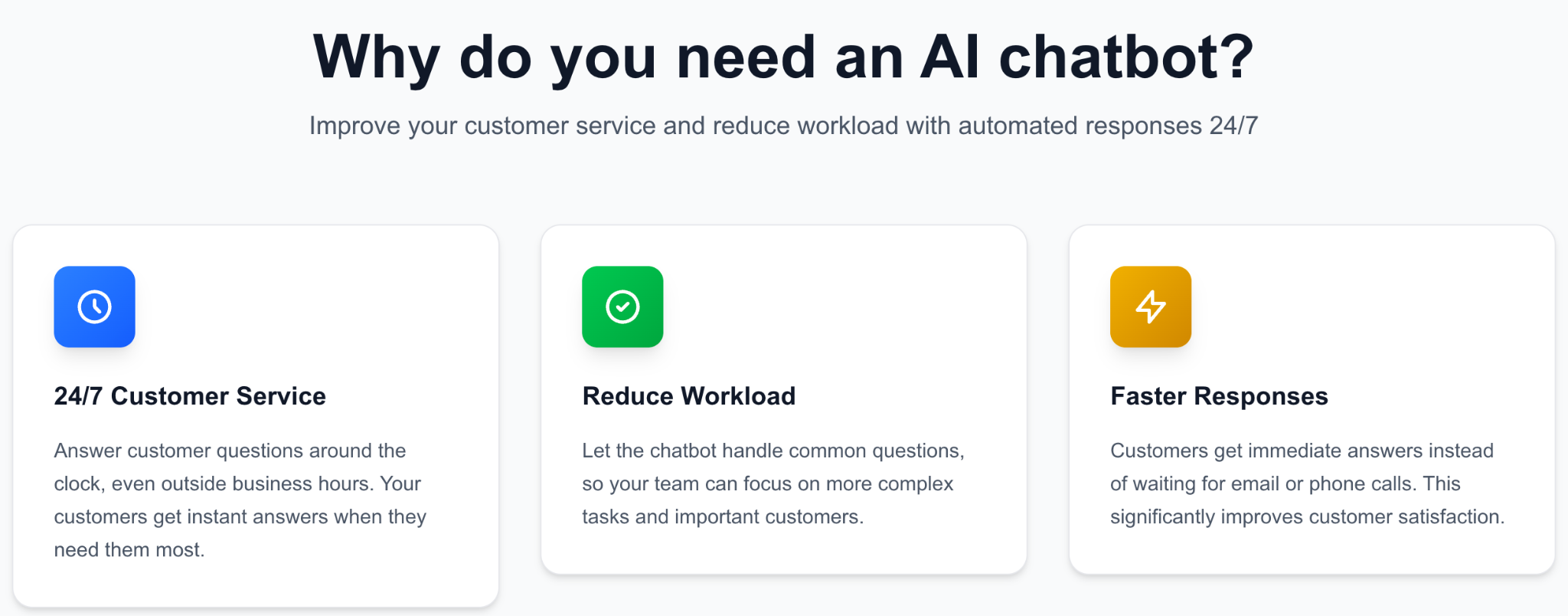
Chatly focuses on automating customer conversations on websites and apps. It acts as an AI chat helper by answering FAQs, qualifying leads, and routing complex requests to humans.
Chatly’s capabilities center on automating early-stage conversations. It uses AI-powered chatbots trained on knowledge bases to answer common questions, qualify leads, and trigger conditional workflows, with the option to hand conversations over to humans when confidence drops. It is well suited for marketing and sales teams looking to automate first-touch interactions.
Where it may fall short
- Limited internal collaboration features
- Requires ongoing training to maintain accuracy
- Less effective for long, multi-step conversations
How much it’ll cost you
Pricing is usually based on usage and feature tiers, plans available from $20/user/month.
5. ChatGPT / Gemini
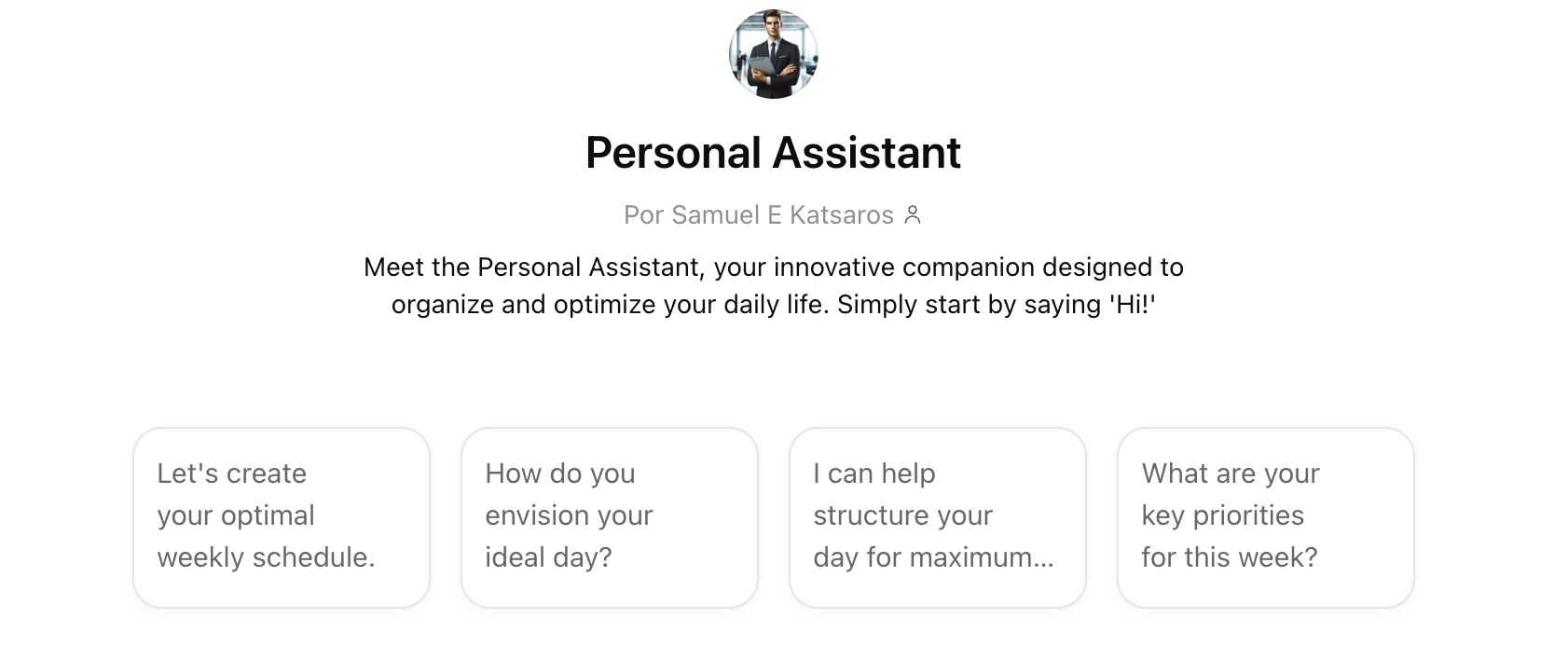
General-purpose AI assistants like ChatGPT and Google Gemini can act as flexible AI chat helpers when embedded into workflows or used manually by teams.
In practice, these tools are used to draft replies and follow-ups, rewrite messages to improve tone and clarity, summarize long chat histories, and generate FAQ-style responses. Their main strength lies in flexibility and raw language capability rather than owning the entire communication workflow.
Where it may fall short
- No native shared inbox or routing
- Manual copy-paste without integrations
- Limited auditability and collaboration
How much it’ll cost you
Both offer free versions, with paid plans unlocking advanced models, higher usage limits, and enterprise controls. Gemini from $29.99/user/month and ChatGPT $25/user/month (for companies).
6. Z.ai
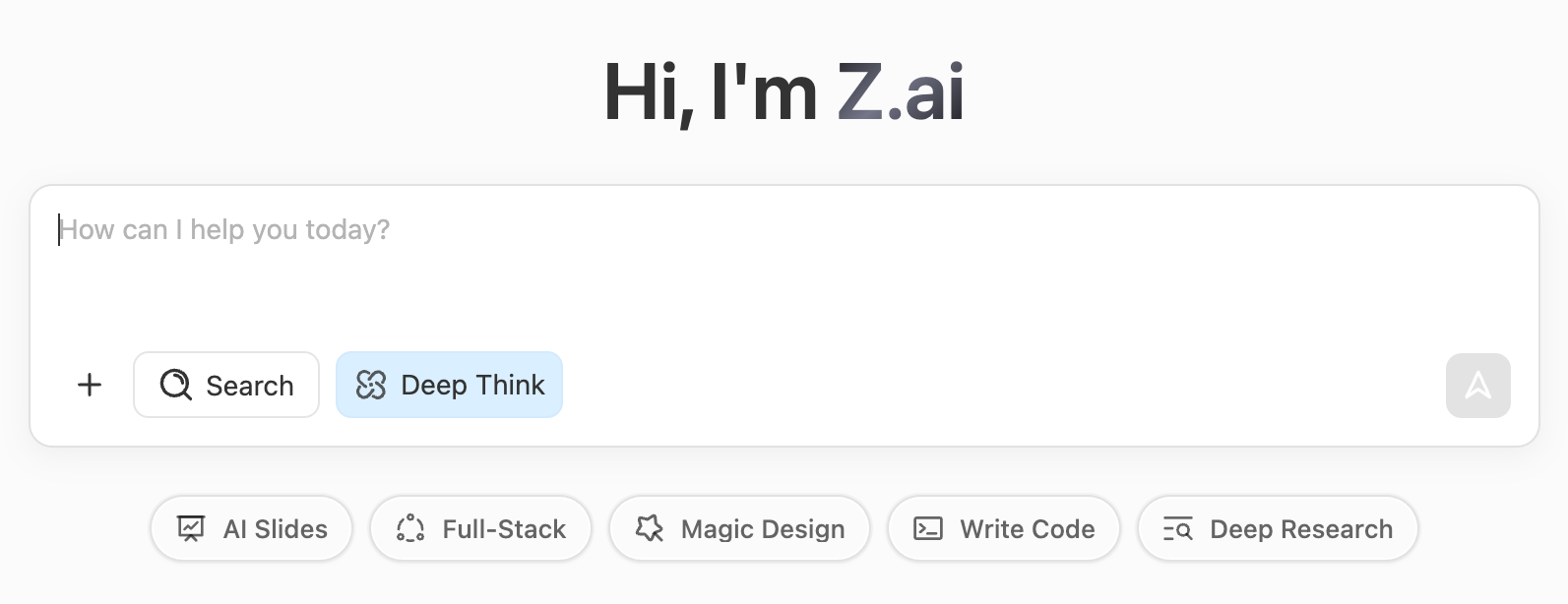
Z.ai is best described as a general-purpose AI assistant rather than a dedicated business chat helper. It provides a conversational interface powered by large language models that support writing, summarization, ideation, and problem-solving.
In a business context, Z.ai can help teams draft responses, rewrite messages for tone or clarity, summarize conversations copied into the tool, or generate FAQ-style answers. However, it does not natively manage live chats, shared inboxes, or customer conversations. As a result, it functions more as a personal productivity assistant than an operational chat platform.
Where it may fall short
- Not designed to manage customer-facing chat channels
- No native shared inbox, routing, or assignment features
- Requires manual copy-paste or custom integrations to fit workflows
How much it’ll cost you
Pricing is often usage-based or custom, depending on volume and deployment complexity. From $3/month/user (might change after a few months)
Comparison AI Chat Helpers
Building Your Own AI Chat Helper: Detailed Process
Building a custom AI chat helper offers maximum control, but it requires technical resources and long-term maintenance.
A typical process starts with defining a clear use case, such as internal support, customer service, or sales. Teams then select an AI model, prepare training data like FAQs and chat logs, and design conversation flows with fallback and escalation rules. Integrations with inboxes, CRMs, or messaging tools follow, along with safety and compliance controls. Continuous testing and iteration are essential to maintain accuracy and relevance. While custom AI chat helpers provide flexibility, they often cost more over time than purpose-built platforms like Gmelius or Front.
How Gmelius AI Supports Chat Communication
Gmelius approaches AI chat assistance as a productivity and collaboration problem rather than a replacement for humans.
Its AI features help teams draft high-quality replies faster, share context through summaries and internal notes, coordinate ownership inside shared inboxes, and automate repetitive routing and labeling tasks. By embedding AI directly into Gmail, Gmelius enables faster, clearer communication while keeping humans in the loop at every step.
TL;DR: How To Start Using an AI Chat Helper
Start by identifying where chat volume creates delays or friction. Choose a tool that matches your approach, whether automation-first or collaboration-first, and begin with AI-assisted replies and summaries before expanding further. Measure impact on response time and quality, then scale automation gradually as trust improves. For Gmail-based teams, Gmelius offers one of the fastest ways to adopt AI chat help without changing existing workflows.


.avif)

%20(1).avif)
.avif)





