



Writing clear, persuasive emails takes time. But writing them well at scale takes even more.
Sales teams, support teams, founders, and marketers all face the same problem: inboxes keep growing, but time does not. That pressure has only increased as email remains the default channel for customer communication, internal coordination, and external outreach.
In 2026, AI email generators are embedded into daily workflows, especially for teams that rely on email to operate efficiently. The best email generators no longer feel like writing shortcuts, they function as workflow support instead.
But not all tools are built the same. This guide breaks down how email generators work and reviews five of the best options available today. We look at how each tool generates emails, where it performs well, where it falls short, and how much it costs. The goal is simple: help you choose the right tool for the way you actually work.
The Lowdown on How Email Generators Work
At a basic level, email generators use LLMs to predict and generate text. These models are trained on large volumes of written content and learn patterns related to structure, phrasing, and intent. You provide context, such as the purpose of the email, the recipient, or a short prompt, and the tool produces a draft.
More advanced tools go even further: They analyze previous messages in the thread, understand the relationship between sender and recipient, and adapt tone accordingly. Some tools also pull from templates, company guidelines, or past conversations to stay consistent.
There are two main approaches to how these tools are delivered:
First, standalone generators. These live outside your inbox. You paste text in, generate an email, then copy it back into Gmail or Outlook. They are flexible but add friction.
Second, inbox-native generators. These work directly inside your email client. They can read threads, suggest replies, and generate drafts without switching tabs. For teams handling high volumes of email, this difference matters.
Here are five email generators that stand out in 2026:
1. Gmelius
Gmelius is built for Gmail and Google Workspace environments where shared inboxes and high volumes of conversations are part of daily operations. It’s used across support, sales, and operations to manage collaborative email workflows at scale. Rather than acting as a generic writing assistant, Gmelius focuses on real email operations like shared inbox management, assignments, and internal collaboration.
How the Gmelius AI Email Generator Works
The Gmelius AI Email Generator works directly inside Gmail. It analyzes the conversation thread, the sender, and the context of the inbox. From there, it can draft replies that align with what has already been said.
Users can prompt the AI to write a reply, shorten a message, adjust tone, or summarize long conversations before responding. Because it operates inside Gmail, there is no need to paste content back and forth.
For teams, this matters. The AI understands whether an email is coming from a support inbox, a sales alias, or a personal inbox. That context influences how replies are generated.
Why Gmelius Makes the Cut on Our List of Best Email Generators
Gmelius stands out because it is not just about writing faster. It is about writing better as a team.
The AI email generator works alongside shared inboxes, internal notes, assignments, and automation. Teammates can review AI-generated drafts, edit them collaboratively, and send consistent responses without duplicating work.
Because the AI understands both the conversation history and the knowledge bases like your website or internal documentation, replies stay grounded in the actual exchange while also pulling from accurate company information. This reduces generic or off-base responses (a common issue with standalone generators) and helps maintain consistency in tone and messaging.
Gmelius also includes AI-powered follow-ups, which are especially valuable for sales teams and outbound emails. Users get ready-to-send follow-up drafts that align with previous messages, helping maintain momentum without extra manual tracking.
For customer-facing teams managing conversations together, this level of context is critical for accuracy, continuity, and trust.
The Downside
Gmelius is designed for Gmail and Google Workspace. Teams using Outlook or other email clients will not get the same native experience.
It is also not meant for long form marketing copy. Its strength is operational email, not creative writing.
How Much You’ll Have to Spend
Gmelius offers different plans depending on features. AI capabilities are included in paid plans, with pricing designed for teams rather than individual users. Available from $21/user/month.
2. Jasper
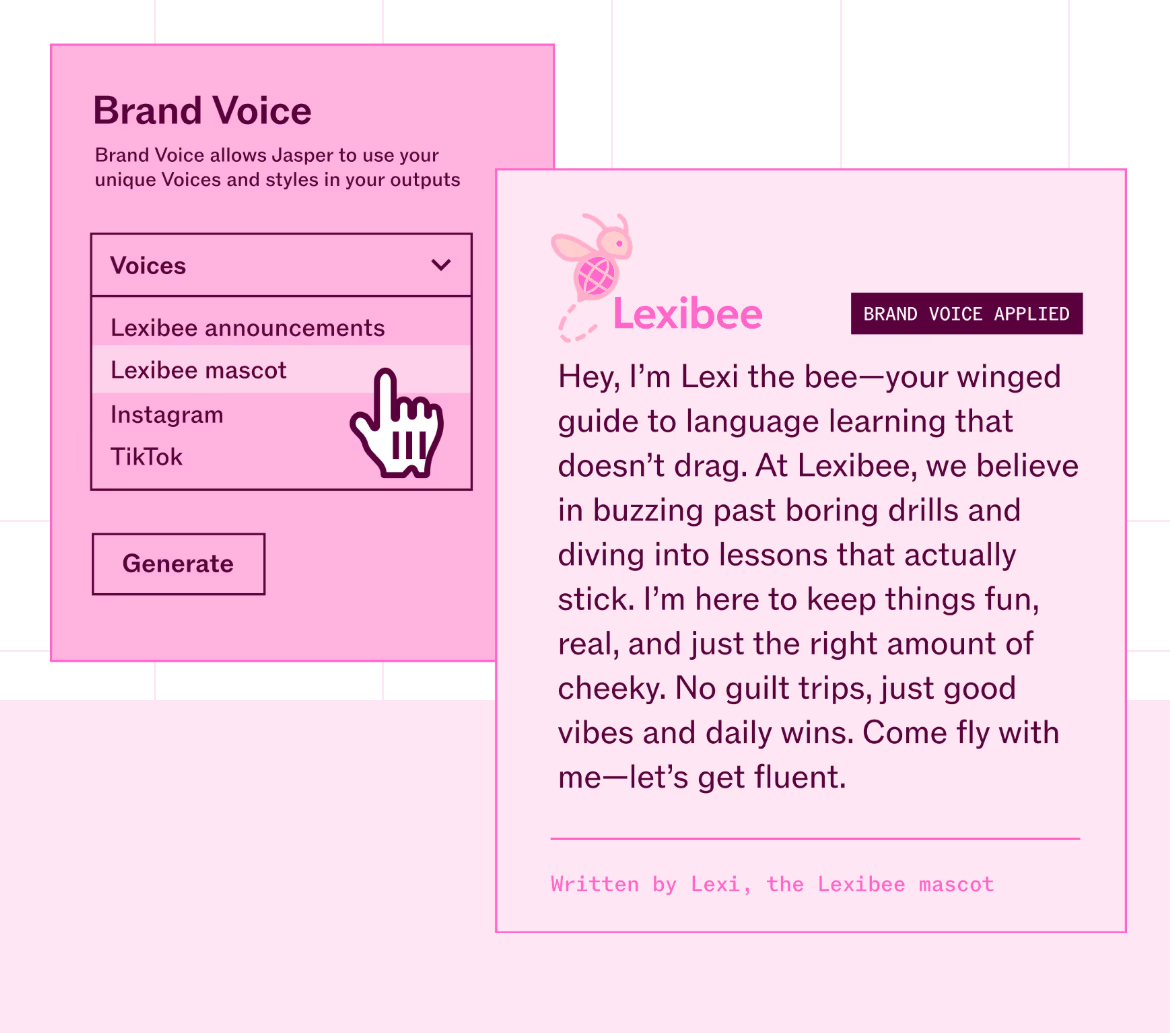
Jasper is a well known AI writing tool that covers a wide range of use cases, including email generation. It is popular with marketers and content teams.
How the Jasper AI Email Generator Works
Jasper works through a web based interface. Users select an email template or provide a prompt describing the message they want to send, such as a sales pitch, follow up, or announcement. Jasper then generates a draft based on that input.
It supports different tones, lengths, and formats, and users can regenerate multiple versions to compare approaches. Editing is done manually before copying the final version into an email client.
Why Jasper Makes the Cut on Our List of Best Email Generators
Jasper is flexible and covers a wide range of writing tasks beyond email. For marketers or founders who already use Jasper for blogs, ads, or landing pages, having email generation in the same tool can be convenient.
The interface is simple, the learning curve is low, and the output is generally clear and readable with minimal editing.
The Downside
Jasper does not live inside your inbox. You need to copy and paste emails between tools, which slows things down for high volume workflows.
It’s also priced higher than many comparable tools, which can make it a less cost-effective option for teams primarily looking for email generation.
How Much You’ll Have to Spend
Jasper uses subscription based pricing, with plans aimed at individuals and teams. Plans available from $69/user/month.
3. Quillbot
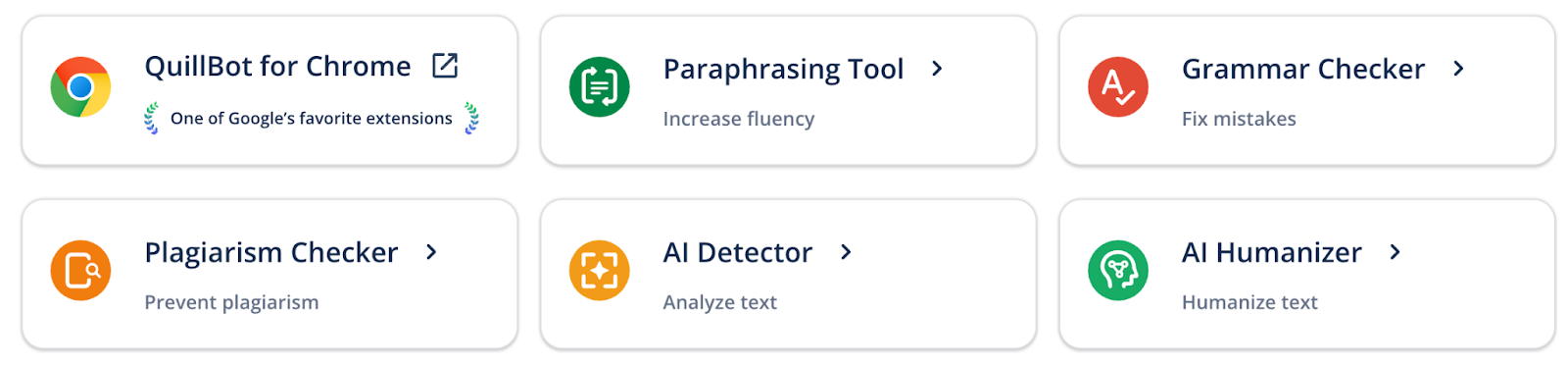
Quillbot started as a paraphrasing tool and expanded into broader AI writing features, including email generation.
How the Quillbot AI Email Generator Works
Quillbot focuses on rewriting and refining existing text. For emails, users typically start with a rough draft and ask Quillbot to improve clarity, tone, or length.
It also offers basic generation features, but its strength remains editing rather than writing from zero.
Why Quillbot Makes the Cut on Our List of Best Email Generators
Quillbot is useful for users who already know what they want to say but need help polishing it. It can simplify language, adjust tone, or make emails more concise without changing the core message.
For professionals who send similar emails repeatedly, this kind of refinement can save time and reduce friction. It is easy to use and does not require much setup.
The Downside
Quillbot is limited when it comes to contextual understanding. It does not analyze email threads or adapt replies based on conversation history.
It is also less suited for team workflows or shared inboxes.
How Much You’ll Have to Spend
Quillbot includes a free plan, but the usage limits are quite restrictive, making it suitable for occasional edits rather than regular email work. Paid plans available from $9.95/user/month.
4. Grammarly
Grammarly is widely known for grammar and spelling checks, but its AI features now include email drafting and rewriting.
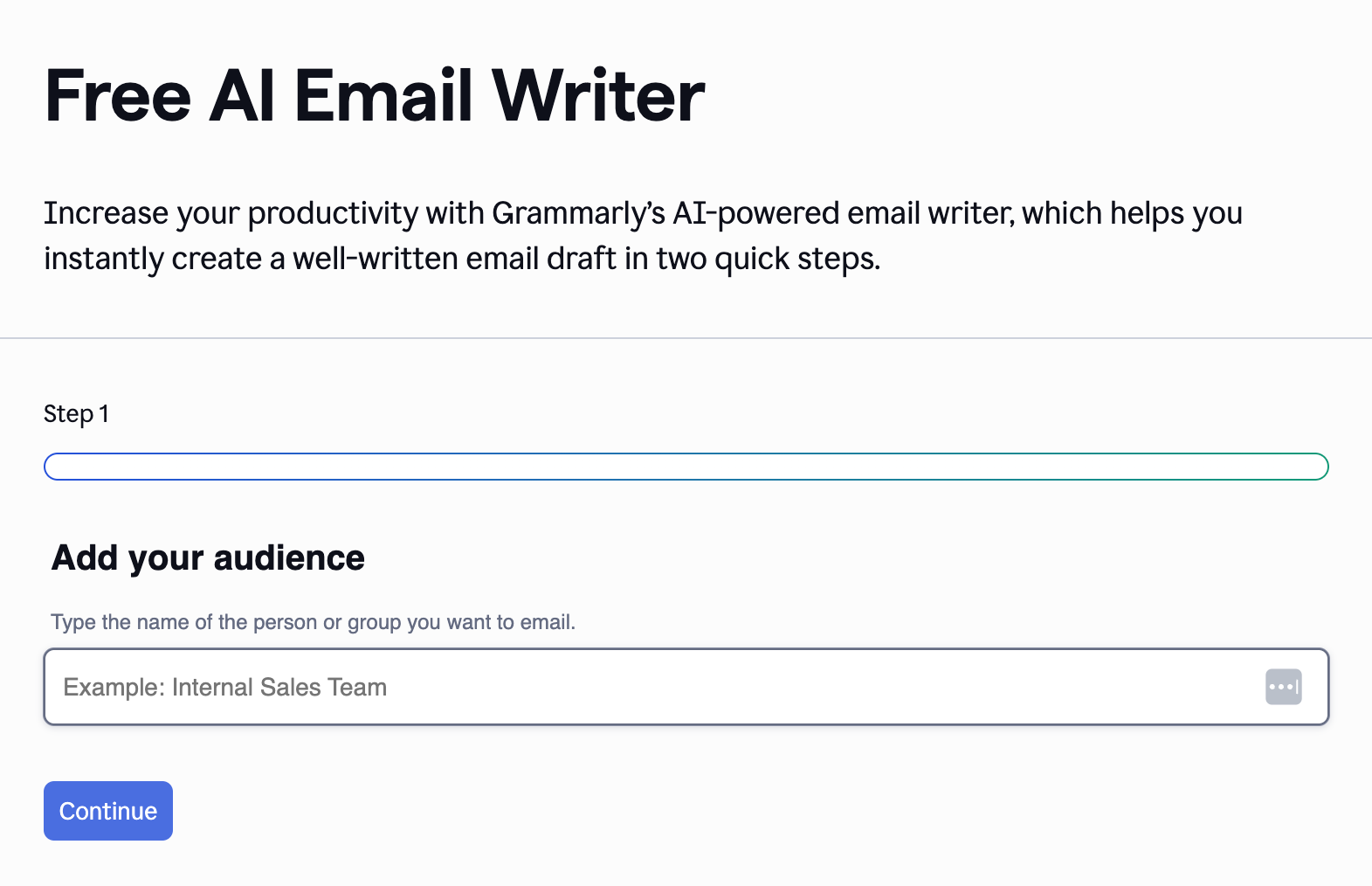
How the Grammarly AI Email Generator Works
Grammarly works as a browser extension and web app. Inside email clients, it can suggest rewrites, generate short drafts, or adjust tone based on prompts.
It focuses heavily on correctness, clarity, and professionalism.
Why Grammarly Makes the Cut on Our List of Best Email Generators
Grammarly excels at improving existing emails rather than generating them from scratch. It catches grammatical issues, improves clarity, and helps emails sound more professional and appropriate for the audience.
For roles where precision matters, such as legal, finance, or executive communication, this layer of quality control is valuable.
The Downside
Grammarly is more of an editor than a true generator. It is less effective at creating full emails from minimal input.
It also lacks team level collaboration features for shared inboxes.
How Much You’ll Have to Spend
Grammarly offers free and paid plans, and a 7-day trial. Advanced AI features require a subscription, from $30/user/month.
5. Undetectable AI
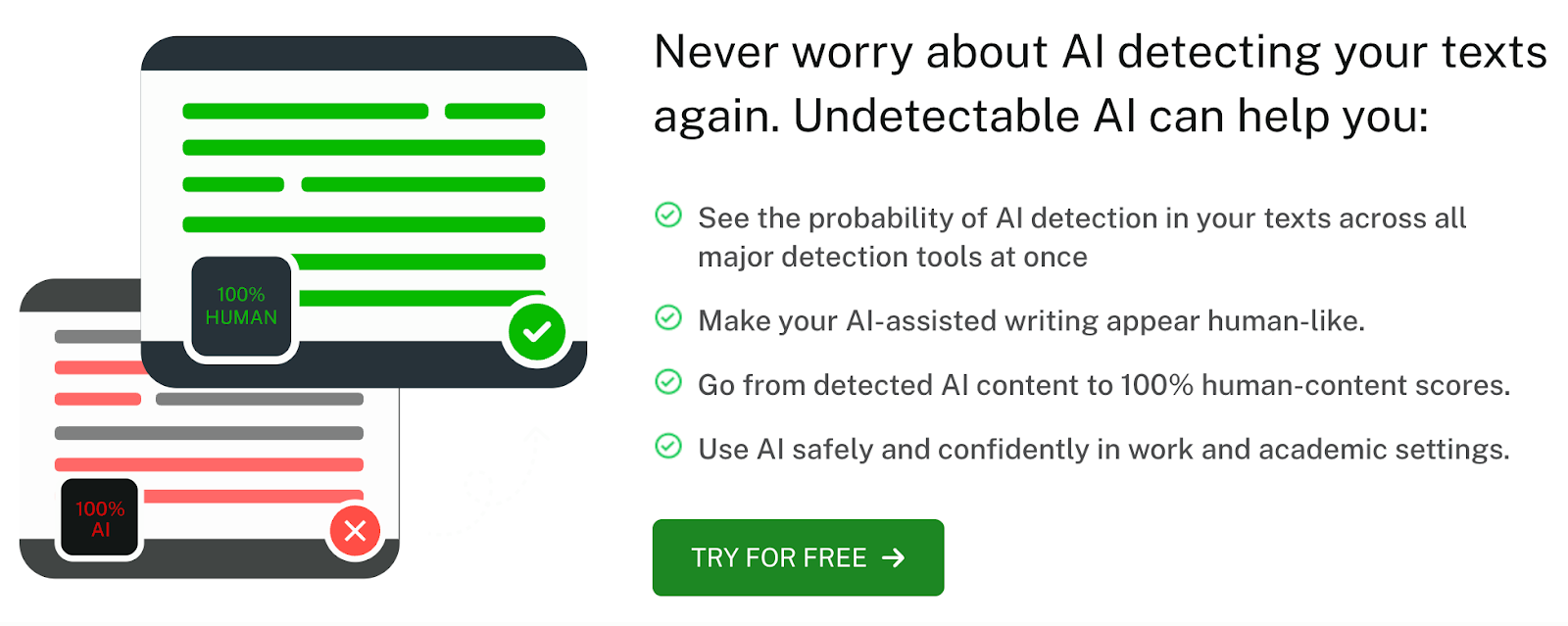
Undetectable is a newer tool focused on generating AI text that appears more human written.
How the Undetectable AI Email Generator Works
Users provide a prompt, and Undetectable generates an email designed to avoid patterns commonly associated with AI generated text.
It is mainly used for cold outreach or situations where users want emails to feel less automated.
Why Undetectable Makes the Cut on Our List of Best Email Generators
The tool addresses a specific concern: emails that sound too artificial. For users worried about deliverability or authenticity, this can be appealing.
The Downside
Undetectable operates outside the inbox and has no awareness of existing conversations. It is not built for replies, support workflows, or team collaboration.
The focus on avoiding detection can also limit consistency and control.
How Much You’ll Have to Spend
Pricing varies based on usage, and plans are generally aimed at individual users rather than teams. Available from $19/user/month.
Should You Use an AI Email Generator or Write Manually? An Honest Assessment
AI email generators support human work rather than replace judgment. They’re most useful when speed, consistency, and scale matter, especially for repetitive or high-volume emails.
For teams handling support, sales follow-ups, or shared inboxes, AI reduces friction and keeps communication fast and consistent. Human input still matters for sensitive, complex, or highly personal messages, where AI can help with structure or tone but shouldn’t be the final voice.
In practice, most teams adopt a hybrid approach: AI handles first drafts, summaries, and routine replies, while people review and make the final call. Ultimately, the key is choosing a tool that fits naturally into the way your team already works.
Want to see how AI drafting, collaboration, and automation can work together inside Gmail? Try Gmelius.


.avif)

![Avantages des générateurs de réponses aux e-mails basés sur l'IA [+ Les 6 meilleures plateformes en 2025]](https://cdn.prod.website-files.com/6737568a4ac417efeb387e5a/681e7f384249a7c0e9683eb9_67b4e9c96d075e225ae6bb32_67a32b48022f30eecc83f064_smaller.avif)
.avif)
.avif)





