The extension puts Gmelius inside Gmail: your shared inboxes, Meli and your AI agents, right where your team already works.



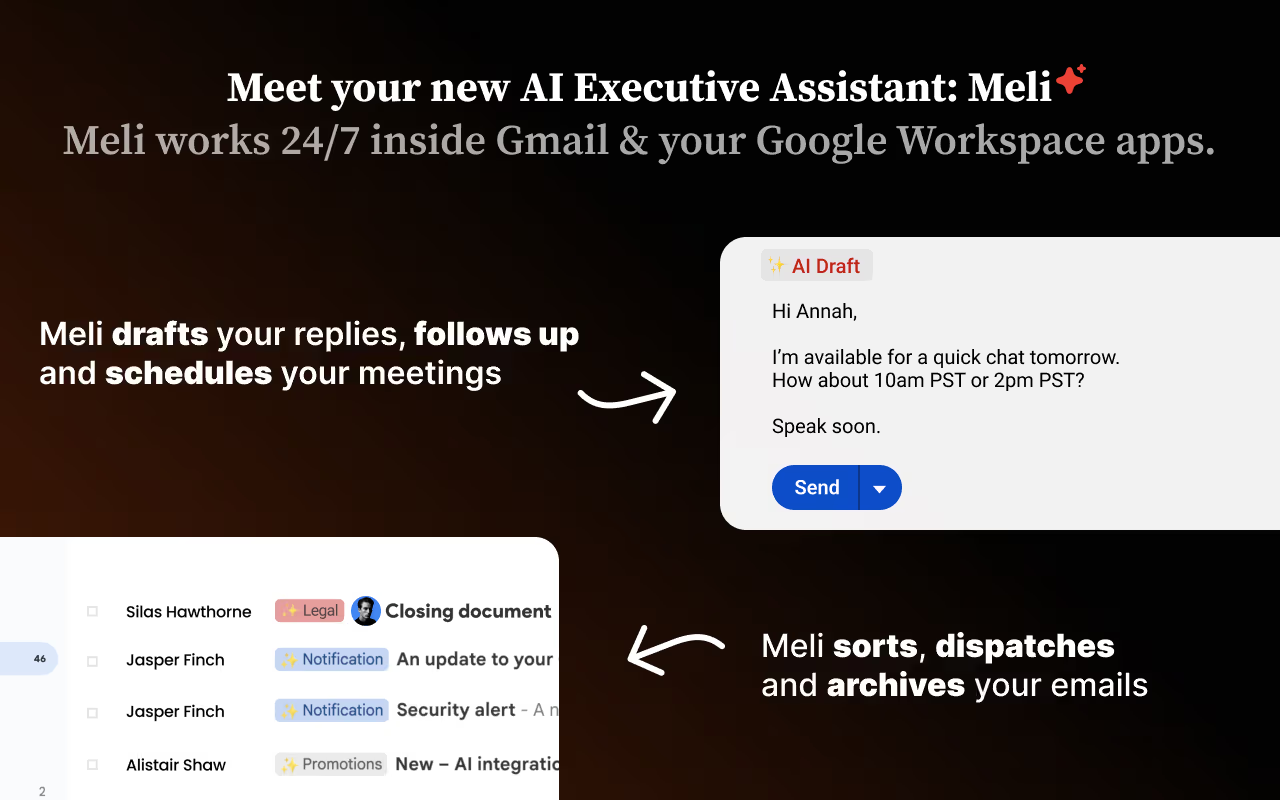
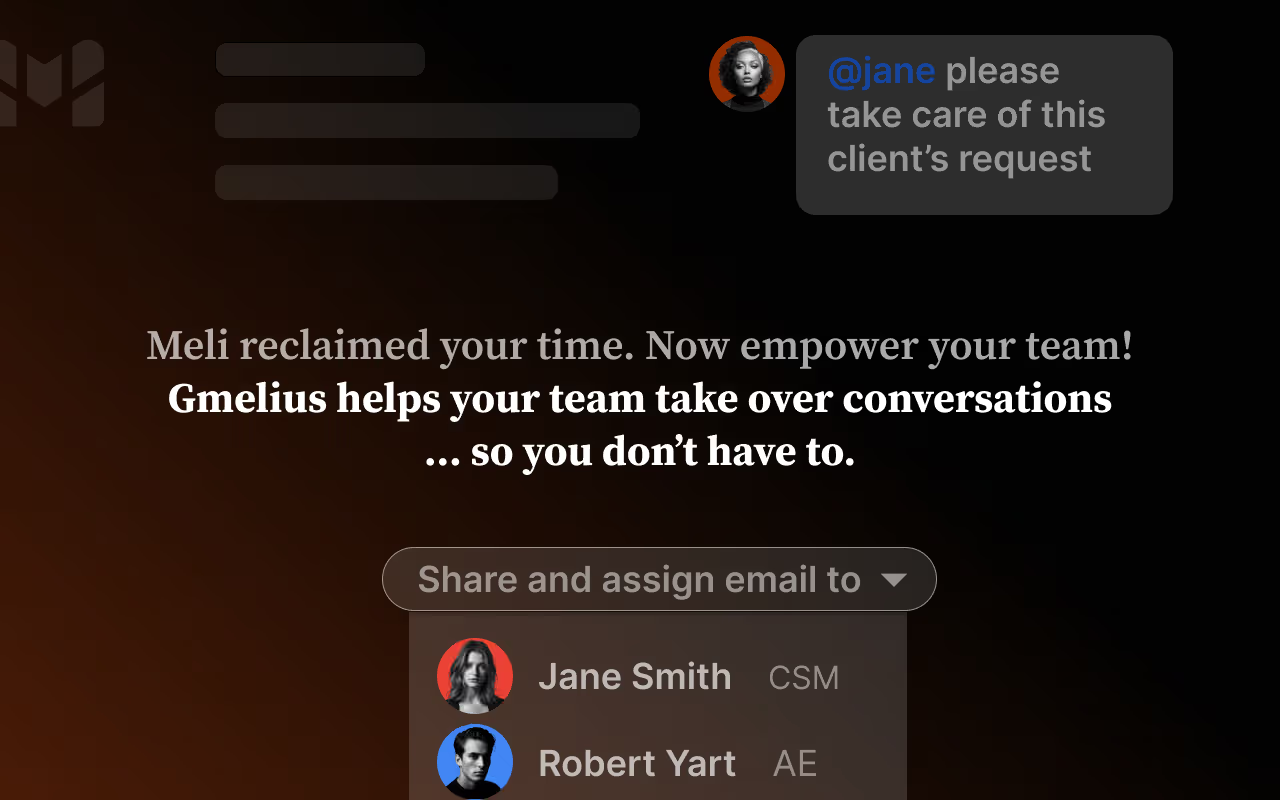
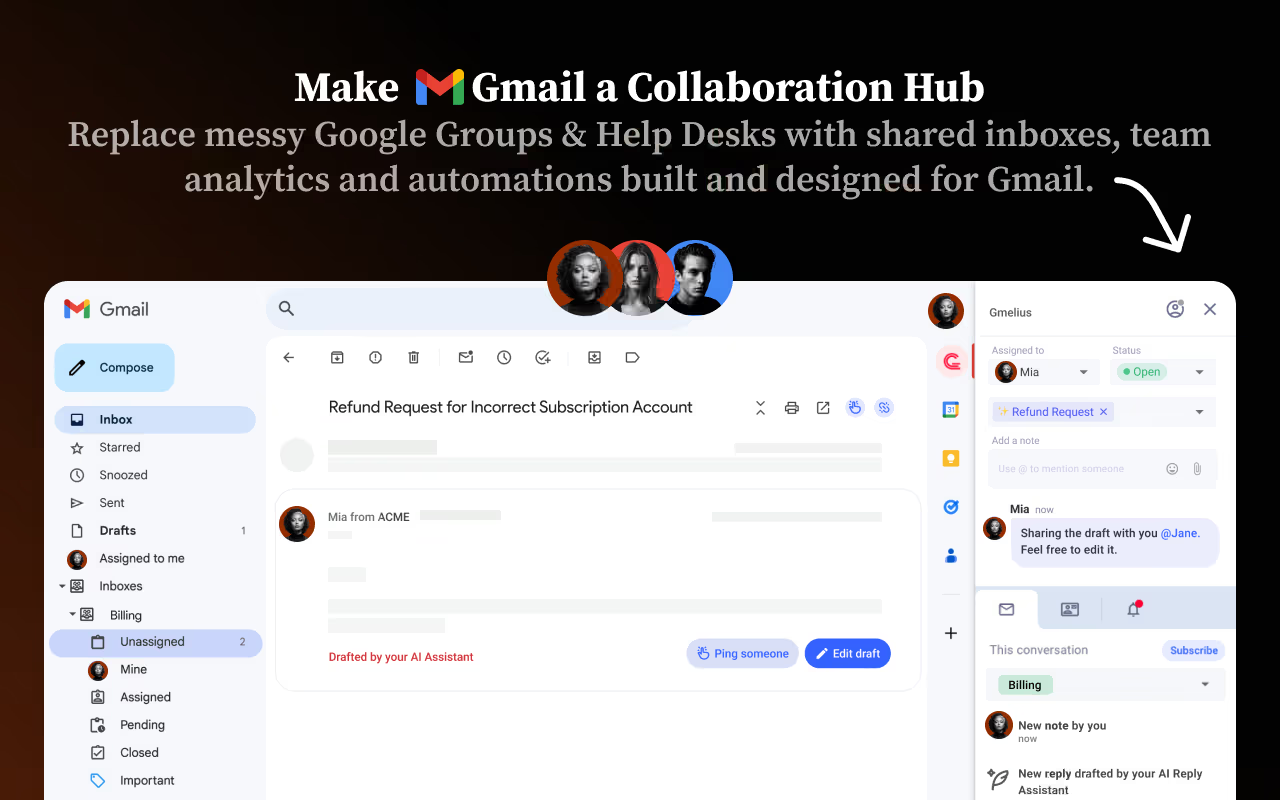



The Gmelius browser extension brings powerful email management and team collaboration features directly into your Gmail inbox, such as AI email assistants, shared inboxes, shared Gmail labels, email reports and analytics, and 3rd-party integrations.
Once installed on Chrome, Brave, Opera, or Edge, it transforms your Gmail into a powerful workspace for your daily operations.
Yes. In addition to the browser extension, Gmelius offers a Progressive Web App (PWA). You can install it on your mobile device to access your shared inboxes and boards without needing to open Gmail or your browser.
You can install the Gmelius extension from the Chrome Web Store. Just click “Add to Chrome” (or your preferred browser), sign into your Gmail account, and Gmelius will instantly activate inside your inbox.
Absolutely. The Gmelius extension is built using Manifest V3, the latest browser extension standard designed for enhanced privacy and security. This means it does not use any remotely hosted code, reducing potential security risks. We follow strict security protocols, and your data remains private and encrypted at all times.
Gmelius is SOC2 Type II compliant. To learn more about our security practices, data handling policies, and compliance certifications, visit trust.gmelius.com.
The extension works with a Gmelius account. Start your 7-day free trial, then open Gmail.