




If you've outgrown notes and spreadsheets, Monday.com is usually one the first tool someone recommends. And then, about six weeks in, the ops team quietly goes back to managing things in email, because that's where the actual work lives.
This guide is for the teams caught in that gap: you need real workflow structure, but Monday.com isn't quite fitting the way you work. Here's an honest look at where it falls short, what to look for instead, and why ops-heavy teams are increasingly choosing a Monday.com alternative built around email rather than against it.
Why Teams Go Looking for a Monday.com Alternative
Monday.com isn't a bad product. The problem is a mismatch between what it's built for and how operations teams actually function.
The friction points that send teams searching for alternatives tend to cluster around three things:
- Pricing that doesn't scale gracefully. Monday.com's per-seat model gets expensive quickly for mid-sized teams, and the features most ops teams actually need are locked behind higher tiers.
- Email lives outside the tool. For teams running vendor coordination, client services, RFP responses, or partner ops, the majority of work arrives and gets resolved via email. Monday.com has no native answer for this,you end up duplicating information between your inbox and your board.
- The structure doesn't match how ops teams think. "Items" and "groups" are intuitive for project and marketing teams. For coordination-heavy ops work (where a single thread might involve four internal owners, two external vendors, a deadline, and a contract reference) the model starts to feel like a bad translation.
What Monday.com Does Well
To be fair about it: Monday.com has earned its market position.
The visual interface is genuinely strong. Getting buy-in from stakeholders is easy because the tool looks polished and is fast to demo. For marketing teams managing campaign calendars, or product teams running sprints, it works well. The automation builder is capable, the integration library is wide, and for use cases where work originates inside the tool, it delivers.
The issue is that ops work rarely originates inside the tool.
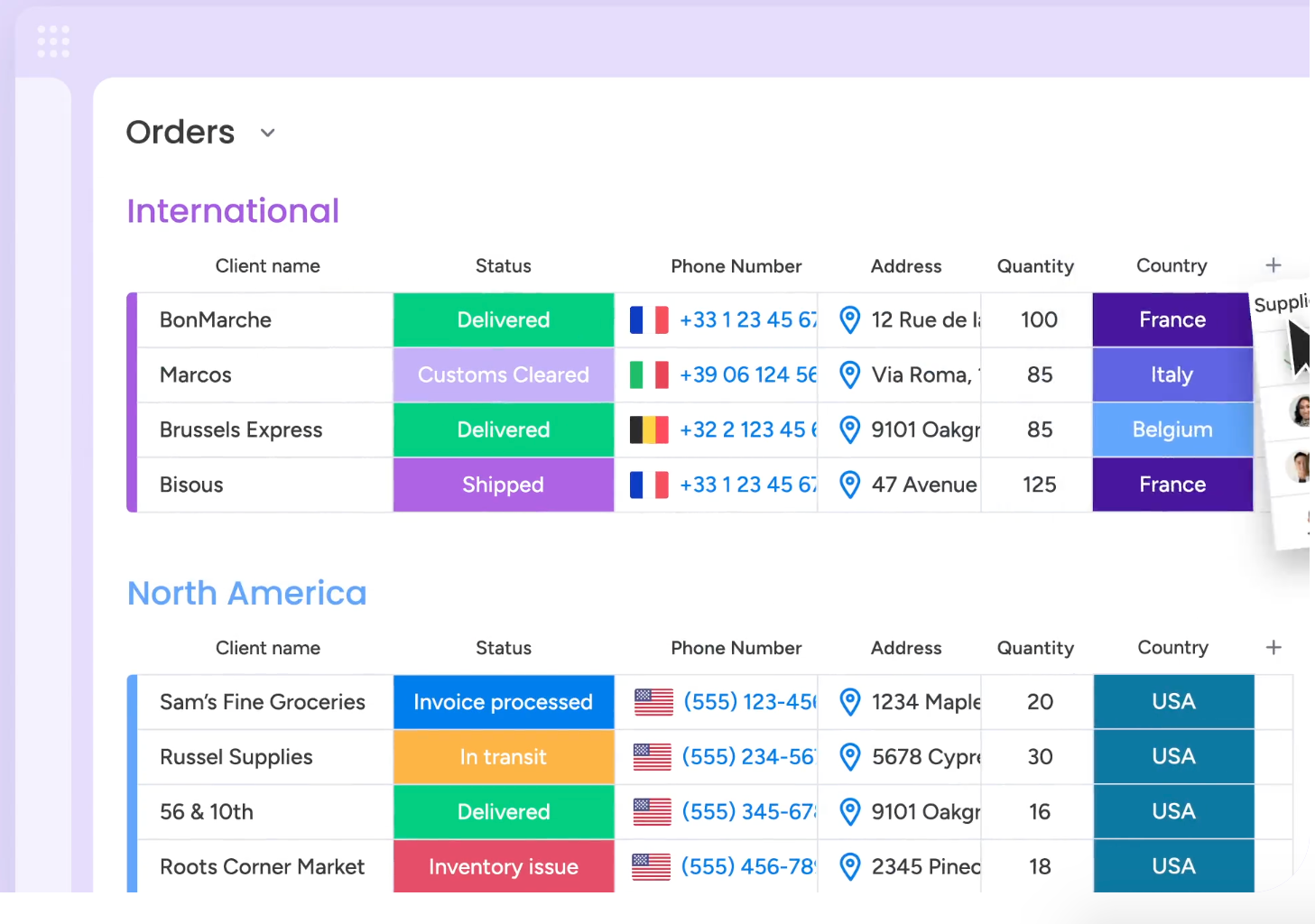
The Real Problem With Monday.com for Ops Teams
- Email is an afterthought
Operations teams like agency account management, client services, vendor coordination, deal desks, freight and import/export, live in email. Contracts and partner escalations come in via email. RFP requests, supplier disputes, and client change orders all land in the inbox first.
Monday.com has no meaningful answer for this. You can connect it to email via Zapier or a native integration, but you're still manually creating items from threads, and the thread itself (with its full history, context, and replies) stays locked in Gmail. The result is constant toggling and duplicate data entry.
- The mental model doesn't translate
"Items" and "groups" are great abstractions for tasks with a clear owner and a discrete deliverable. Ops coordination doesn't look like that. A vendor dispute thread might loop in procurement, legal, and a plant manager over three weeks, with five external parties on copy. Forcing that into a Monday.com board means either oversimplifying or maintaining a level of manual upkeep that defeats the purpose.
- Per-seat pricing at scale
At 20 to 30 seats, Monday.com is manageable. At 50 to 200, the range where most of the ops teams this is aimed at operate, the cost becomes a recurring budget conversation, especially when you're also paying for Gmail, a CRM, and whatever else the team has accumulated.
- Customization requires maintenance
Monday.com's flexibility is also its overhead. Building automations, maintaining board structures, and keeping statuses meaningful over time requires someone to own the configuration. Ops managers should be running operations, not maintaining their project management tool.
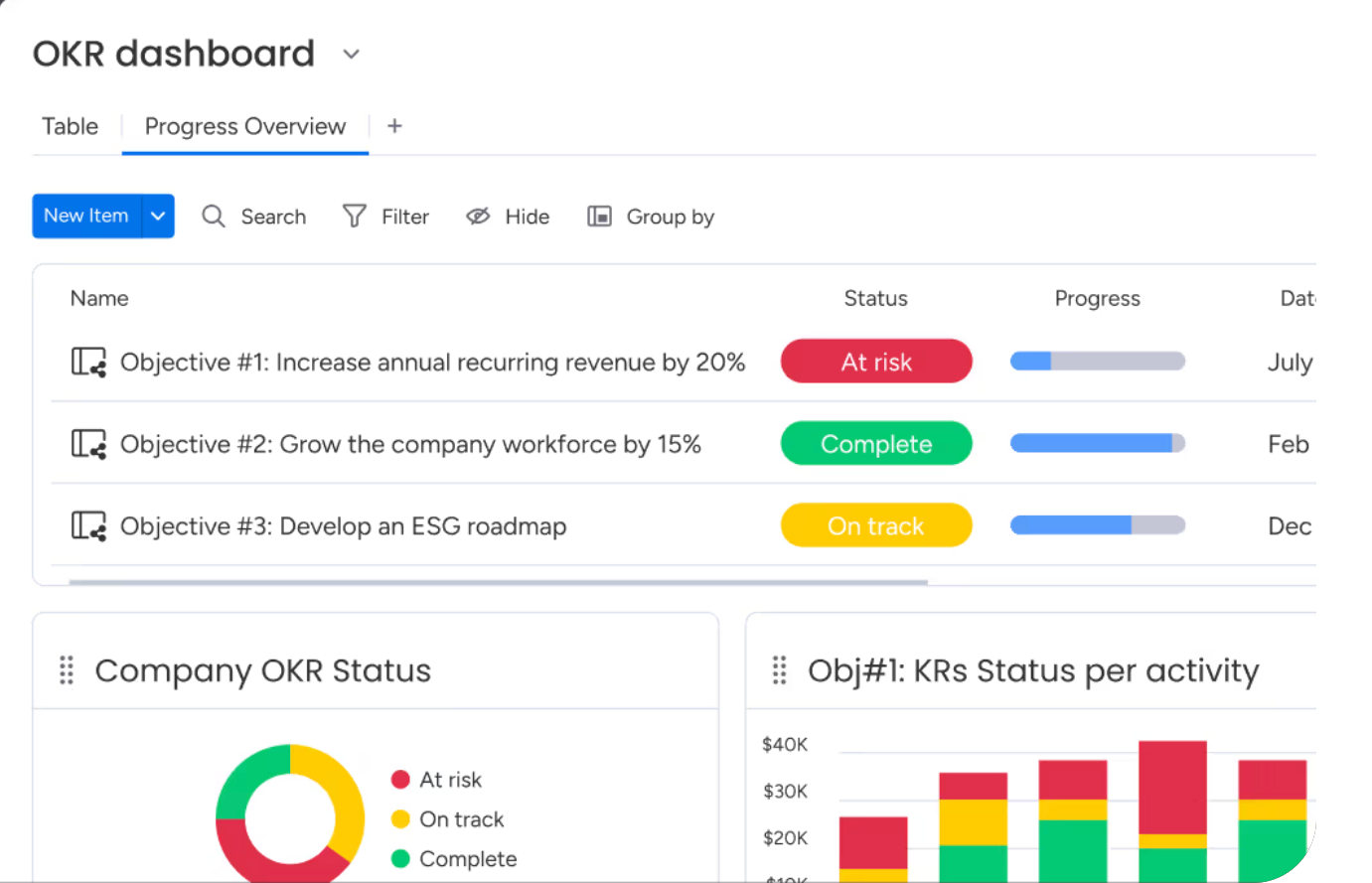
What a Monday.com Alternative Should Actually Offer
Before looking at specific tools, it's worth being clear about what the right alternative needs to do — because most of the names that come up in comparison articles are solving the same problem Monday.com is, just with a different interface.
For ops teams, the criteria are:
- Email at the center, not bolted on. The alternative should treat email threads as first-class workflow objects, not external inputs that need to be manually translated into tasks.
- Workflow logic that matches how coordination actually works. Shared ownership, multi-party handoffs, external visibility — the structure should reflect how the team operates, not how a software designer imagined they might.
- Lightweight enough for ops managers to own. The tool shouldn't require an IT project to configure or a dedicated admin to maintain. Ops teams move fast; the tooling needs to keep up.
- Visibility without meetings. One of the core problems in email-heavy ops is that work becomes invisible the moment it lands in someone's personal inbox. The right alternative surfaces what's open, who owns it, and what's overdue — without a standup to find out.
Why Ops Teams Choose Gmelius
Gmelius is built for teams running multi-party operations through email — vendor coordination, client services, agency account management, deal desks, partner ops, freight and logistics. It's not a Monday.com clone with email features added. It's an email-native workflow layer.
A few things that matter for ops teams specifically:
Threads become trackable items without leaving Gmail. Email threads can be assigned, tagged, and moved through workflow stages directly from the inbox. No duplicate entry, no toggling between tabs, no translating a thread into a task and losing the context.
Shared inboxes with real ownership. Team inboxes (support@, ops@, vendors@, partners@) get shared visibility, assignment rules, and status tracking. Everyone sees what's open, what's in progress, and what's been resolved — without forwarding chains or reply-all chaos.
Workflow boards that reflect how work actually moves. Kanban boards in Gmelius are built on email threads, not abstract tasks. The board shows the actual state of real work, not a parallel representation of it that someone has to keep updated.
Automation that matches ops logic. Rules for auto-assignment, SLA tagging, escalation triggers, and routing are built for the kinds of conditions that matter in ops: sender domain, keywords, time elapsed, thread age. Not just "when status changes to X."
Lightweight admin. Ops managers configure and maintain Gmelius without IT involvement. The tool is built to be owned by the team using it.
On top of this, Gmelius is developing Meli, a knowledge graph that gives AI agents the context they need to operate on email-based workflows — the accumulated history of how your team has handled vendor disputes, client escalations, or RFP responses. That's the layer that makes agentic AI genuinely useful for ops rather than just impressive in demos.
Monday.com vs. Gmelius: Side-by-Side
Other Monday.com Alternatives Worth Considering
Depending on your team's specific situation, a few other tools come up regularly in this conversation. Here's an honest take:
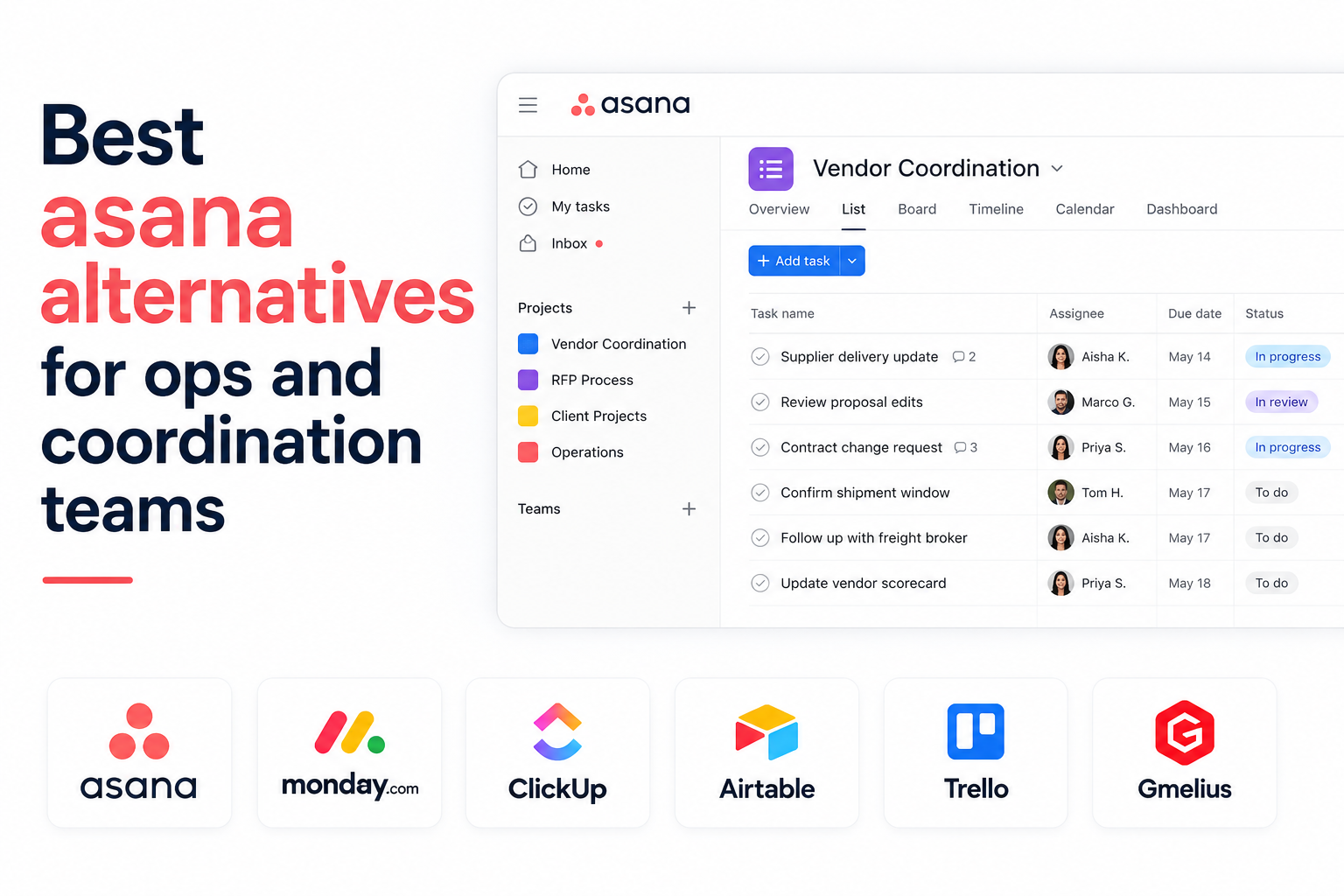
Asana is task-focused and well-suited for teams that need clean project tracking with clear individual ownership. It's a legitimate alternative to Monday.com for those use cases. For coordination-heavy ops work with high email volume, it has the same fundamental gap — email lives outside it.
ClickUp is feature-dense and highly customizable. Teams that want one tool to replace several others sometimes land here. The tradeoff is complexity: it takes real setup time, and the interface can overwhelm teams that just need workflow clarity without a configuration project.
Notion is excellent as a knowledge base and document layer, and works well for teams that want to centralize information. It's not a workflow tool in the ops sense — it doesn't surface what's open, who owns it, or what's overdue in the way a coordination-heavy team needs.
None of these are wrong choices for the right team. For ops functions running on email, though, they all share the same structural gap: email is handled outside the tool, and the coordination work stays split between two places.
The Bottom Line
The right Monday.com alternative for your team depends on what's actually causing friction. If the issue is price or interface preference, Asana or ClickUp are worth evaluating. If the issue is that your team lives in email and your workflow tool doesn't, you need something built differently.
For ops teams running vendor coordination, client services, deal desks, agency account management, or freight operations, the answer isn't a better task manager. It's a workflow layer that treats email as the primary surface — not a data source to be processed into something else.
That's what Gmelius is built to do. If you want to understand more about how AI assistants fit into this picture for ops teams, or how AI agent features are changing what's possible in email-based workflows, those are good places to keep reading.
Want to see it in action?. Try it for free and experience how your team can manage workflows, automate coordination, and collaborate directly from the inbox without adding another tool to the stack.


.png)
.png)
.png)
.png)
%20(2).png)





