
.avif)



Most emails at work are not unique: They follow patterns, confirmations, follow-ups, clarifications, handoffs, status updates. The details change, but the structure repeats.
Yet every time, someone still has to open the message, understand the context, and write the reply from scratch. That constant restart is what makes email exhausting, not the writing itself.
AI email response generators tackle this exact friction. They handle the predictable layer of communication by producing drafts based on the conversation, the intent behind the message, and the tone required. Instead of replacing human input, they remove the repetitive writing that slows teams down, so people can focus on decisions, relationships, and complex situations where judgment actually matters.
In this guide, we look at how these tools work and the 10 AI email response generators that help teams manage high-volume communication more efficiently in 2026.
How AI Email Response Generators Work
AI email response generators use large language models to analyze incoming messages and produce suggested replies. But the difference between basic tools and advanced ones comes down to context.
Most tools follow this process:
- They analyze the incoming email, including tone and intent.
- They use prompts, templates, or learned behavior to generate a draft.
- Some tools factor in previous conversation history.
- Advanced platforms connect to your workflows and labels.
The more connected the AI is to your inbox and team processes, the more useful the output becomes. Even though a generic sentence rewriter is helpful, the real productivity gains show up with a system that knows this is a renewal request, a support escalation, or a sales objection.
If you want to compare broader AI tools beyond response generators, see our breakdown of the best AI assistants for email.
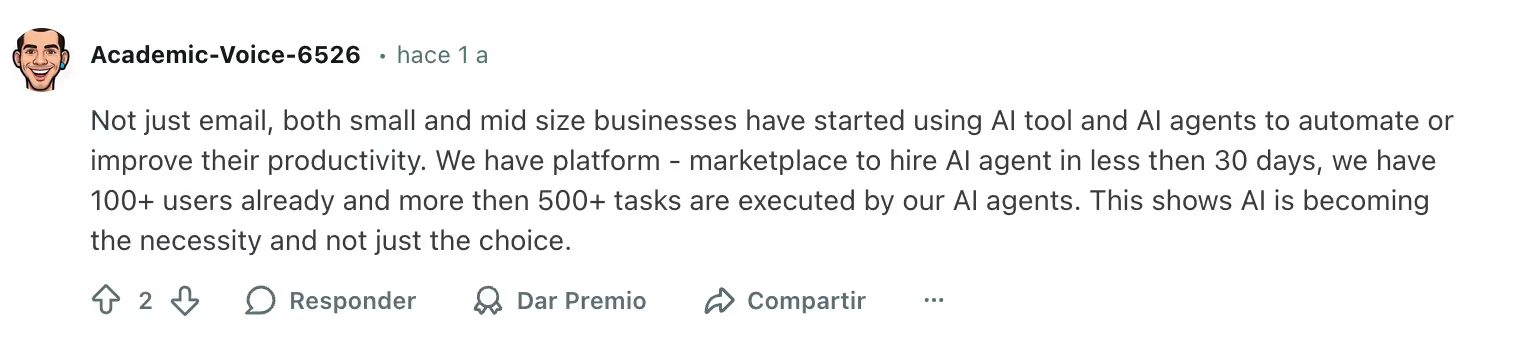
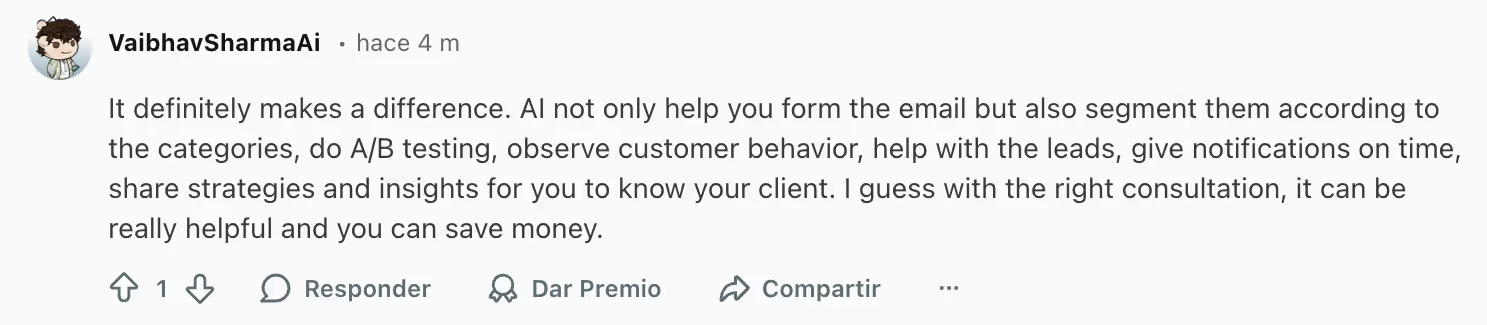
Are AI Email Response Generators the Right Choice for You? Here’s What Users Say
Across sales, support, and operations teams, the feedback is consistent.
Users say these tools help most when:
- They handle high volumes of repetitive emails
- Response speed directly affects revenue or customer satisfaction
- Teams struggle with tone consistency
- Inbox workload leads to burnout or delays
Where they help less:
- Highly sensitive or strategic emails still need a human touch
- If your email volume is low, the time savings are limited
- Standalone tools without inbox integration create extra steps
In short, AI response generators are strongest when they sit inside your daily workflow, not outside it.


Teams that are still exploring options can also look at free AI assistants before committing to paid workflow tools.
10 AI Email Response Generators That Live Up to the Hype
1. Gmelius
Why Gmelius’s Email Response Generator is Worth Trying
Gmelius is built for teams and individuals that run their operations directly inside Gmail and Google Workspace. Its AI response generator is not just a writing assistant. It works inside shared inboxes where conversations, assignments, and automation already live.
The AI drafts replies using full thread context, which is especially useful for support, account management, and operations teams. Because it is tied to shared inboxes, templates, and automation rules, the AI output fits into real workflows instead of feeling like a disconnected tool.
Gmelius also allows teams to connect a knowledge base, which improves draft quality by grounding responses in company information. Over time, the system benefits from shared email history across the team, creating a layer of collective knowledge that helps keep replies consistent.
It is particularly strong for teams that want AI plus collaboration in the same place.
The Downside
Gmelius is built primarily for Google Workspace, so teams outside Gmail may find it limiting. It also prioritizes team workflows over individual productivity features. Outlook support is expected soon, which could broaden its relevance beyond Google-based teams.
How Much You’ll Have to Spend
Gmelius uses a per user subscription model, with pricing tiers based on collaboration, automation, and AI capabilities for teams. Available from $21/user/mo.
2. Gemini
Why Gemini’s Email Response Generator is Worth Trying
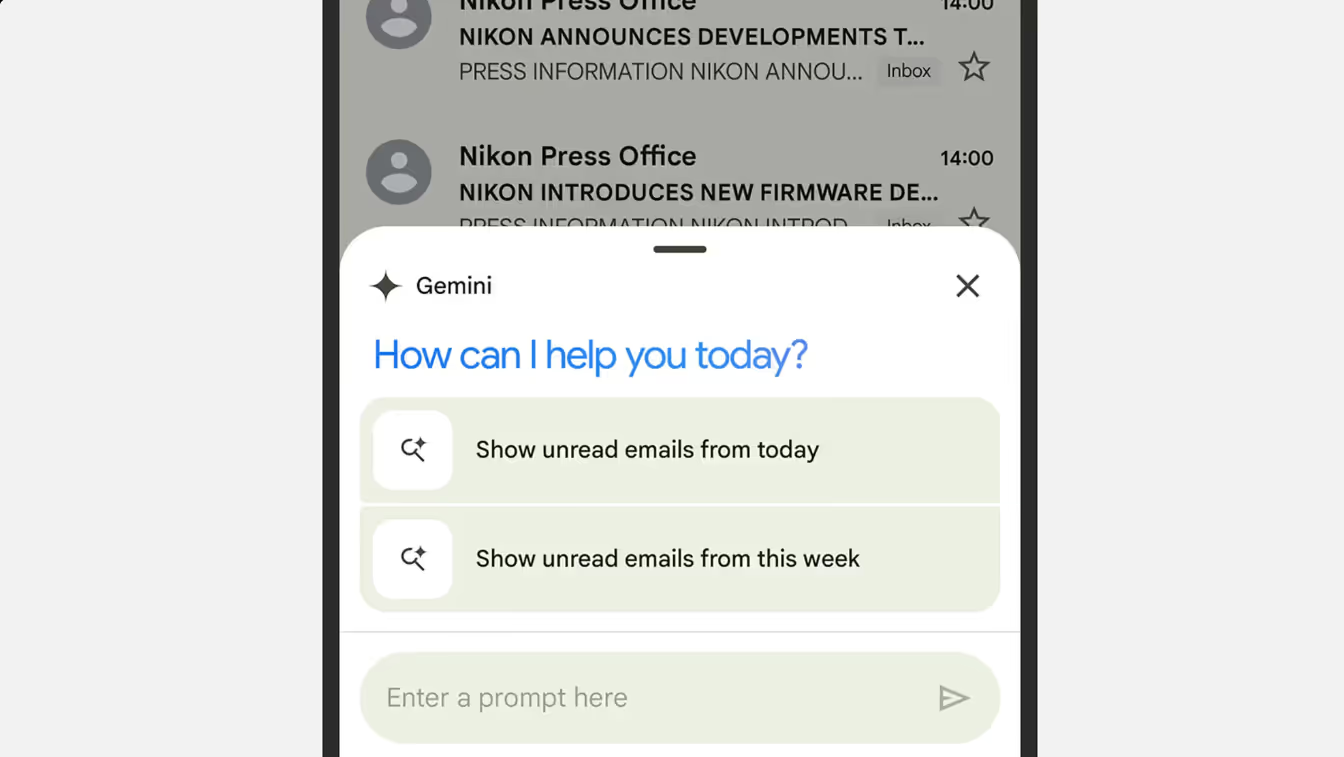
Gemini integrates directly into Gmail and Google Workspace. It can summarize threads, suggest replies, and help rephrase emails quickly. Because it is embedded in the Google ecosystem, adoption is easy for individuals and small teams already working in Gmail.
It is useful for fast drafting, tone adjustments, and summarizing long threads.
The Downside
Gemini focuses more on general assistance than structured team workflows. It does not replace shared inbox management or advanced collaboration tools. Besides, Gemini doesn’t allow you to add any source of external resources to train the AI.
How Much You’ll Have to Spend
Both offer free versions, with paid plans unlocking advanced models, higher usage limits, and enterprise controls. Gemini from $29.99/user/mo.
3. Superhuman
Why Superhuman’s Email Response Generator is Worth Trying
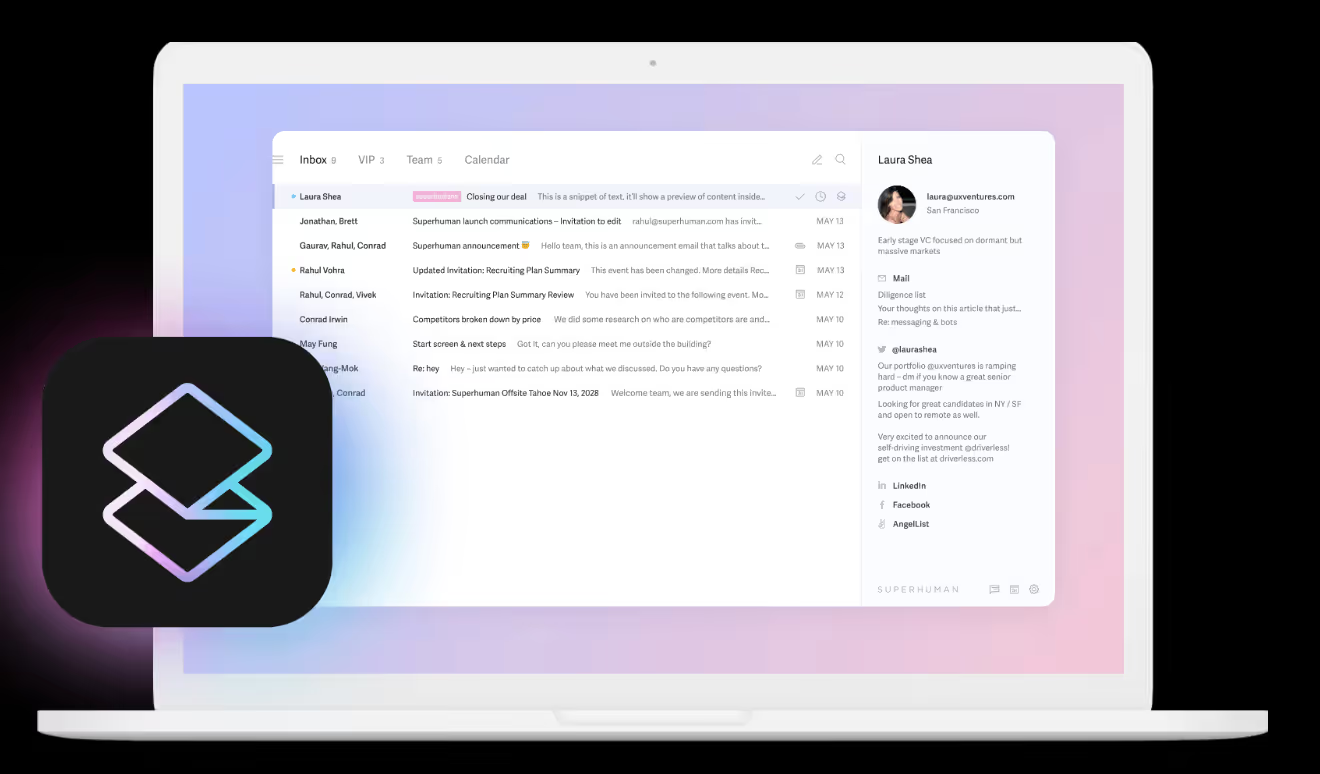
Superhuman combines speed-focused email design with AI features. Its AI helps draft quick replies, shorten messages, and maintain a polished tone. It is popular among executives, founders, and sales professionals who prioritize fast inbox management.
The Downside
Superhuman is optimized for individual productivity. Teams needing shared inboxes or workflow automation may find it limited.
How Much You’ll Have to Spend
Superhuman operates on a premium per user subscription model. Rate of $30/user/mo.
4. Grammarly
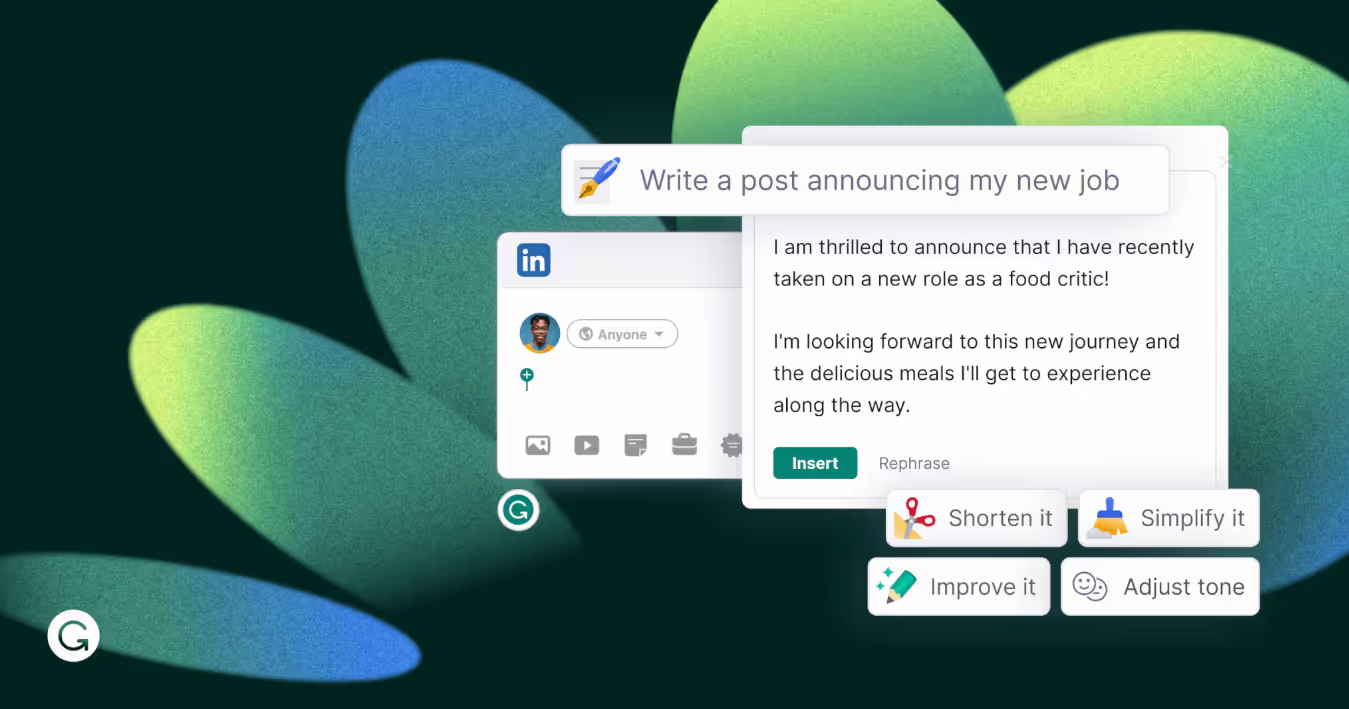
Why Grammarly’s Email Response Generator is Worth Trying
Grammarly’s AI goes beyond grammar correction. It can rewrite emails, adjust tone, and generate drafts from prompts. It is especially useful for users who want to improve clarity and professionalism in outbound communication.
The Downside
Grammarly does not deeply understand email thread context or team workflows. It works more as a writing layer than an inbox system.
How Much You’ll Have to Spend
Grammarly offers free and paid plans, with advanced AI features in higher tiers. Premium plan from $30/user/mo.
5. Jotform Gmail Agent
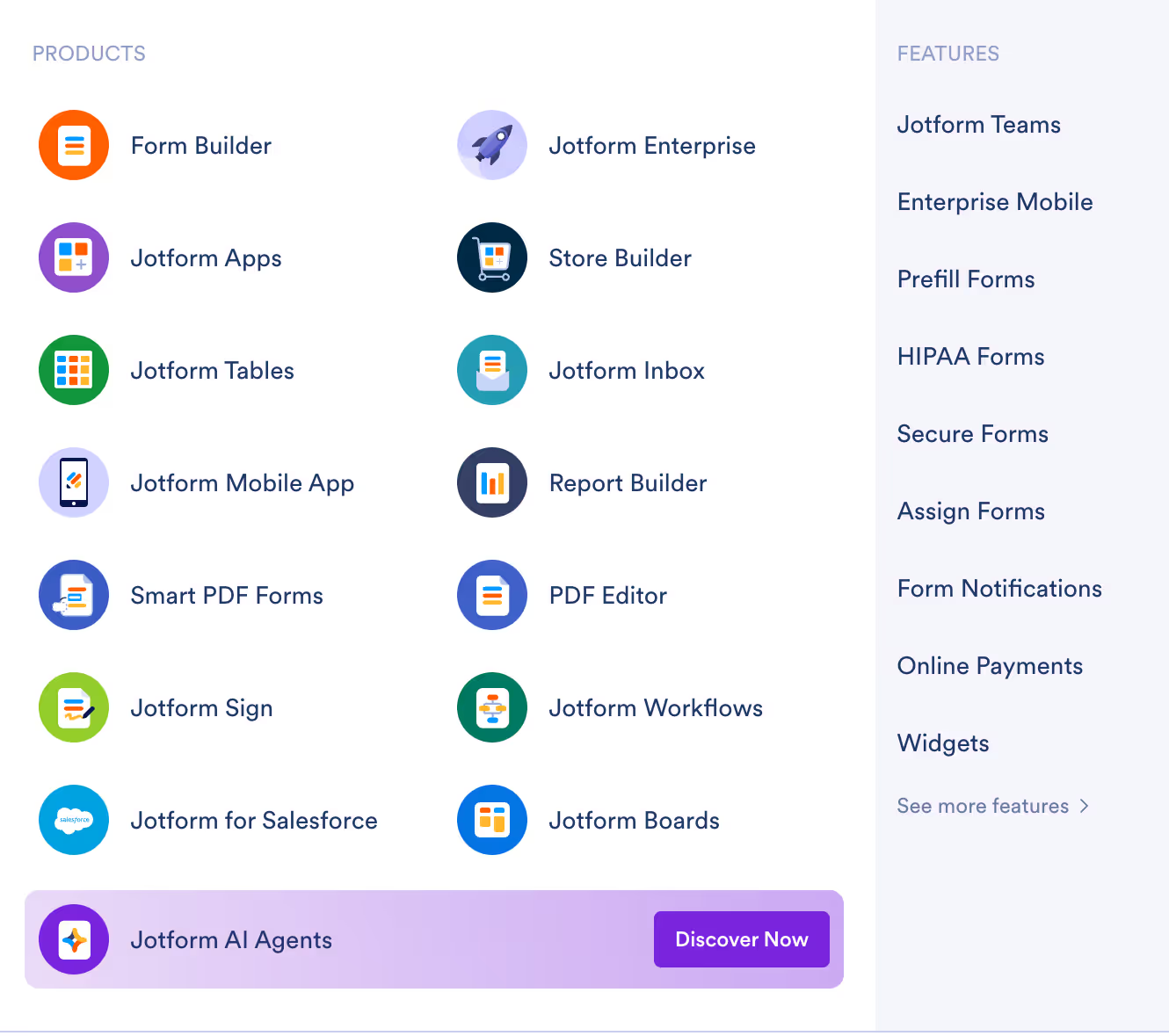
Why Jotform’s Email Response Generator is Worth Trying
Jotform’s AI agent connects form submissions to automated responses. It works well for teams that receive structured inquiries and want AI-generated replies based on form data. This makes it especially useful for support requests, event registrations, and lead capture scenarios where information follows predictable fields.
The Downside
Its usefulness depends heavily on form-based workflows. It is less suited for unstructured, back-and-forth email conversations where context evolves over time.
How Much You’ll Have to Spend
Pricing depends on Jotform plans and usage volume, particularly the number of submissions and advanced automation features required. Plans from $39/user/mo.
6. Xemail
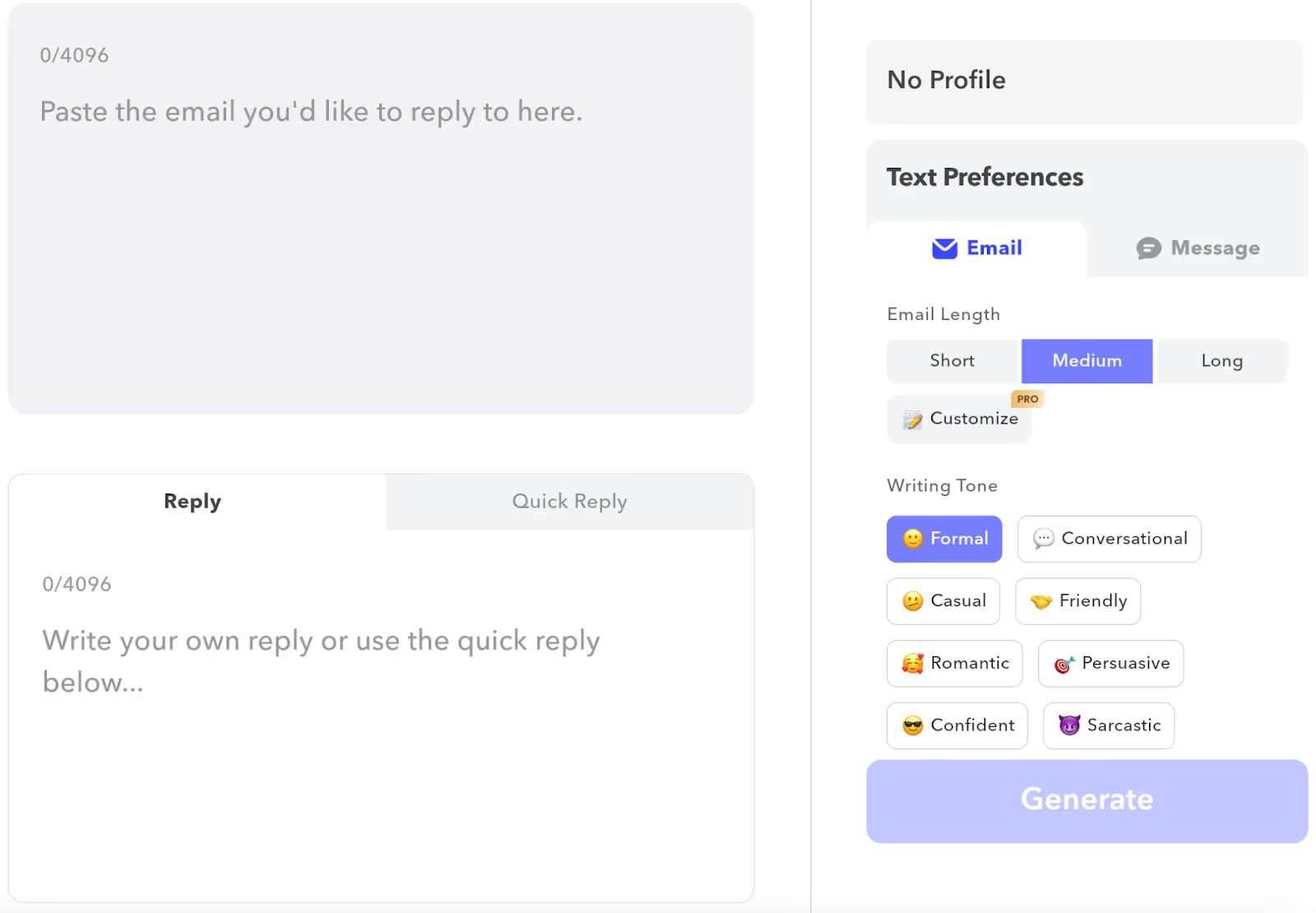
Why Xemail’s Email Response Generator is Worth Trying
Xemail focuses on AI-powered email writing and quick reply generation. It is useful for users who want fast, on-demand drafts without heavy setup or complex onboarding. The tool is positioned as a straightforward way to speed up everyday email responses.
The Downside
It lacks deep integration with team collaboration tools or structured workflow systems, which can limit its impact in multi-user environments.
How Much You’ll Have to Spend
Typically offered as a 3/month plan or a lifetime subscription. Pro plan from $33.99 user/3 mo.
7. WriteMail
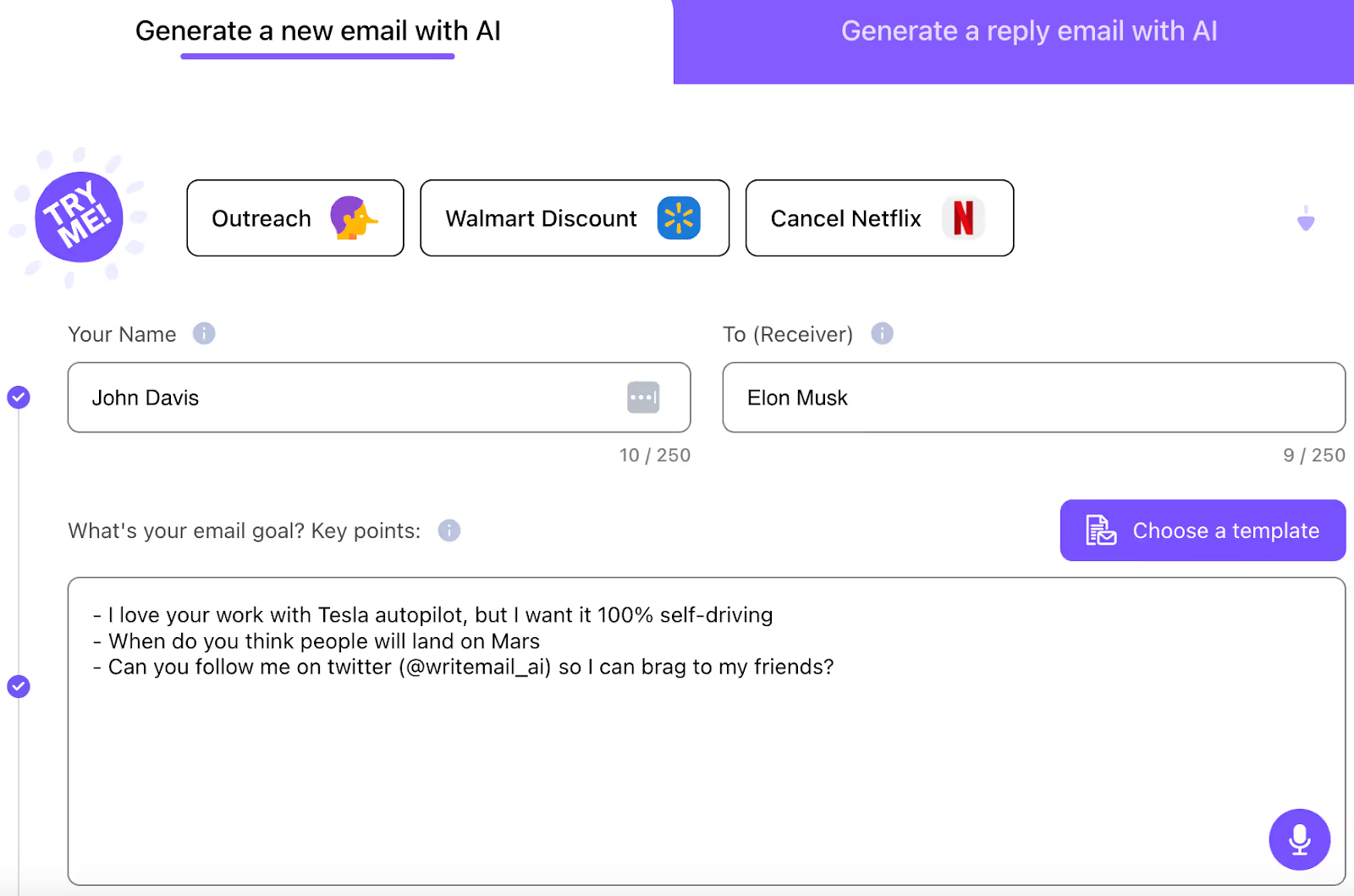
Why WriteMail’s Email Response Generator is Worth Trying
WriteMail emphasizes simplicity. Users can generate replies, adjust tone, and refine messaging quickly, making it a good option for individuals who want lightweight assistance without changing their overall email setup.
The Downside
It offers limited context awareness and minimal workflow integration, so it may not handle complex threads or team-based processes effectively.
How Much You’ll Have to Spend
Usually structured as a paid subscription tool, with different tiers. Plans available from $6,95/user/mo with very limited usage.
8. SuperReply
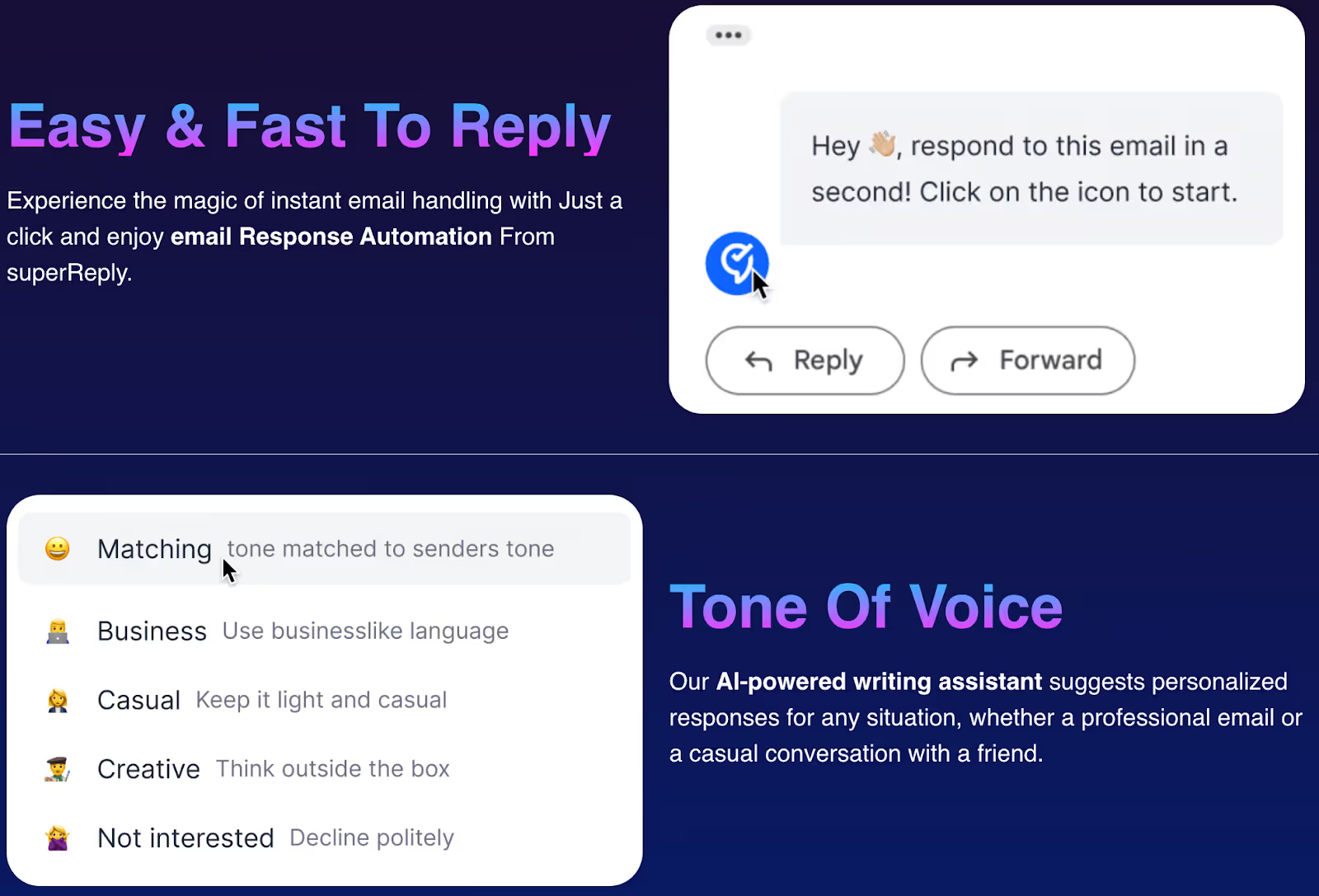
Why SuperReply’s Email Response Generator is Worth Trying
SuperReply is designed for quick reply generation inside email clients. It helps users handle repetitive messages efficiently.
The Downside
It focuses more on speed than deep context or team collaboration, which can make responses feel generic in more nuanced situations.
How Much You’ll Have to Spend
Subscription pricing is based on usage and feature access, with higher tiers offering more customization and volume. Available from $24.99/user/mo.
9. Perplexity Email Assistant
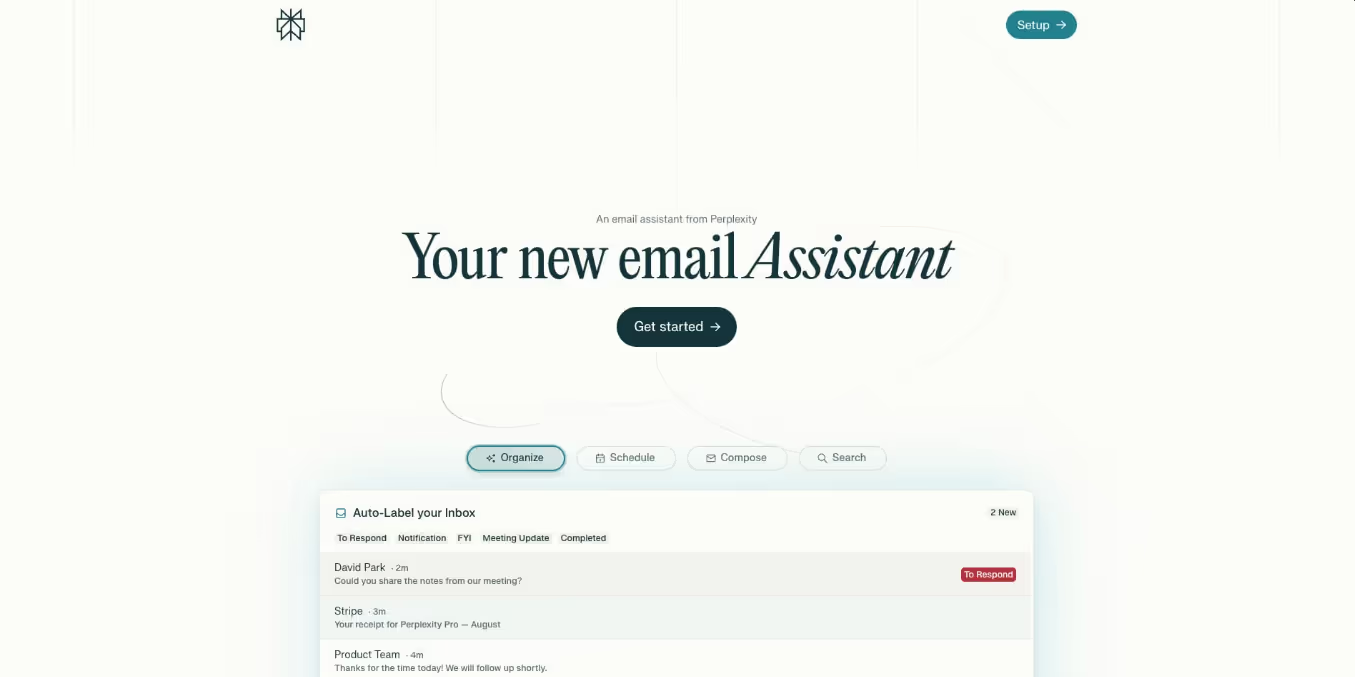
Why Perplexity’s Email Response Generator is Worth Trying
Perplexity brings research capabilities into email drafting. It can help create more informed, detailed responses when background knowledge is required.
Perplexity brings research capabilities into email drafting. It can help create more informed, detailed responses when background knowledge or fact-based context is required, which is useful for analytical or research-heavy communication.
The Downside
It is not built as a full inbox workflow tool and often requires switching between tools, which can interrupt the natural flow of email work.
How Much You’ll Have to Spend
Only available as part of Perplexity Pro ($200/user/mo).
10. ClickUp Brain
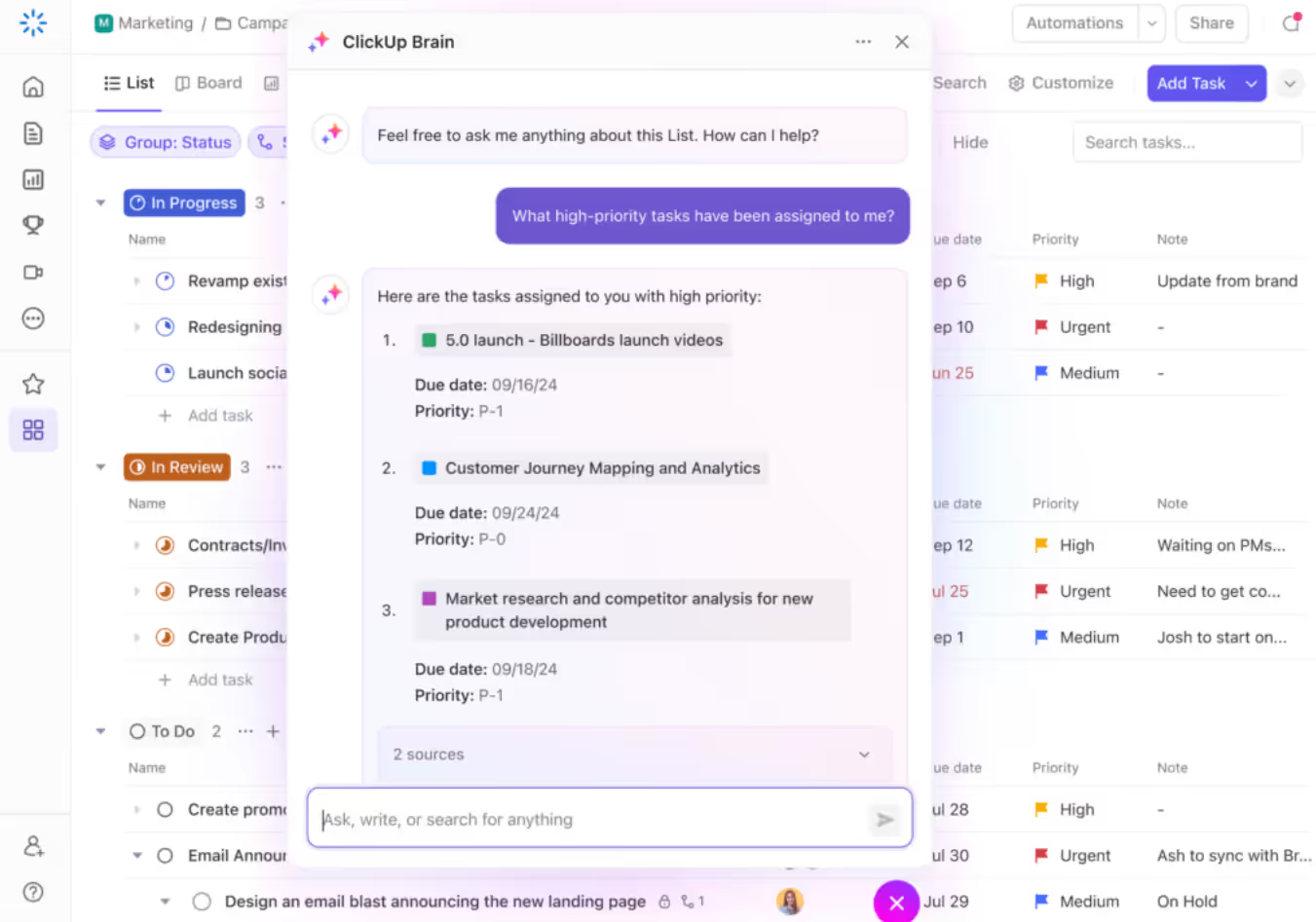
Why ClickUp’s Email Response Generator is Worth Trying
ClickUp Brain connects AI to tasks, projects, and documentation. It helps draft emails based on project context, which is useful for operations, project management, and cross-functional teams working inside ClickUp.
The Downside
Best suited for teams already using ClickUp. As a standalone email solution, it is less specialized and may not replace dedicated inbox tools.
How Much You’ll Have to Spend
Included within ClickUp’s paid plans that offer AI features, with costs depending on the plan tier and number of users. From $12 user/mo.
AI Email Response Generators at a Glance
How We Selected the 10 Best AI Email Response Generators for This Year
We focused on tools that:
- Offer AI-generated email replies, not just grammar fixes
- Integrate into real workflows or email environments
- Serve different use cases, including individual and team needs
- Show strong adoption in professional settings
Our goal was not to pick one winner for everyone, but to highlight tools that solve different inbox challenges effectively.
Get Started With Our Top Picks
AI email response generators are no longer experimental tools. For many teams, they are becoming a core layer of daily communication. The key is choosing a tool that fits where your work already happens.
If your team operates inside Gmail and manages shared conversations, automation, and collaboration in one place, Gmelius stands out as a strong option to explore.
Try an AI email response generator that works inside your team’s real workflows, not outside them. Start a free trial at Gmelius and see how much faster your inbox moves when AI and collaboration finally live in the same place.




.avif)

.avif)





