




By early 2026, the initial "wow" phase of Generative AI has settled into a more pragmatic "how." We’ve learned that while generalist LLMs like ChatGPT and Gemini are incredible polymaths, they are often mediocre employees. They can write a poem about your inbox, but they can't actually manage it without you copy-pasting data back and forth like a 1990s data entry clerk.
The real productivity unlock in 2026 isn't a smarter chatbot; it's a specialized agent that lives where you work. We analyzed the top contenders to see which ones actually deliver on the promise of an automated workflow.
We Compared the Best AI Assistants Released So Far
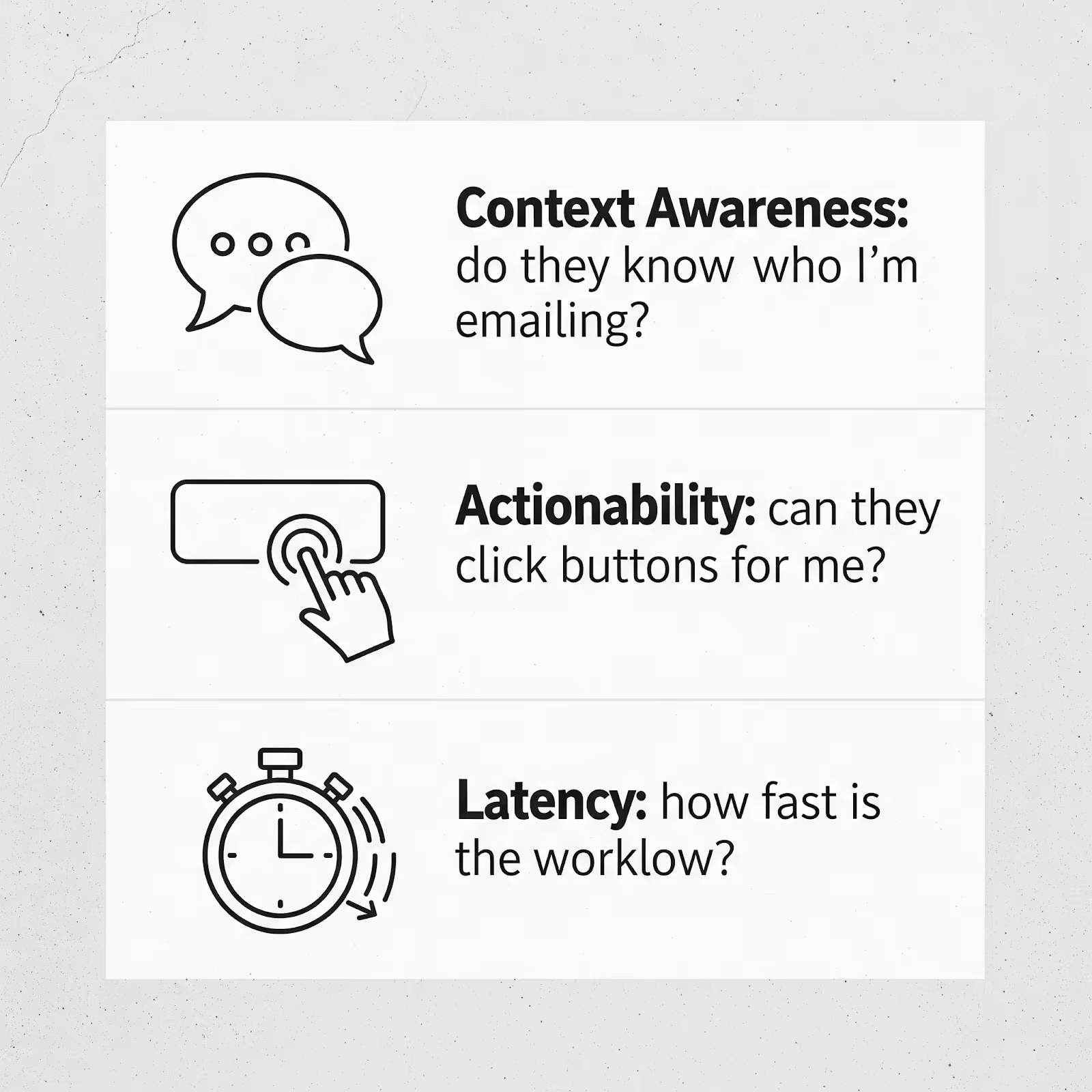
To separate the transformative tools from the "wrapper" apps (thin user interfaces slapped on top of GPT-4), we tested 15+ leading AI assistants against a rigorous rubric: Context Awareness (do they know who I’m emailing?), Actionability (can they click buttons for me?), and Latency (how fast is the workflow?).
The contenders included industry giants like Microsoft Copilot and Google Gemini, alongside specialized powerhouses like Gmelius, Superhuman, and Fyxer.
The Finding: Generalist AI Assistants Lack Context
The core problem with using ChatGPT or Gemini for daily operations is context switching.
According to HBR research, the average professional switches apps 1,200 times a day. Every time you copy an email thread into ChatGPT to ask for a summary, you are:
- Breaking your flow state.
- Losing metadata (timestamps, sender history, previous attachments).
- Creating a privacy risk by pasting internal data into a public model.
Generalist AIs are "stateless;" that means they don't know that Alice from Accounting prefers concise emails, or that Project X was delayed last week. Specialized assistants do.
Here Are 5 AI Assistants That Perform Better
These five tools have moved beyond simple text generation to become true "agentic" partners in your workflow.
1. Gmelius
Gmelius has evolved from a simple shared inbox tool into a sophisticated AI assistant that sits directly on top of Gmail. Not only does it write for you (it’s autonomous), but it also helps your team coordinate tasks.
How Gmelius Beats Generic AI Assistants
Gmelius uses its proprietary "Meli" agent to bridge the gap between individual productivity and team logistics. Unlike ChatGPT, which sees one email at a time, Meli sees everything that’s going on in your inbox, writing patterns, contacts, calendar, and more.
We found that the AI assistant can even send emails directly from chat, something ChatGPT is unlikely ever to be able to do, as it’s a generalist bot with no real ties to your mail.
- Contextual dispatch: It can analyze an incoming email and automatically assign it to the right team member based on workload and expertise.
- Auto-sort and auto-act: We’re happy to report that the AI assistant can be trained on your knowledge base (e.g., a sitemap or website) and custom instructions. So, if you want all negative-sounding emails to be escalated to a manager, Meli can do that for you.
- Shared intelligence: If your colleague answered a similar question last week, Meli can draft your reply using that historical context. We were happy to see that the drafts and templates generated by the AI assistant are shareable too.
The Possible Downsides
- Platform lock-in: It is strictly a Google Workspace tool. If your company uses Outlook/Office 365, Gmelius is a non-starter – for now. The good news is, you can sign up for their Outlook release, which is coming later this year.
- Feature density: It transforms Gmail into a project management hub. If you just want a simple "reply bot," the interface can feel overwhelming.
How Much It’ll Cost You Compared to Generic AI Assistants
- Meli plan: $19/user/month (billed annually).
- Growth plan: $25/user/month (adds shared inboxes).
- Verdict: Comparable to a ChatGPT Plus subscription ($20/mo), but replaces Trello and Slack for many email-heavy teams while using a familiar chat-based interface.
2. Superhuman
We found Superhuman to be a good option for Silicon Valley execs who view email as a competitive sport. Its "Superhuman AI" features are designed for one thing: velocity.
How Superhuman Beats Generic AI Assistants
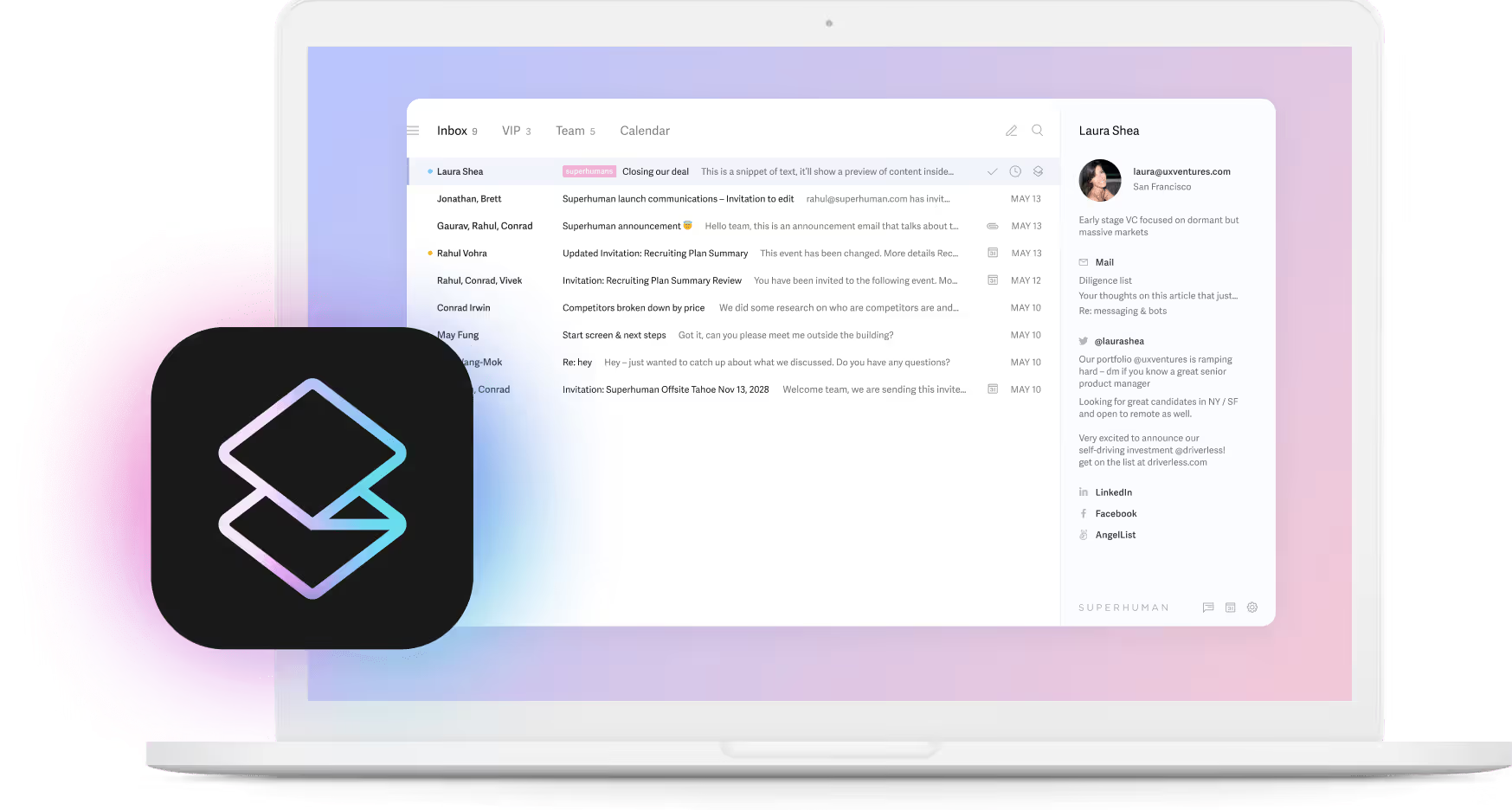
Superhuman operates on a "Split Inbox" philosophy powered by local-first AI.
- Instant triage: It pre-sorts your email into streams (VIPs, Newsletters, Team) with higher accuracy than Gmail’s native filters because it learns from your actions, not just keywords.
- Auto-summary: It summarizes long threads instantly as you open them, saving you the 30 seconds of "reading to catch up."
- Voice match: Its "Write with AI" feature analyzes your sent folder to mimic your specific brevity and tone, making the output indistinguishable from your actual writing.
The Possible Downsides
- Steep learning curve: You cannot use a mouse. You must learn their command-line interface and keyboard shortcuts, which takes about 2 weeks of frustration to master.
- Not great value: It is one of the most expensive email clients on the market, especially since it doesn’t support shared inboxes for your team. This completely negates the collective intelligence factor.
- Recent acquisition: Grammarly has acquired Superhuman, so it puts the future of the pureplay AI assistant feature at risk.
How Much It’ll Cost You Compared to Generic AI Assistants
- Starter: $25/user/month (limited AI)
- Business: $33/user/month
- Verdict: More expensive than a standard AI subscription, but targets a different ROI: reclaiming 3-4 hours of executive time per week.
We analyzed Superhuman in detail, in case you want more information.
3. Fyxer
Fyxer positions itself not as a tool, but as a "digital employee." It combines AI agents with human-in-the-loop quality assurance to handle executive administrative tasks.
How Fyxer Beats Generic AI Assistants
Fyxer attacks the scheduling problem that defeats most LLMs.
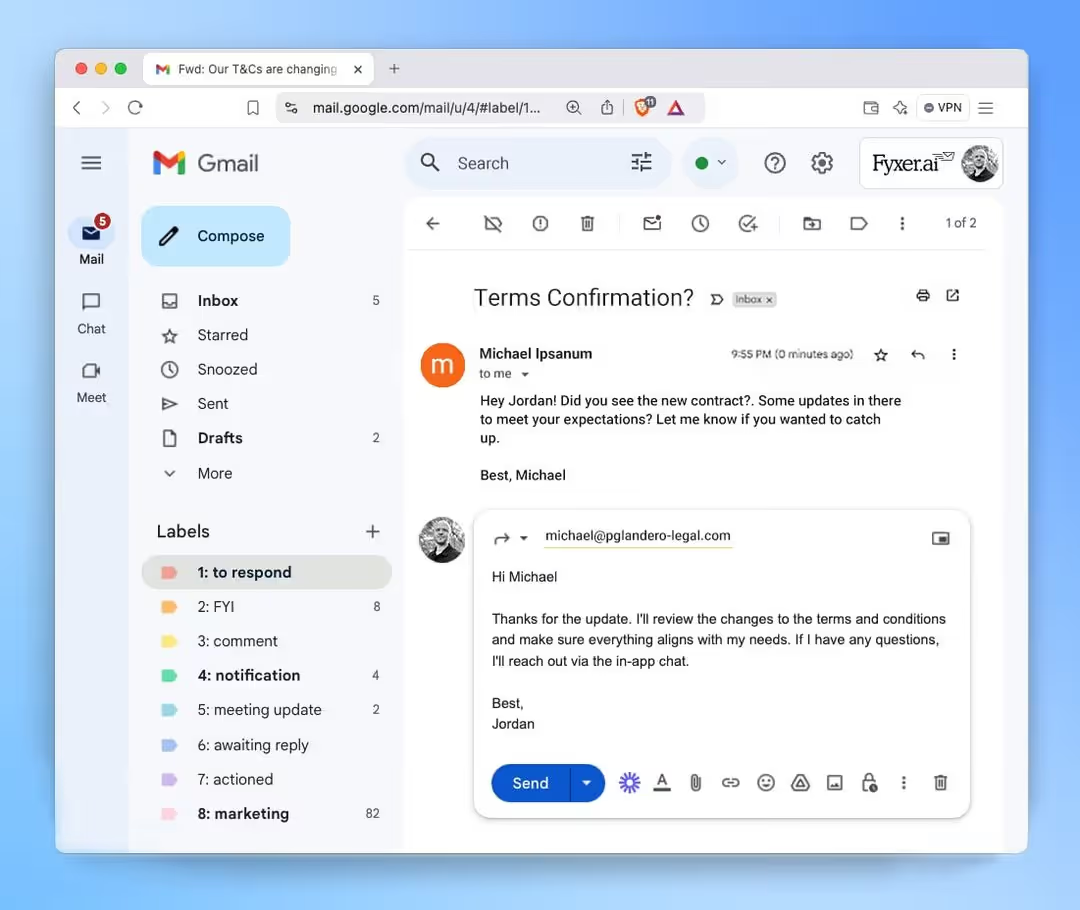
- Deep calendar access: We liked that it doesn't just draft a reply; it checks your calendar, negotiates times with the recipient, and sends the invite.
- The "EA" experience: It handles low-priority triage aggressively. It will point out spam, file receipts, and only notify you of what truly matters. It feels less like software and more like a hired assistant.
The possible downsides
- Lack of automation: You can’t really set up hyper-customized automation recipes with this AI assistant. In comparison, you can just tell Meli to ping you on Slack if emails from @client.com domain aren’t answered within 3 hours.
- Latency: Because it aims for "human-quality" accuracy (sometimes involving actual human review), it isn't always instant. This can take away from the whole notion of using an AI assistant instead of a virtual assistant.
How Much It’ll Cost You Compared to Generic AI Assistants
- Starter: $22.50/user/month (billed annually).
- Professional: $37.50/user/month.
- Verdict: More expensive than ChatGPT, but cheaper than hiring a real virtual assistant ($2,000+/mo). We were disappointed to see that the entry-level plan has very few features (only 1 email account organization, AI writer, and notetaker).
Read our Fyxer analysis to see how it stacks up as an AI assistant.
4. Perplexity Email Assistant
Perplexity has moved from "search engine" to "answer engine," and now it’s applying that logic to your personal data, but at a steep cost.
How Perplexity Email Assistant Beats Generic AI
Perplexity treats your inbox as a database you can query.
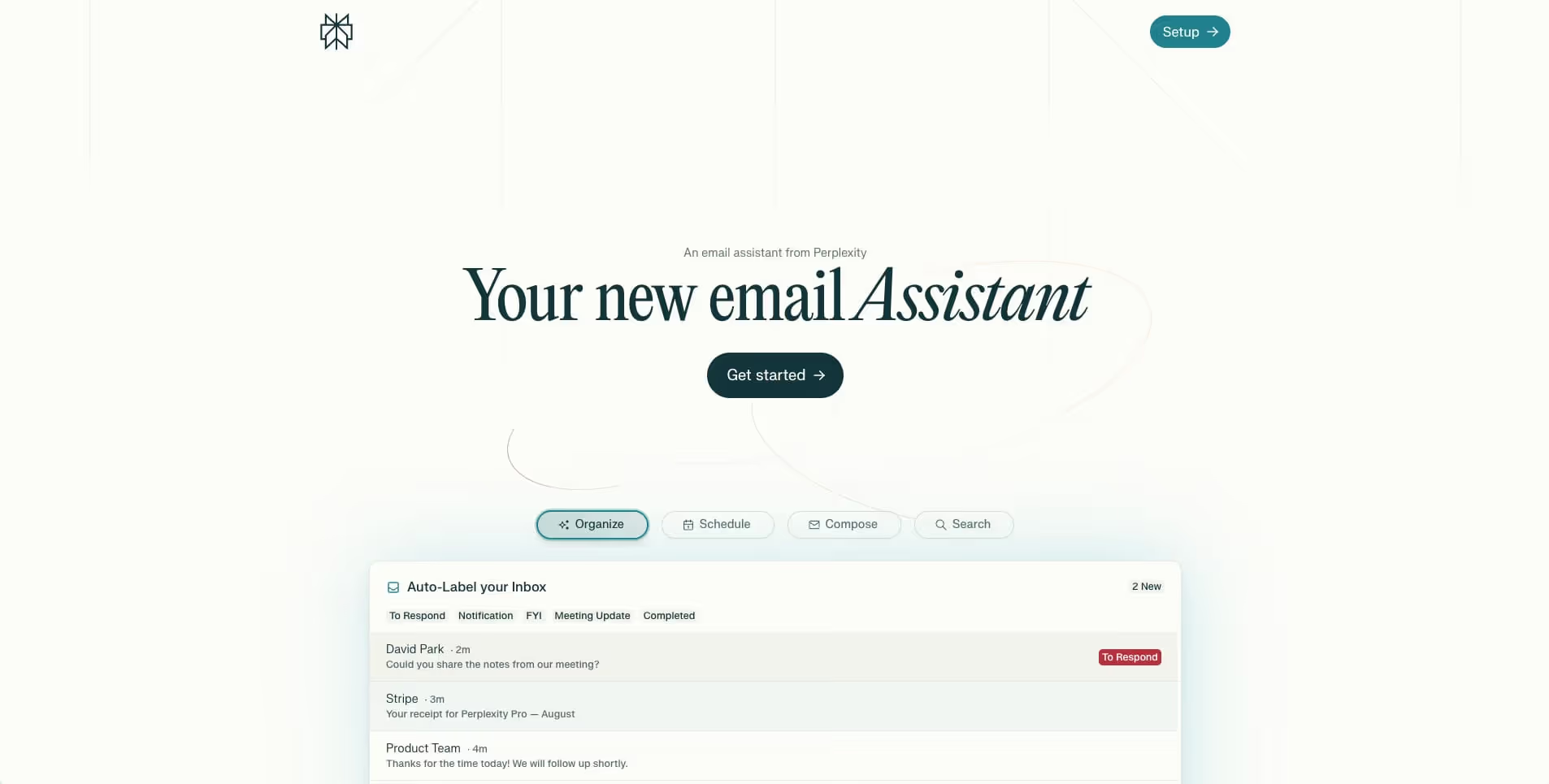
- "Ask Your Inbox": Instead of searching for keywords, you can ask, "What was the budget we agreed on with Acme Corp last November?" Perplexity retrieves the answer across multiple threads.
- Research integration: It can combine your internal email data with live web search. You can ask it to "Draft a reply to this client explaining why the lithium market is down," and it will pull real-time market data to support your email. However, we found that the Gmelius AI assistant also has an in-app web search feature, at a much lower cost.
The Possible Downsides
- Not a client: It is an assistant layer, not a full email client. You still need to use Gmail or Outlook to actually press send. It can’t respond to emails inside the chat conversation, unlike a few other AI assistants on this list.
- Very costly: We discovered that the email AI assistant is only available with Perplexity Max and Perplexity Enterprise, which costs a whopping $200/month onwards.
How Much It’ll Cost You Compared to Generic AI Assistants
- Perplexity Max: $200/month (or $2000/year)
- Verdict: Only makes sense if you already use Perplexity
5. MailMaestro
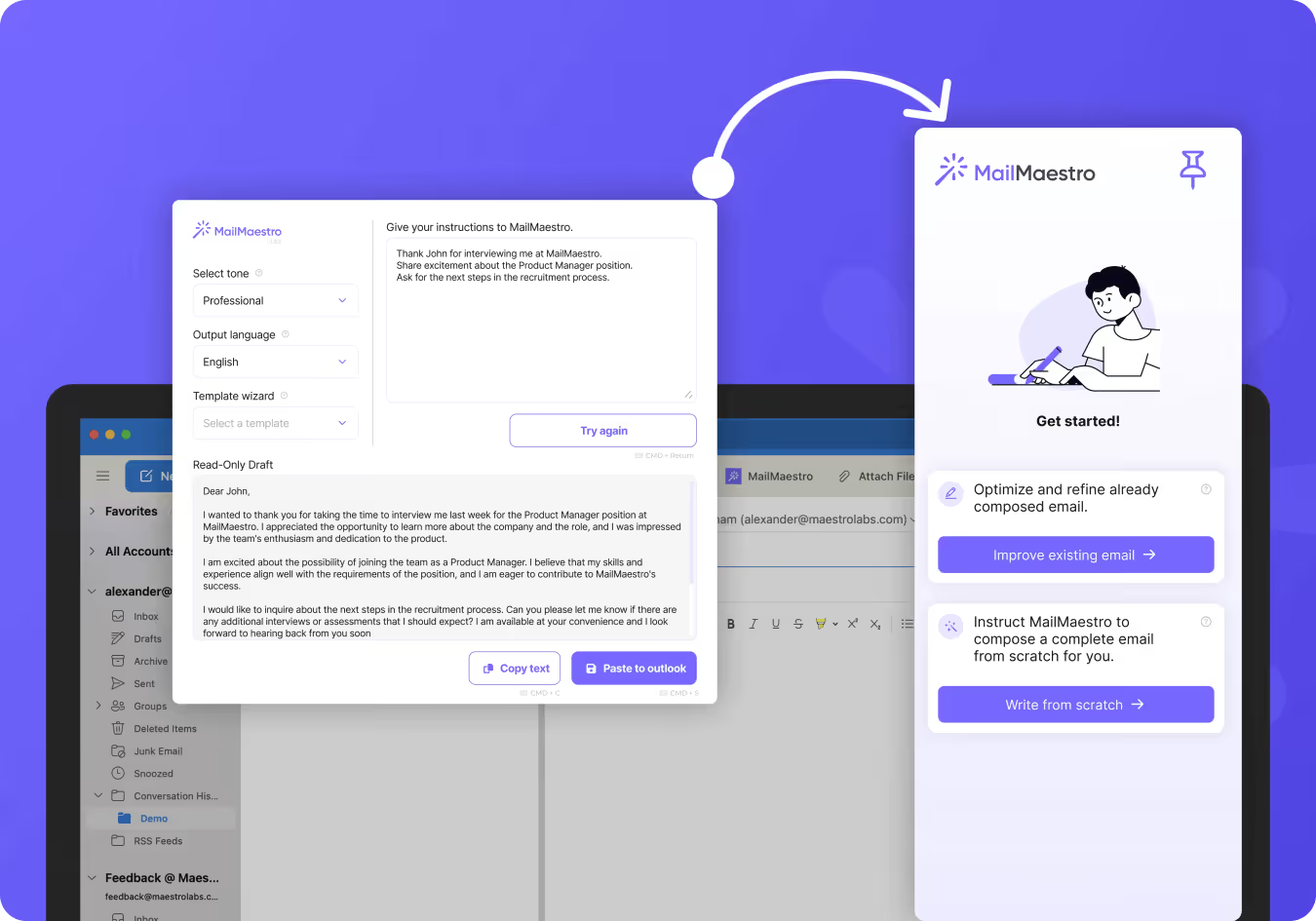
Our findings show that MailMaestro is a "safe" option for corporate users, focusing heavily on enterprise-grade security and Microsoft ecosystem integration.
How MailMaestro Beats Generic AI Assistants
Security is the product here.
- Simplicity: With only a few features, we found the tool to be easy to learn and good for basic tasks. It also has a free plan that lets you execute exactly 3 AI assistant actions a week.
- Outlook Native: It lives as a sidebar in Outlook (and Gmail), allowing you to improve drafts, change tone, and translate languages, complete with Microsoft attestation.
The possible downsides
- Limited scope: It is primarily a drafting and summarizing tool. It lacks the deep project management features of Gmelius or the scheduling autonomy of Fyxer.
- "Corporate" feel: The UX is functional but lacks the polish and speed. Yet, it doesn’t have corporate features, like shared inboxes or project management.
How Much It’ll Cost You Compared to Generic AI Assistants
- Professional: $12/user/month.
- Verdict: The most budget-friendly option on this list, specifically designed for users who are banned from using ChatGPT at work due to compliance rules. However, its features are limited and we’d say it’s suitable for users with basic AI assistant needs.
What We Look for When Testing AI Assistants
When evaluating these tools in 2026, ignore the "generative" hype. Almost every tool can write a decent email now. Instead, test for:
- Platform neutrality: Does it force you to switch email providers, or does it layer on top of what you already use?
- Recall accuracy: Ask the AI to find a specific detail from an email 3 months ago. If it fails, it’s useless as an assistant.
- Permissions and privacy: Specific "Action" permissions. A good assistant should ask, "Do you want me to send this?" rather than sending it silently.
Why Gmelius is the Best Option for AI Assistants in 2026
After testing the field, Gmelius stands out as the most complete solution for the modern workflow.
While Superhuman wins on speed and Perplexity wins on retrieval, Gmelius strikes the right balance between features and cost. Plus, it supports teamwork, which is a big miss we found in the case of most AI assistants.
In 2026, the bottleneck isn't how fast you type; it's how fast your team aligns. By embedding a powerful AI assistant directly into your shared inbox and team workflows, Gmelius solves the "coordination tax" problem.
It offers the best of individual productivity (e.g., get Meli to summarize threads, retrieve old data, and send emails right from chat) and organizational clarity (shared inboxes, adaptive templates, email @notes), without forcing you to leave the Gmail interface you already know.
But no matter which AI assistant you choose, it’s clear that domain-specific options are miles ahead of generalist tools like ChatGPT and Gemini. Understanding this difference will be key to unlocking what AI assistants can actually do for you today.
Get a Gmelius demo to test it for yourself.




.avif)

.avif)





