




For many organizations, Google Groups is the default choice simply because it is there. It comes pre-packaged with Google Workspace, it costs nothing extra, and it theoretically handles everything from company-wide announcements to customer support tickets.
But "free" often comes with a hidden cost: efficiency. Is relying on a tool designed two decades ago holding your team back? Or is the utility of Google Groups timeless? We tore down the features in this in-depth Google Groups review, the friction, and the functionality to give you the definitive verdict.
What is Google Groups?
At its simplest level, Google Groups can be defined a service that creates a single email address (e.g., team@company.com) that forwards messages to a list of other email addresses.
However, calling it a "listserv" sells it short. In the modern Google Workspace stack, Google Groups acts as a foundational Identity and Access Management (IAM) object. It isn't just about email; it’s about permissions.
You use Groups to grant 50 people access to a Drive folder, invite a department to a Calendar event, or gatekeep a secure document. It is the plumbing that connects the rest of the Google ecosystem, which is one of the key upsides that emerge when you ask if Google Groups is any good.
How Does Google Groups Work?
Google Groups works using a "hub and spoke" model, and understanding its inner workings can help you understand any Google Groups analysis a little better.
- Input: An email is sent to the Group address.
- Processing: Google checks the Group's settings (Who can post? Is it moderated? Is it a forum or a list?).
- Output: The message is distributed to the personal inboxes of all members or held in the web interface for discussion.
It offers two primary interfaces:
- Inbox relay: Most users interact with Groups passively. They receive the email in their personal Gmail, reply via Gmail, and never see the actual Groups interface.
- Web UI: A forum-style dashboard where users can view thread history, manage membership, and ostensibly "collaborate" on topics.
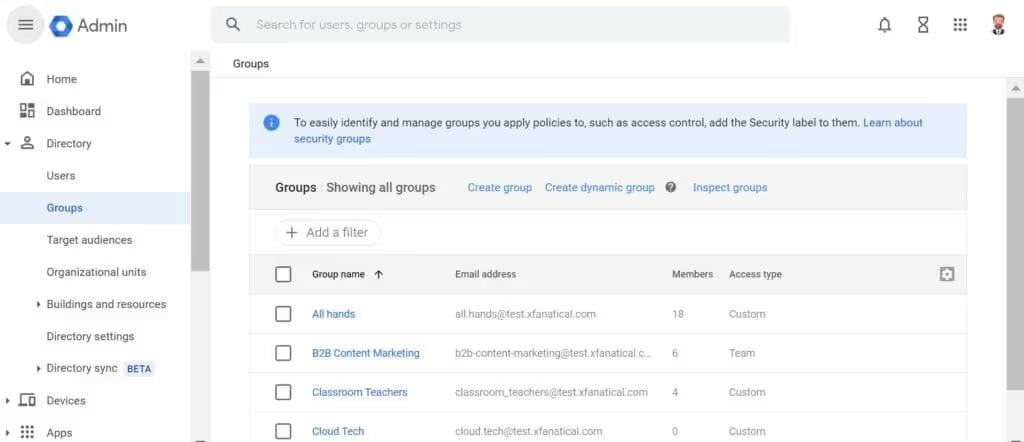
Notable Google Groups Features
Next in our Google Groups review, let’s look underneath the hood. While the interface might seem slightly dated, the engine under the hood offers enterprise-grade utility that extends beyond simple mailing lists.
- Collaborative inbox: A toggle that converts the group into a lightweight help desk, allowing members to assign threads, tag topics, and mark statuses (e.g., "Resolved" or "Duplicate").
- Granular permissions (IAM): Offers precise control over visibility and access. You can configure groups that are public to the world but writable only by staff, or read-only announcement lists for employees.
- Content moderation: Allows admins to hold messages for review before they broadcast. This is essential for preventing "Reply-All" storms on large distribution lists and filtering external spam.
- Searchable web archive: Creates a permanent, searchable URL for every discussion. New employees can browse historical decisions from years prior, turning the group into an institutional knowledge base.
- Member management and custom roles: Beyond standard roles, you can define custom privileges. For instance, creating a "Moderator" role that can delete spam but cannot alter group settings or membership.
- Nested groups: Supports adding groups as members of other groups (e.g., adding engineering@ inside all-staff@). This streamlines onboarding by allowing permissions to cascade automatically.
- Auto-replies: Enables automatic response messages for incoming emails to external senders (like "We received your request") without manual input. However, it isn’t as powerful, personalized, or context-driven as AI drafted auto replies.
What it Can and Cannot Do: The Pros and Cons of Google Groups
If you are evaluating Google Groups for your stack, you need to brutally weigh the infrastructure benefits against the daily workflow costs. Here is the breakdown.
Pros
Here's why Google Groups may be worth it:
✅ Zero marginal cost: If you have Google Workspace, you have Google Groups. There is no upsell, no per-seat pricing, and no contract negotiation to unlock features.
✅ Deep IAM integration: It acts as the native nervous system for Workspace permissions. Adding a user to a Group instantly grants them access to associated Drive folders, Calendars, and Doc permissions.
✅ Enterprise-grade reliability: It runs on Google’s core infrastructure. It boasts 99.9% uptime and utilizes world-class spam filtering, which is non-negotiable if you are publishing an address like info@ to the open web.
✅ Searchable institutional memory: Unlike a standard Cc: chain that lives and dies in personal inboxes, Groups create a permanent, indexed archive. A decision made three years ago remains discoverable via search.
✅ Infinite scalability (on paper): Whether you are broadcasting to five people or 50,000, the tool handles the volume without latency or delivery errors. However, in reality, processes can get clunky at scale.
Cons
This is where Google Groups lets you down:
❌ Collision risks: In a shared email scenario, there is no real-time awareness. Two support agents can reply to the same customer simultaneously with different answers, making your team look uncoordinated.
❌ Zero analytics: You are flying blind. There are no dashboards to track email volume, average response times, or individual team member performance. You cannot manage what you cannot measure.
❌ The "Bystander Effect": Without clear assignment features (unless you force users into the clunky web UI), emails often languish because every member assumes someone else is handling it.
❌ High-friction UI: The "Collaborative Inbox" features require users to leave their familiar Gmail tab and work in a separate, dated web interface. This context switching kills adoption and slows down workflows.
❌ No internal context: You cannot discuss an email privately with the email. To ask a teammate for help, you have to forward the email to them, creating a messy, fractured thread separate from the original client conversation.
❌ Lack of automation and SLAs: Google Groups has no concept of Service Level Agreements (e.g., "Reply within 2 hours"). You cannot set up round-robin assignment rules or automated follow-up reminders.
❌ Mobile hostility: Google has apps for almost everything, but there is no dedicated Google Groups app. Managing settings, moderating spam, or using the "Collaborative Inbox" features via a mobile web browser is a user experience nightmare.
How Much Does Google Groups Cost?
Coming to the cost of Google Groups, it's effectively free.
- For individuals: The consumer version (@googlegroups.com) is free for everyone.
- For businesses: It is included in every tier of Google Workspace, from Business Starter ($6/user/mo) to Enterprise.
There is no "Pro" version of Google Groups to unlock. You get the full feature set out of the box, but this also means that pro features (like automation and task assignment) are out of bounds, as we found in our Google Groups review.
What Are Real Users Saying About Google Groups?
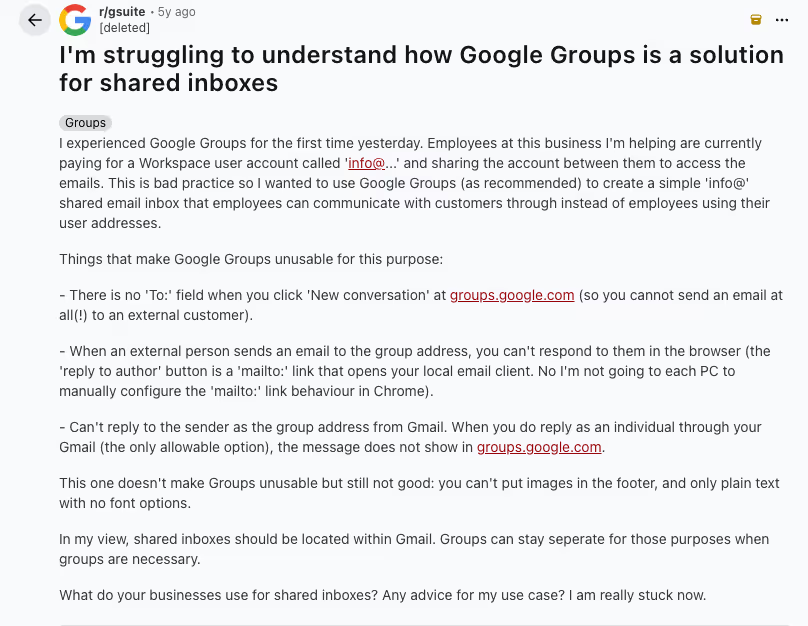
Despite Google Group’s widespread personal and professional use, our Google Groups review and user analysis found that customers are not very happy with the platform. For shared inboxes and collaboration, the platform falls short because of email limitations and primitive signatures, as this Reddit user explains in their Google Groups review.
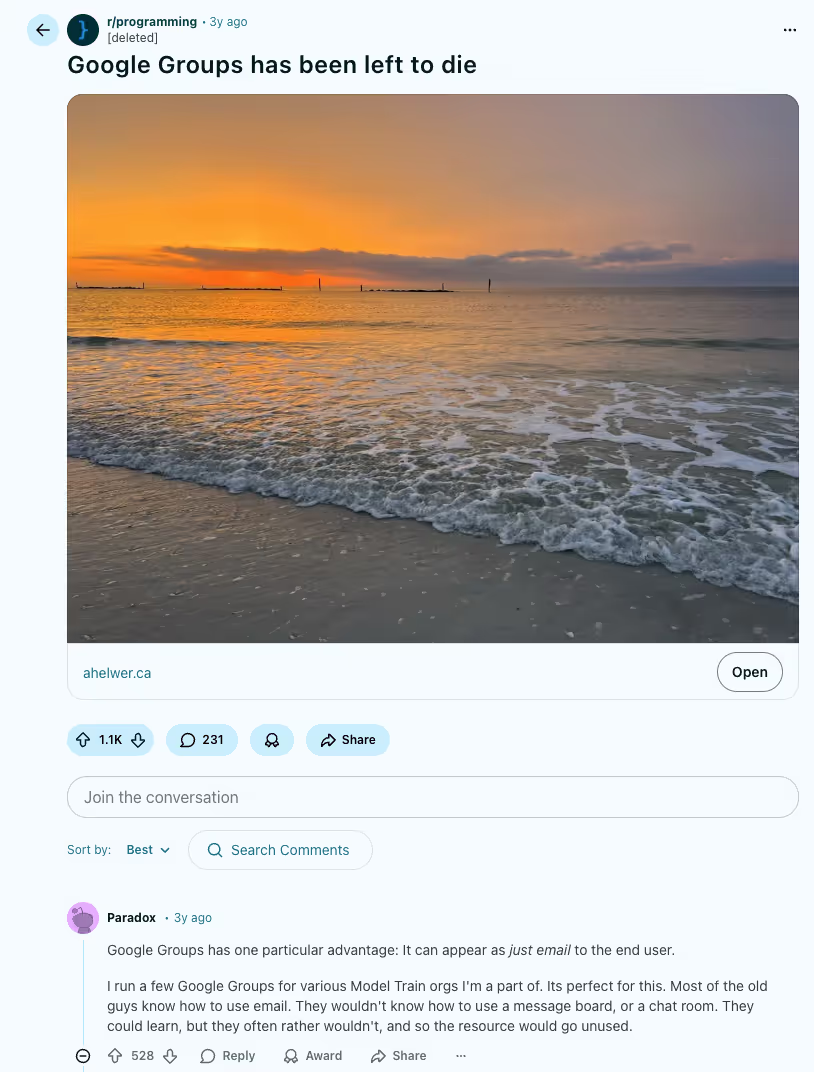
On the other hand, it can be useful for non-intrusive distribution lists, where you want an announcement to appear like just another email to the end user. Google Groups work well with those who are used to emails or may be change resistant.
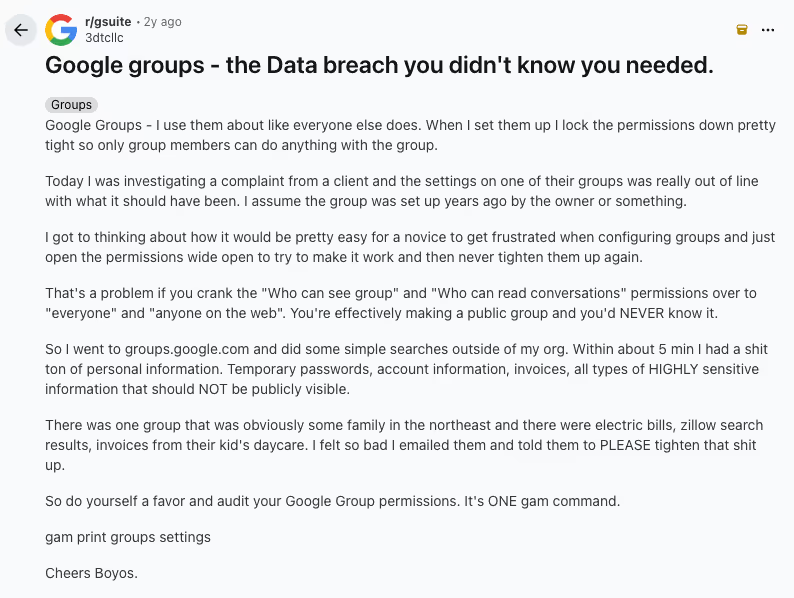
Plus, several Redditors speak about security issues, which is among the most common reasons to remove Google Group that we encountered in our review.
7 Alternatives to Google Groups
If you have outgrown the functionality of Google Groups, the market is flooded with specialized alternatives. Here is the landscape of competitors and where they fit in the stack.
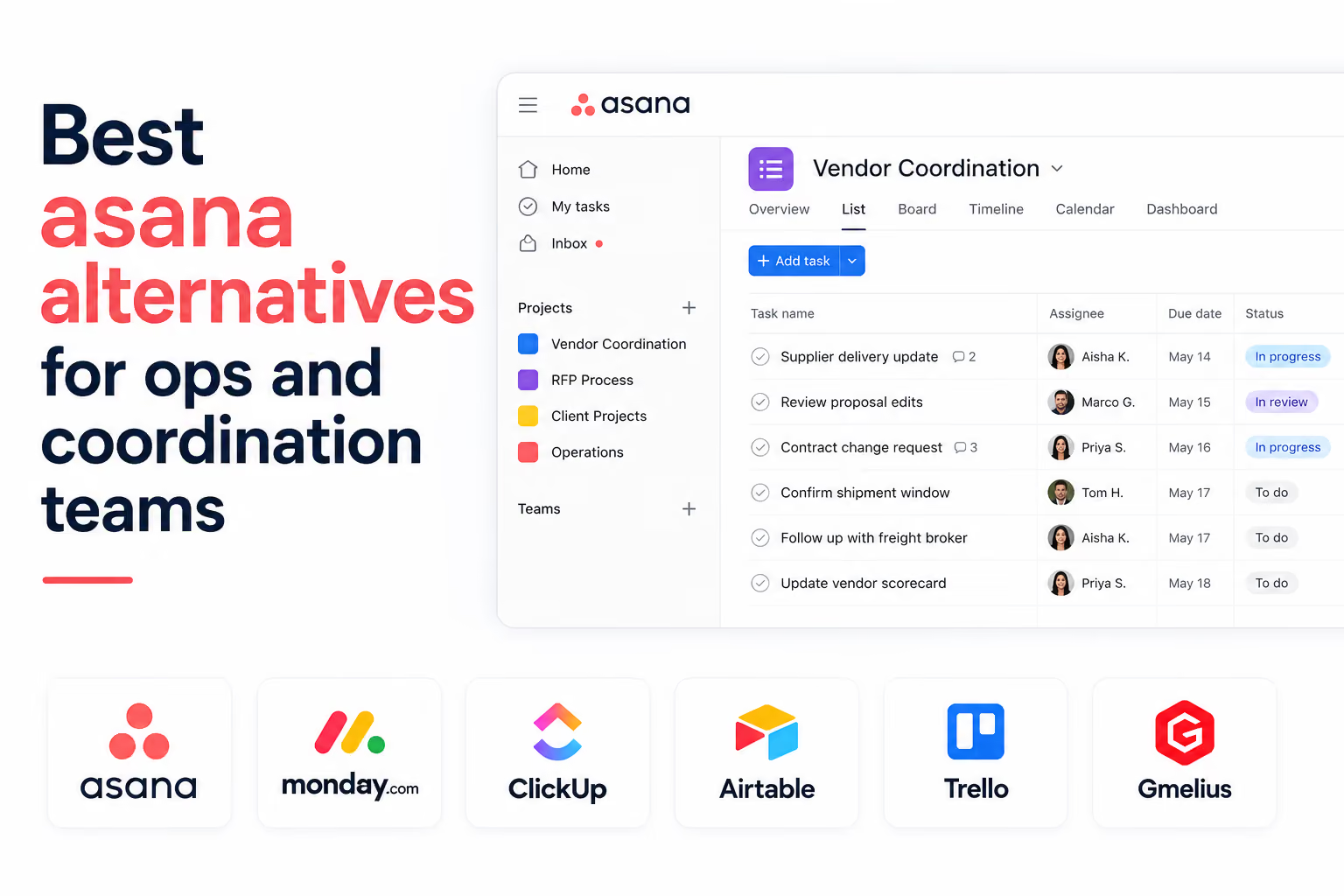
1. Gmelius
The "Layer on Top" Solution

For most teams, the biggest barrier to adopting a new help desk is the migration. Gmelius solves this by building its infrastructure directly inside the Gmail inbox you already use.
It connects to your existing Google Group and instantly transforms it into a robust shared inbox without changing your email address or requiring a new login.
Where Gmelius truly separates itself is the integration of AI into collaborative workflows. It uses AI to summarize email threads, sort teammates, and route tasks. It also offers AI-driven drafting assistance that learns from your team's historical responses, ensuring a consistent tone across all collaborators.
It is the path of least resistance for Google Workspace teams who want modern power without leaving the Google ecosystem.
2. Front
The "Unified Command Center" Solution

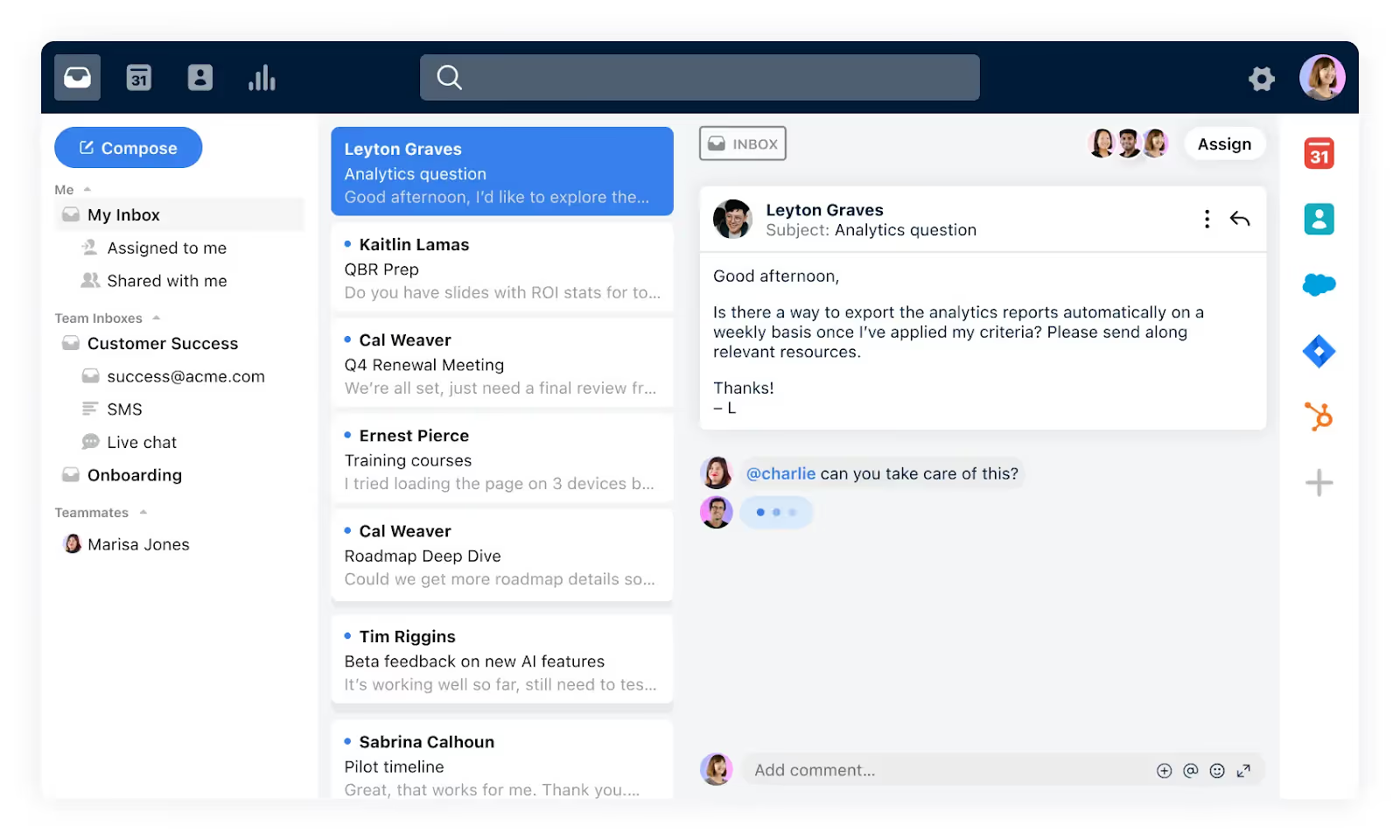
Front takes the opposite approach of Gmelius: it pulls you out of Gmail entirely. It is a standalone desktop application designed to aggregate every communication channel you have (email, SMS, WhatsApp, Twitter DMs, and website chat) into a single collaborative interface.
It is a heavy-duty solution favored by high-volume support teams who need to manage omnichannel customer experiences. While powerful, it requires your team to learn a new piece of software and creates a permanent "tab fatigue" problem by separating your personal work (Gmail) from your team work (Front).
3. Canary Mail
The "Security First" Solution

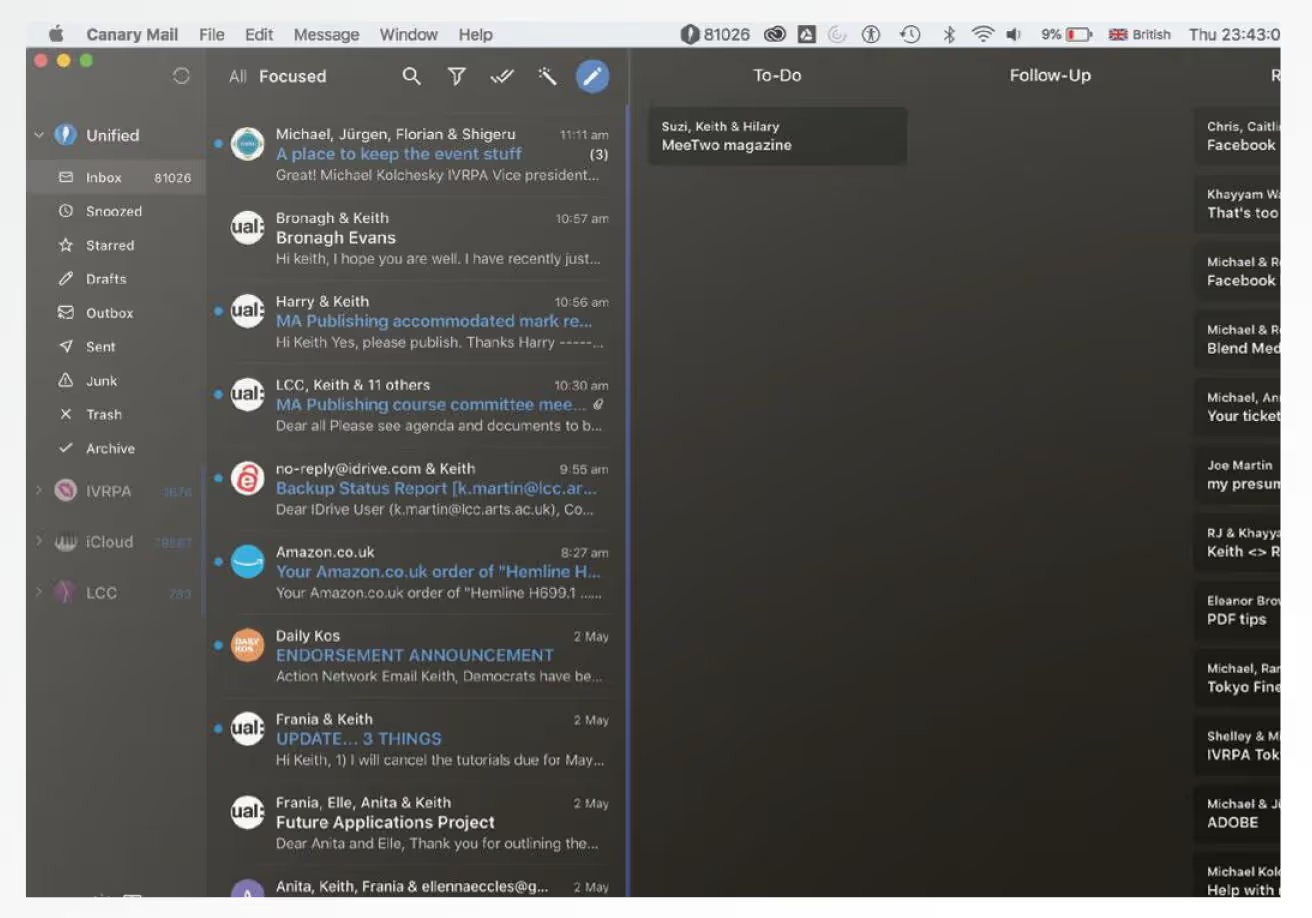
Canary Mail is less of a team platform and more of a super-charged email client. Its primary claim to fame is robust security, offering seamless PGP encryption for sensitive communications.
Recently, it has pivoted hard into AI, offering a "Copilot" that helps individuals summarize threads and draft responses.
While it is excellent for security-conscious power users or executives, it lacks the deep team-assignment, routing logic, and shared-view architecture that support teams need to manage a queue effectively.
4. Keeping
The "Lightweight" Solution

Keeping is designed for teams that find Zendesk too complex and Google Groups too simple. Like Gmelius, it integrates into Gmail, but with a much narrower focus: it turns emails into support tickets.
It excels at simplicity, allowing you to assign status (Open/Closed) and assign owners. However, it is strictly a help desk tool.
It lacks the broader project management features (like Kanban boards), deep automation rules, or the sophisticated AI collaboration tools found in more robust competitors. It is the minimalist choice for small e-commerce shops.

5. Missive
The "Chat + Email" Solution

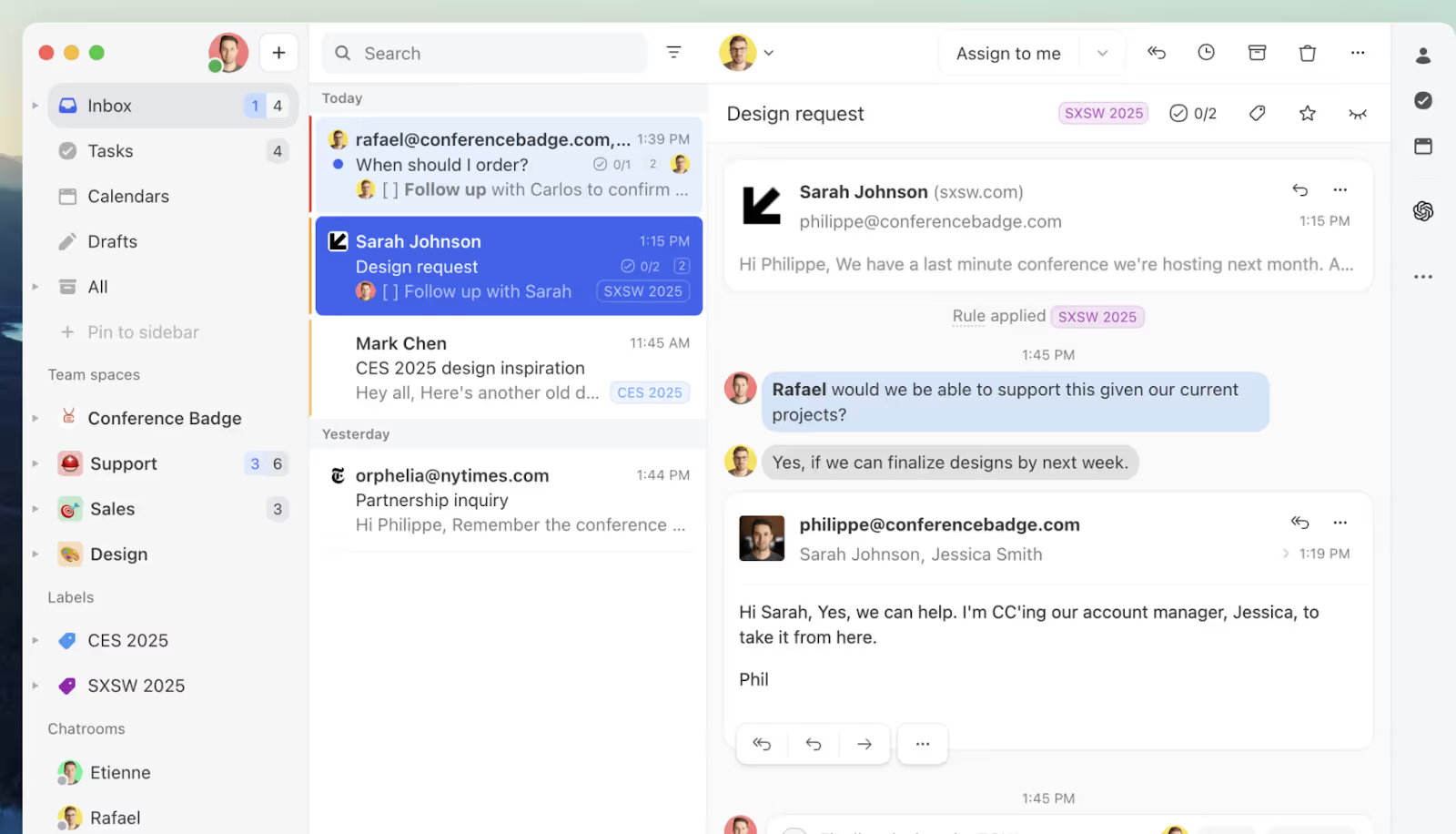
Missive blurs the line between Slack and Email. It is a standalone app that allows you to chat inside the email draft before sending it. This is incredibly useful for teams that need to "swarm" on complex replies; imagine a Google Doc-style editing experience but for an outgoing email.
It is highly collaborative, but like Front, it forces you into a separate ecosystem. If your company already lives in Slack or Microsoft Teams for chat and Gmail for email, adding a third "chat/email hybrid" tool can sometimes confuse the communication stack rather than simplify it.
6. Discourse
The "Community" Solution

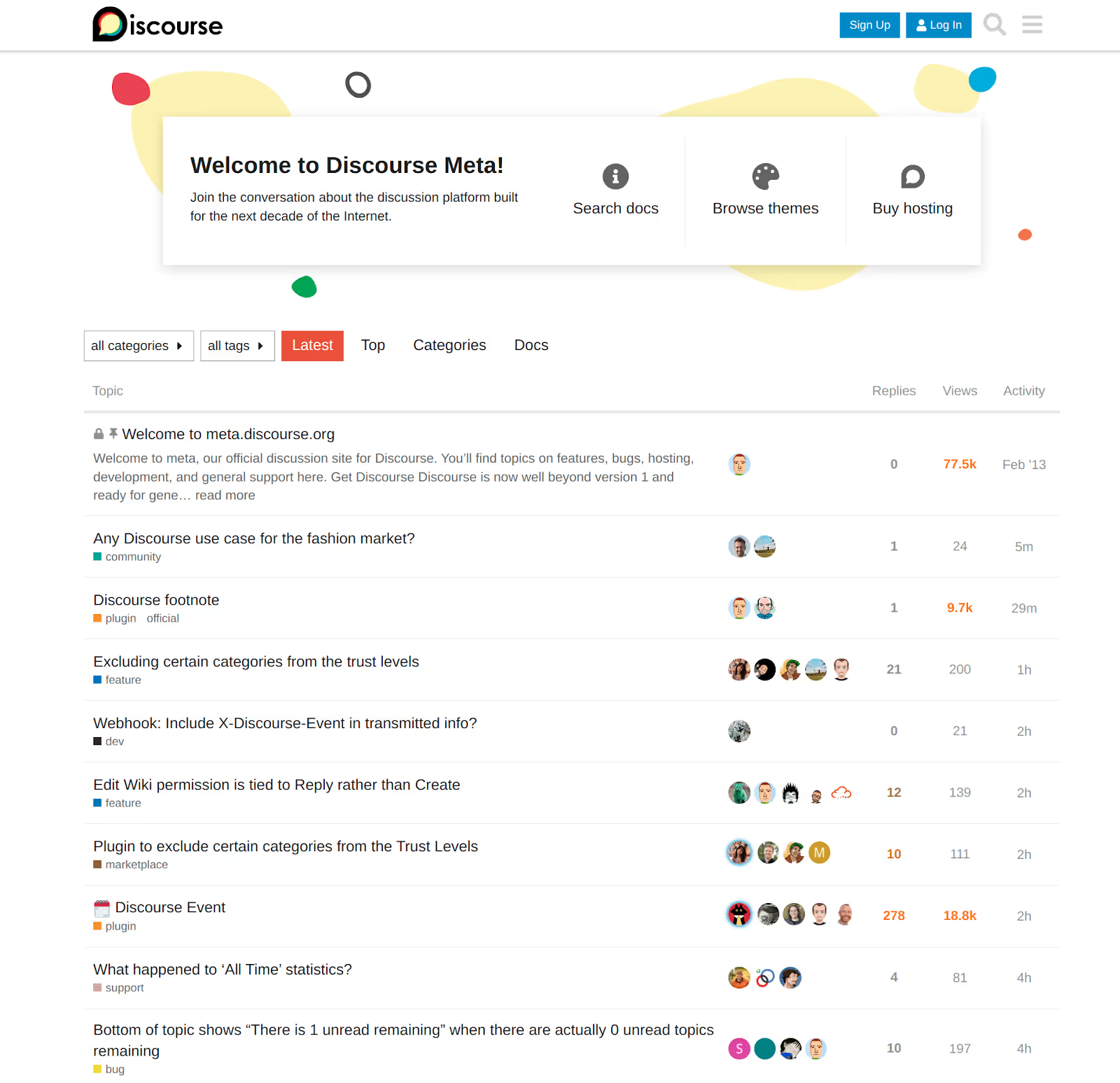
If you are currently using Google Groups as a public discussion forum or a community interest board, Discourse is the modern standard replacement. It is not an email client; it is sophisticated, web-based forum software.
It offers superior moderation tools, gamification (badges, likes), and a threaded UI that makes reading long discussions actually enjoyable. It is the perfect tool for building a community, but it is not suitable for transactional workflows like handling support tickets or sales inquiries.
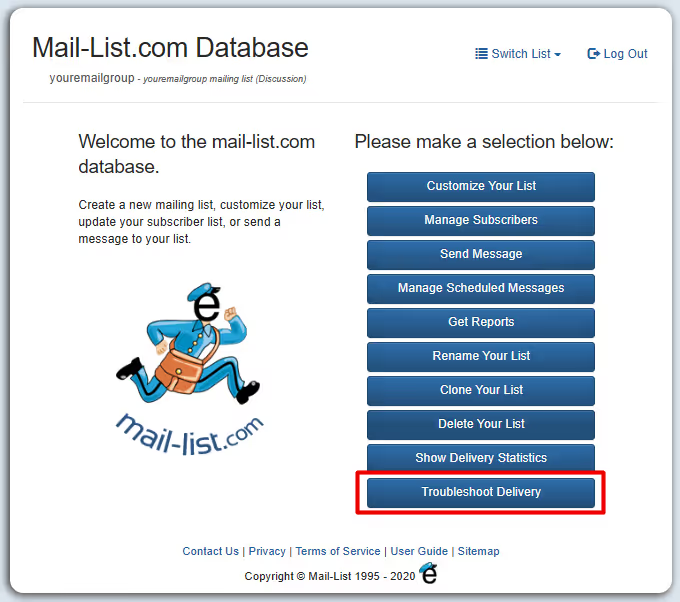
7. Mail-List
The "Legacy" Solution

Sometimes you don't need collaboration; you just need to blast an email to 5,000 people and ensure it lands in the inbox. Mail-List replaces the "distribution list" function of Google Groups.
Unlike Google, which might algorithmically block your group's emails if it suspects spam behavior, Mail-List is a paid service that guarantees delivery rates. It provides the old-school listserv functionality with better support and reliability, making it a favorite for HOAs, non-profits, and alumni associations that need a reliable megaphone.
Gmelius vs. Google Groups: Which is the Right Choice for You?
If you are deciding between sticking with the native tool or upgrading, here is the feature breakdown to clarify if Google Groups is good in 2026:
Is Google Groups Worth the Effort? Final Verdict
Ultimately, our Google Groups review concluded that the answer depends entirely on what you are trying to build.
Keep Google Groups if:
- You need internal distribution lists (e.g., all-hands@).
- You need permission groups to manage access to Drive folders and Calendars.
- You are running a low-volume internal discussion board.
- Verdict: For infrastructure and internal broadcasting, Google Groups is undefeated. Do not replace it.
Ditch Google Groups if:
- You are managing external workflows (sales, support, hiring).
- You need accountability (knowing exactly who is answering what).
- You care about response times and customer satisfaction.
- Verdict: Using Google Groups as a Help Desk is a recipe for chaos. It wasn't built for workflow.
Our advice? Don't throw the baby out with the bathwater. Keep Google Groups as your backend infrastructure (for permissions and routing), but layer a tool like Gmelius on top of it. This gives you the best of both worlds: the reliability and price of Google, with the modern collaboration features your team actually needs to get work done.
Try the new way to use Google Groups for free, no credit card needed.


.avif)
.avif)
.avif)
.avif)
%20(2).avif)





